Your build fails with "Unexpected token in JSON at position 4,821." Great, thanks. Now you get to scroll through a four-thousand-character config file counting brackets in your head, trying to figure out which one is unmatched. This is one of the most avoidable time sinks in software development, and it happens constantly because JSON has zero tolerance for small mistakes.
A trailing comma after the last item in an array. A missing quote around a key. An extra closing brace copied from somewhere else. Any of these breaks parsing entirely, and the error message rarely points you to the actual problem — it points to where the parser gave up, which is often several lines away from the real mistake.
Why Position Numbers Do Not Help
Most JSON parsers report errors as a character offset, not a line and column you can jump to in your editor. Converting position 4,821 into "line 112, somewhere near the third object" requires either counting manually or writing a throwaway script. Neither is a good use of your afternoon.
Some editors highlight JSON syntax errors inline, which helps for files you are actively writing. But for JSON you received from an API, a colleague, or a legacy config you inherited, you need a tool that takes the raw text and tells you exactly what is wrong and where.
Validate JSON Without Leaving Your Mac
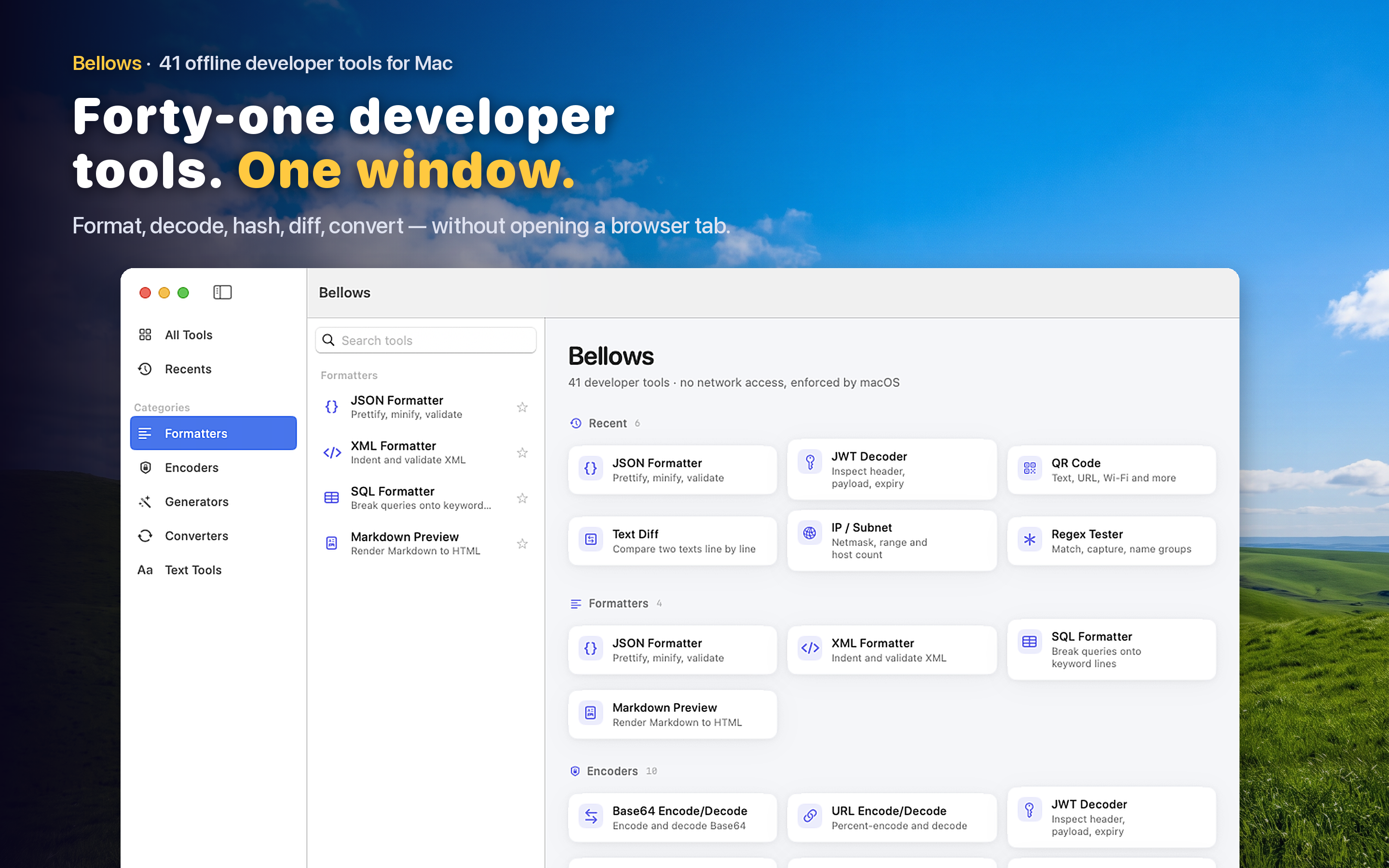
A JSON formatter that also validates saves the guesswork. Paste the JSON in, and if it is malformed, you get a clear error pointing to the specific line and character instead of a raw byte offset. If it is valid, it renders cleanly with proper indentation so you can visually scan the structure. Bellows handles both cases in the same tool — you do not need to know in advance whether your JSON is broken.
Catching Mistakes Before They Ship
Config files, API request bodies, and fixture data all live or die by valid JSON. Running a quick validation pass before committing a config change or sending a test request catches the kind of typo that would otherwise surface as a confusing runtime error much later in the pipeline.
Working With Untrusted Input
When a colleague pastes you a JSON blob in Slack, or you pull one from a third-party API you do not fully trust, validating it locally means you never have to send that data to an external website just to check if it parses.