You grab a JWT from a request header or a log file. It is a long, dot-separated string that means nothing to the human eye. You need to check the expiration claim, verify the issuer, or see what scopes are embedded. So you open jwt.io, paste the token, and read the decoded payload in the right-hand pane.
This workflow has a problem: you just sent a live authentication token over the network to a website you do not control. JWT payloads often contain user IDs, email addresses, roles, and permissions. The token itself may still be valid. Even if jwt.io is trustworthy, your company's security policy might disagree.
What a JWT Actually Contains
A JSON Web Token has three parts separated by dots: a header (algorithm and type), a payload (the claims — expiration, issuer, subject, custom data), and a signature. The header and payload are just Base64url-encoded JSON. You do not need a server or a special library to read them — you need a Base64 decoder and a JSON formatter. But doing this manually in Terminal every time is tedious.
Decode JWTs Locally on Your Mac
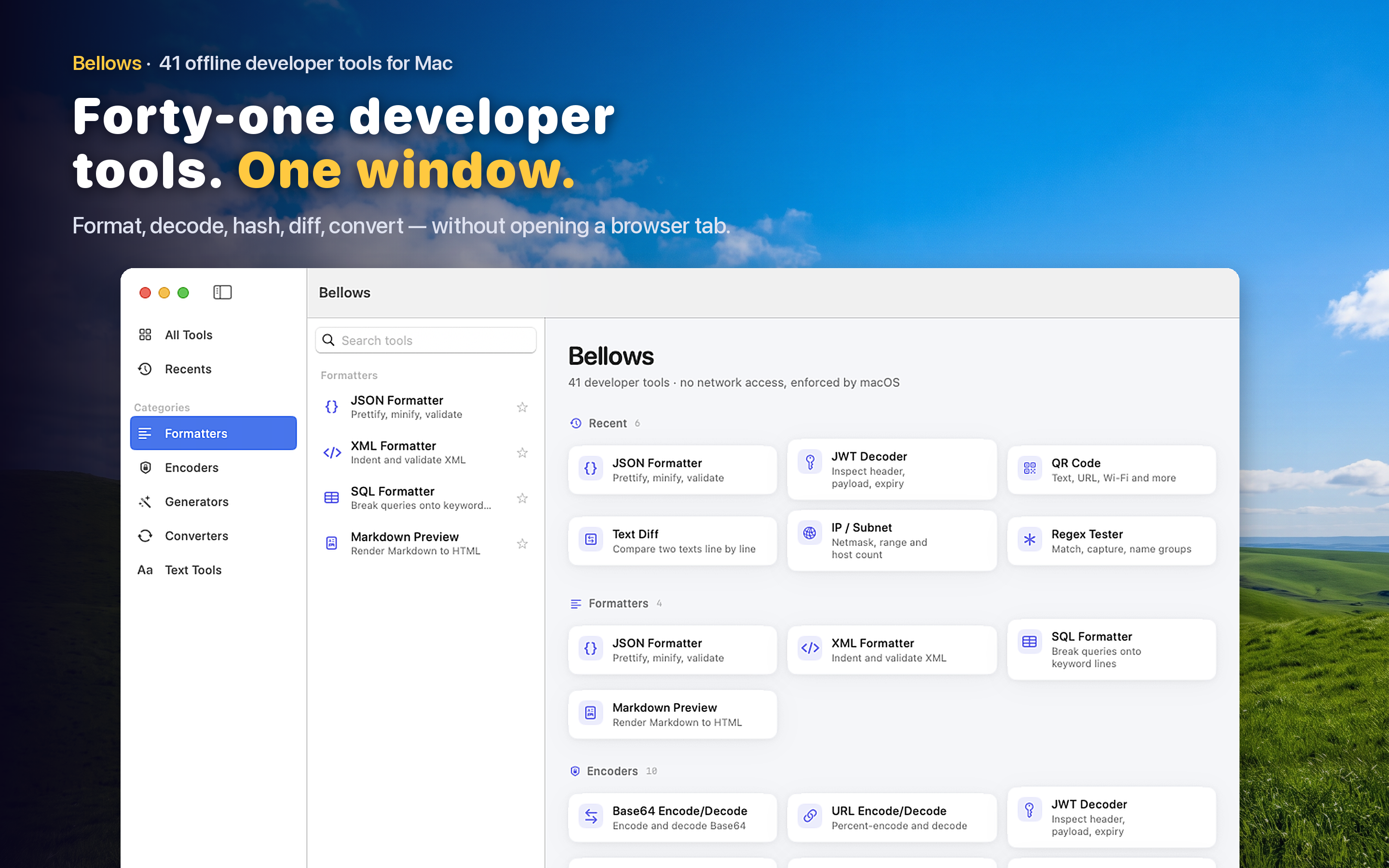
Bellows includes a dedicated JWT decoder that splits the token into its three parts and displays the decoded header and payload as formatted JSON. Paste the token, see the claims. No network request, no third-party server, no risk of leaking a live token.
Clipboard-Aware
Copy a JWT from your browser's dev tools, a log file, or a Slack message. Open Bellows and it detects the token format on your clipboard, suggesting the JWT decoder immediately. The decoded payload appears in one step.
Check Expiration at a Glance
The most common reason to decode a JWT is to check if it has expired. The exp claim is a Unix timestamp — easy for machines, meaningless for humans. Seeing the decoded payload lets you quickly read the expiration alongside other claims like iss, sub, and aud without converting timestamps in your head.
Part of a Bigger Toolkit
JWT decoding often leads to related tasks: decoding a Base64 value inside a claim, hashing a string to compare against a fingerprint, or URL-decoding a redirect URI stored in the payload. With 41 tools available in the same app, these follow-up tasks do not require switching to a different utility.