TablePlus is a well-designed database client that supports PostgreSQL, MySQL, SQLite, Redis, MongoDB, and more. It's genuinely good software. But if you only work with SQLite files, you're navigating connection dialogs, driver settings, and interface elements that exist for databases you'll never use. It's like buying a Swiss Army knife when you only need the blade.
When a Multi-Database Tool Is Too Much
Every time you open TablePlus, you see a connection manager designed for remote database servers. For SQLite — a local file-based database — this workflow adds unnecessary steps. You don't need connection strings, ports, or credentials. You just need to open a file.
TablePlus also uses a subscription model that reflects its broad feature set. If you're not connecting to PostgreSQL or MySQL, you're paying for capabilities you don't use. The free tier limits you to a certain number of open tabs and rows, which can be frustrating during active development.
The interface, while polished, is designed to accommodate every supported database. SQLite-specific features like browsing triggers or inspecting the file's internal structure take a back seat to features that matter more for server-based databases.
Tome: Purpose-Built for SQLite on Mac
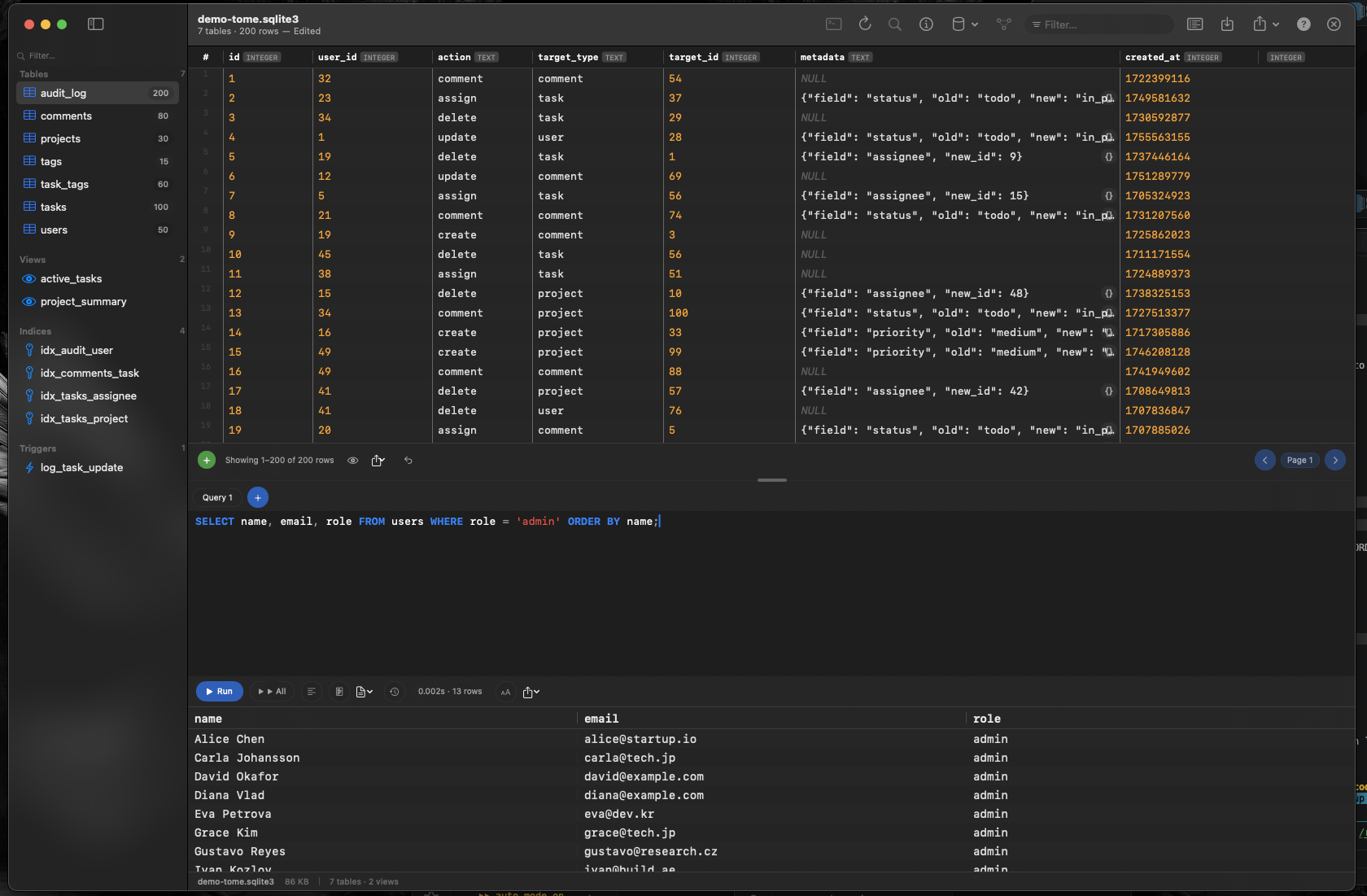
Tome is a native macOS app that does one thing: SQLite. No connection managers, no driver configuration, no features for databases you don't use. Open a .db, .sqlite, or .sqlite3 file and start working immediately.
File-First Workflow
Double-click a SQLite file in Finder and Tome opens it. Drag a file onto the dock icon. Use File → Open. No connection setup, no server configuration. SQLite is a file format, and Tome treats it like one.
Full SQLite Coverage
Browse tables, views, indexes, and triggers. Edit cells inline. Insert and delete rows. Create tables with a visual editor. Run SQL queries with syntax highlighting and auto-complete. Every feature exists because it makes sense for SQLite.
Multiple Databases, Mac-Style
Tome is document-based. Open five databases and they each get their own window or tab. Compare data across databases by placing windows side by side — the same workflow you use with text files, spreadsheets, or any other document on your Mac.