An API returns a 200-line JSON response compressed into a single line. You need to find one nested field. So you copy it, open a browser tab, navigate to one of the dozen JSON formatter websites, paste it in, click "Format," and squint at the output. If the JSON contains anything sensitive — tokens, user data, internal IDs — you just sent it to a third-party server.
This is one of the most common micro-tasks in software development, and most developers handle it in the least efficient way possible.
The Terminal Approach
macOS includes python3, so you can pipe JSON through python3 -m json.tool in Terminal. It works for well-formed input. But it chokes on trailing commas, gives cryptic error messages for malformed JSON, and the output stays trapped in your terminal window. There is no syntax highlighting, no collapsible nodes, and no way to quickly copy a nested path.
Some developers install jq via Homebrew, which is more powerful but adds another dependency and requires learning its query syntax for anything beyond basic formatting.
A Native JSON Formatter That Lives on Your Mac
Bellows includes a JSON formatter as one of its 41 built-in developer tools. Paste or type JSON into the input pane and get formatted, readable output instantly. No network connection required — everything runs locally on your Mac.
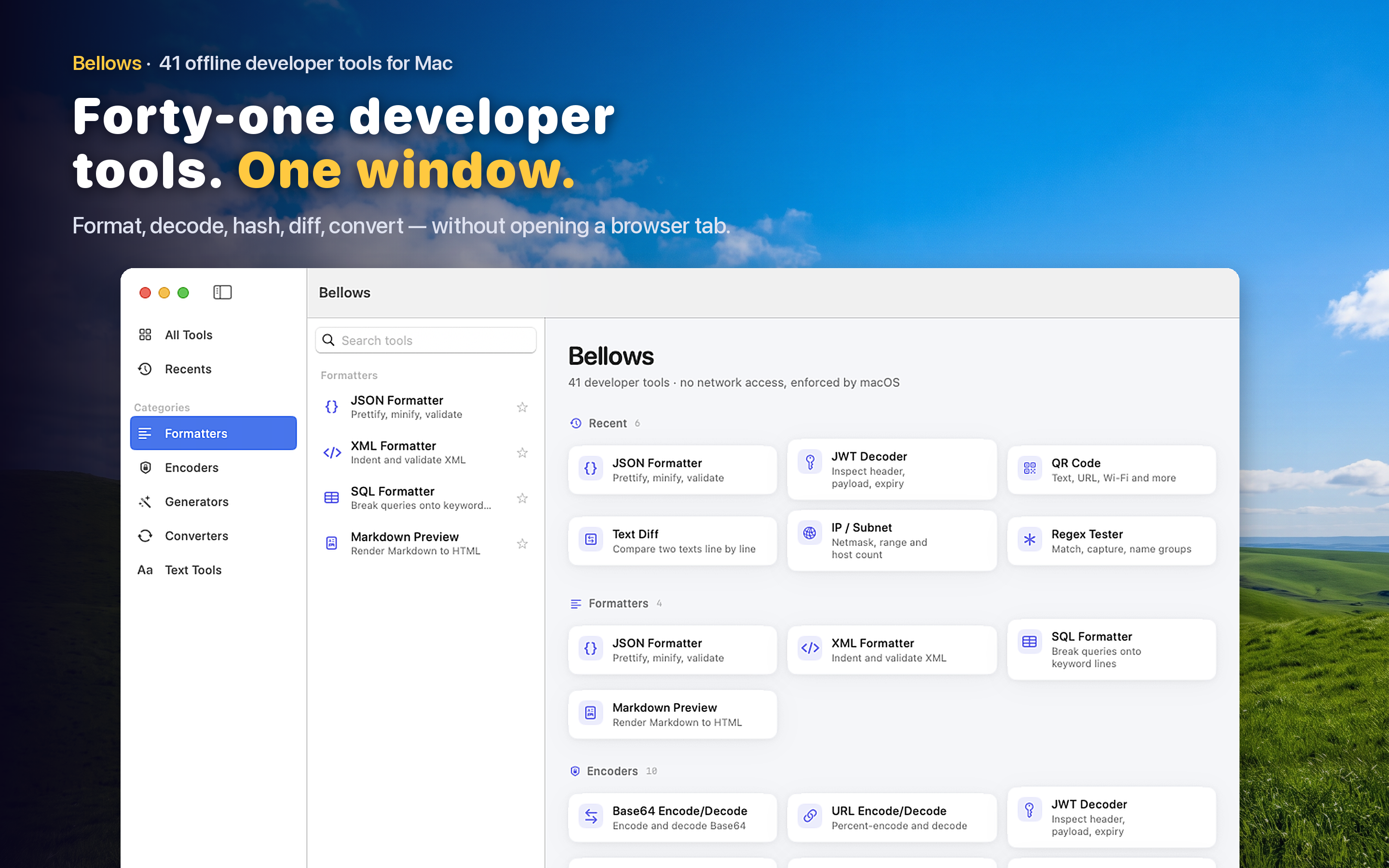
Clipboard Detection
Copy a JSON string to your clipboard and open Bellows. The app detects the JSON content and suggests the formatter automatically. No navigating through menus — the tool you need is already waiting.
Part of a Larger Toolkit
JSON formatting rarely happens in isolation. You might need to decode a Base64 string to get the JSON, or extract a JWT payload that contains JSON, or URL-decode a query parameter that holds a JSON object. With 41 tools in one app, you can chain these operations without switching between different utilities.
When You Need It Most
Debugging a webhook payload at 11 PM. Reviewing a config file a colleague pasted in Slack. Inspecting a Core Data export. Verifying the structure of a mock response before writing a test. These are the moments when reaching for a browser tab feels heaviest — and when a native app in your menu bar makes the biggest difference.