You are reading through environment variables and find a value that looks like gibberish — eyJhbGciOiJIUzI1NiJ9. You know it is Base64, but you cannot read it in place. So you copy it, open Terminal, type echo "..." | base64 --decode, realize you forgot the -D flag on macOS, try again, and finally see the decoded output. Thirty seconds gone for something that should take two.
Base64 encoding shows up everywhere: authentication headers, email attachments, data URIs in CSS, Kubernetes secrets, CI/CD pipeline configs. If you work with APIs or infrastructure, you decode Base64 multiple times a day.
Why the Terminal Falls Short
The built-in base64 command on macOS works but has quirks. The decode flag is -D (uppercase) on macOS versus -d on Linux, which trips up anyone who works across both. Multi-line input requires careful quoting. And there is no visual feedback — you type a command, get a string back, and hope you did not accidentally truncate the input.
Browser-based tools solve the usability problem but create a security one. Base64-encoded values are often secrets: API keys, tokens, certificate data. Pasting them into a website defeats the purpose of encoding them in the first place.
Encode and Decode Locally in One Click
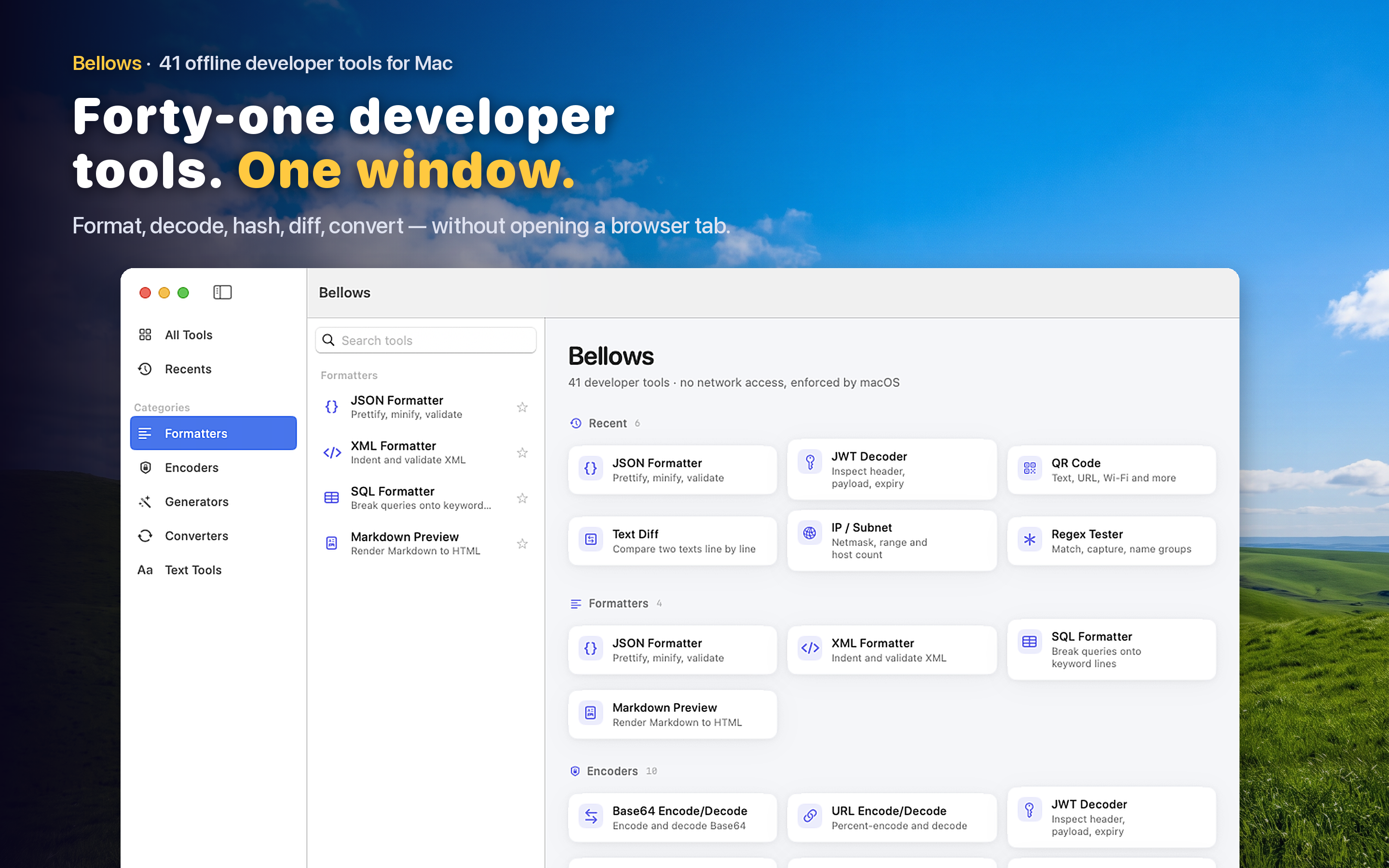
Bellows includes a Base64 encoder and decoder as part of its 41-tool developer toolkit for macOS. Paste your encoded string, see the decoded output immediately. Switch direction to encode plaintext into Base64. Everything happens on your machine — no data leaves your Mac.
Common Use Cases
Decoding Kubernetes secrets stored as Base64 in YAML manifests. Inspecting the payload of a JWT (which is Base64url-encoded). Converting an image to a Base64 data URI for embedding in HTML. Encoding credentials for an HTTP Basic Auth header. Each of these takes a single paste-and-read interaction instead of a Terminal command or browser round-trip.
Clipboard-Aware
Copy a Base64 string and open Bellows from the menu bar. The app detects the encoded content on your clipboard and suggests the Base64 tool, so you skip the step of navigating to it manually.
No Install Overhead
Unlike Homebrew formulas or Python scripts that need maintenance, Bellows is a single Mac App Store install with automatic updates. It runs natively on Apple Silicon and Intel Macs with no dependencies.