You write a README with nested bullet points, a couple of code blocks, and a table comparing two approaches. It looks fine as plain text in your editor. Then you push it to GitHub and the table is misaligned, one of your code blocks did not close properly, and a numbered list restarted at 1 halfway through because of a stray blank line. Now you are pushing small fixup commits just to get the formatting right.
Markdown is simple enough to write from memory for basic formatting, but tables, nested lists, and code fences all have small syntax quirks that differ slightly between renderers. GitHub Flavored Markdown is not identical to CommonMark, which is not identical to whatever your static site generator uses. The gap between "looks right in my head" and "renders right on the page" is exactly where a live preview earns its keep.
Why Committing to Check Is a Bad Workflow
Pushing a commit just to see how a README renders, then pushing another to fix a broken table, then another to fix the fix, clutters your commit history with formatting noise that has nothing to do with the actual content. It also means every preview cycle takes as long as a push and a page reload — slow enough that you stop bothering to check and just hope it looks fine.
See Rendered Output as You Type
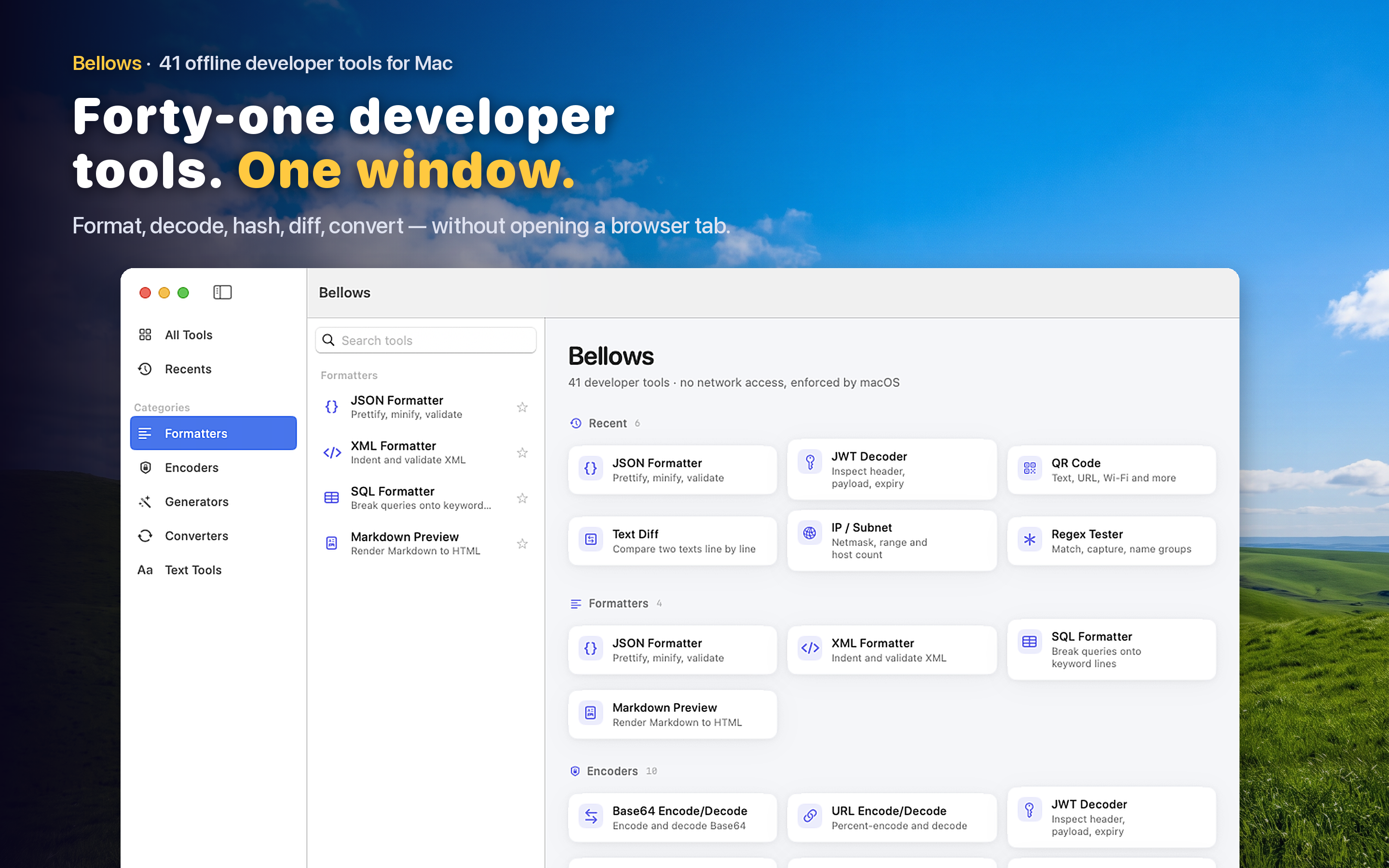
Bellows includes a Markdown preview tool that renders formatted output as you paste or type raw Markdown. Headers, lists, tables, links, and code blocks all render immediately, so you can catch formatting mistakes before they end up in a commit.
Writing READMEs and PR Descriptions
Pull request descriptions and README files are often the first thing a reviewer or new contributor reads. Checking that headers, checklists, and linked images render correctly before you submit saves a round of "can you fix the formatting" comments.
Drafting Documentation Offline
Writing docs on a flight or in an area with unreliable internet does not mean giving up on seeing your formatting rendered correctly. A local preview tool works the same whether you are connected or not.