HandBrake is a solid, free, open-source video transcoder. If all you do is convert video files, it's hard to beat. But the moment your workflow includes images — resizing product photos, converting HEIC to JPEG, batch-watermarking a portfolio — HandBrake can't help. You end up running HandBrake for video and a separate tool for images, switching between two apps for what feels like one category of work: media conversion.
If your work touches multiple media types, consolidating into one tool removes friction.
Where HandBrake Excels and Where It Stops
HandBrake handles video transcoding with deep control: codec selection, bitrate targeting, filters, subtitles, chapter markers. For DVD rips and video archival, it's exceptional. But it has no image support, no audio-only conversion, and its interface — while powerful — has a learning curve that's steep for people who just want to convert MOV to MP4.
If you need HandBrake's advanced video features (subtitle burn-in, decomb, specific encoder tuning), nothing replaces it. But if your video needs are simpler and you also process images and audio, a unified tool covers more ground.
Video, Images, and Audio in One Window
Mediasmith is a native macOS app with three queues — video, images, and audio — in a single window. It won't replace HandBrake for advanced video work, but it handles the common conversions (MOV to MP4, MKV to MP4) alongside image batch processing and audio export.
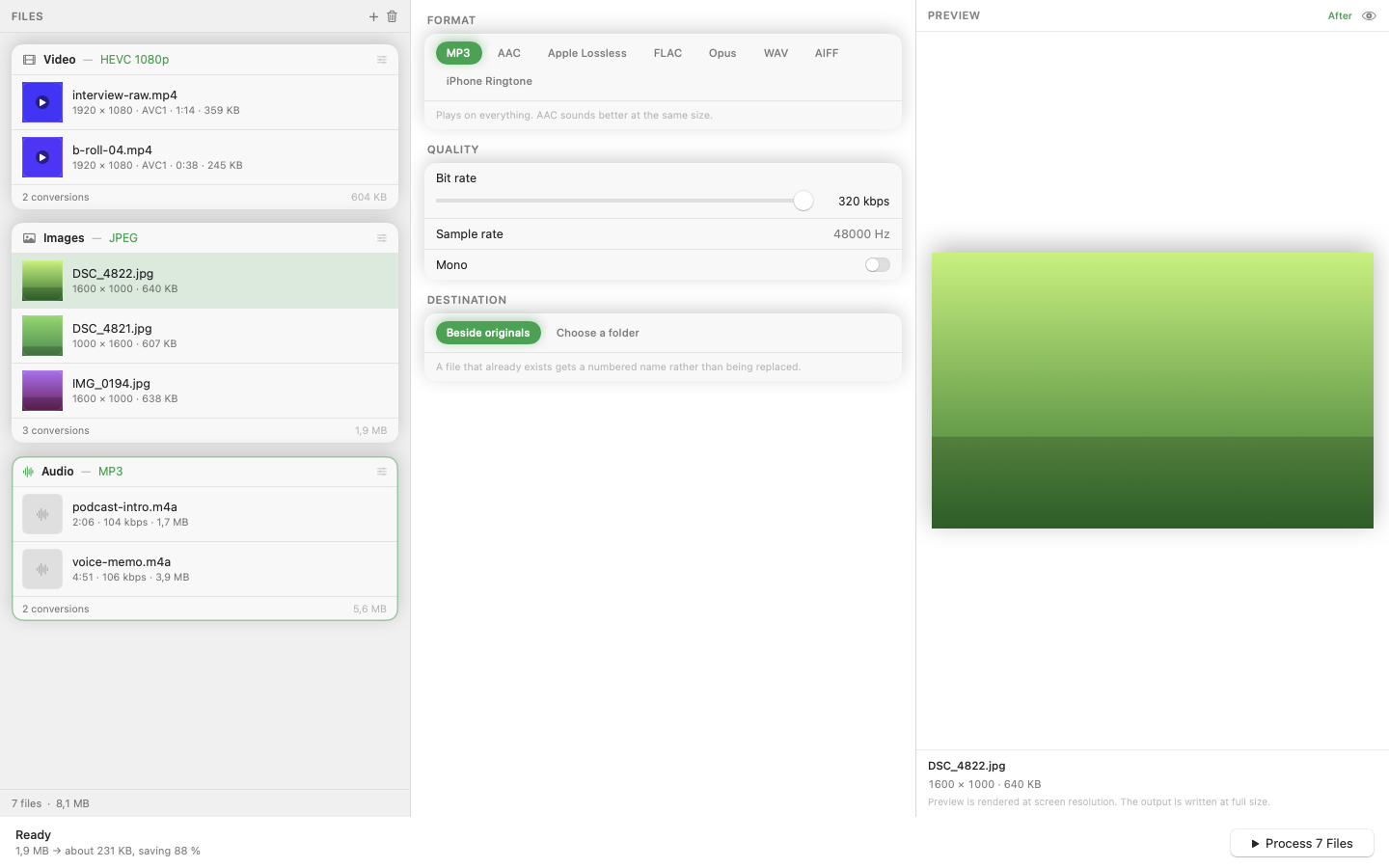
Image Pipeline That HandBrake Doesn't Have
The image queue includes an ordered pixel pipeline: resize, crop, watermark, and format conversion (HEIC, JPEG, PNG, WebP, TIFF). Operations chain in sequence, and batches process concurrently. This is the functionality you'd otherwise need Photoshop actions or a separate batch tool for.
MP3 Export Built In
The audio queue converts between formats including MP3 via a bundled LAME encoder. If you're extracting audio from video or converting podcast recordings, it handles that without a separate tool or a Homebrew install.
Native Performance
Built in Swift, the app uses hardware-accelerated encoding on Apple Silicon. For straightforward video conversions, this means fast transcodes with low power consumption — no fan noise for a simple format change.
HandBrake for deep video work; a unified converter for everything else. The two aren't mutually exclusive.