Permute has been a staple media converter on macOS for years. It handles video, audio, and images in a clean drag-and-drop interface. But if you've been looking for something with more granular image processing — an ordered pipeline of operations rather than simple format conversion — or if you just want to evaluate what else is out there, it's worth knowing your options.
Not every converter fits every workflow. The right tool depends on whether you lean heavier on video transcoding, image batch processing, or audio export.
What to Look for in a Permute Alternative
Any serious replacement should check the same core boxes: native macOS app (no Electron), drag-and-drop batch conversion, and support for video, image, and audio formats in one interface. Beyond that, features like an ordered pixel pipeline, concurrent batch processing, and a preset system start to differentiate tools.
Mediasmith as an Alternative
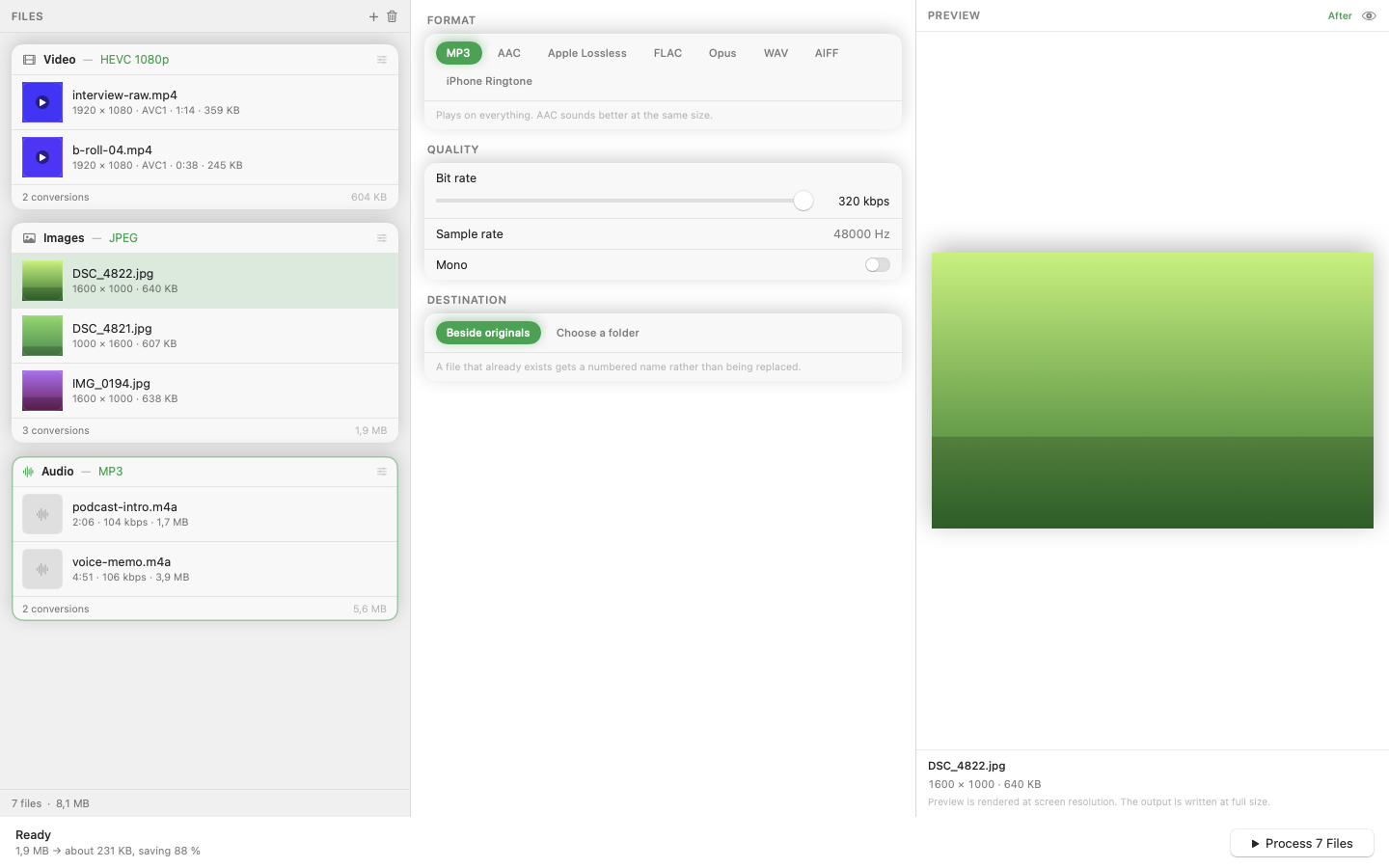
Mediasmith is a native Swift app for macOS that organizes conversion into three dedicated queues — video, images, and audio — inside a single window. It's built for people who need more than format-in, format-out.
Ordered Pixel Pipeline
The standout difference is the pixel pipeline for images. Instead of just converting formats, you build a sequence of operations — resize, crop, watermark — that execute in order. The sequence matters: resizing before cropping produces different results than cropping first. You control the order.
MP3 via Bundled LAME
Audio conversion includes MP3 export through a bundled LAME encoder. No need to install Homebrew or hunt for codec packs. It works out of the box.
Batch Concurrency
Large batches process with configurable concurrency. On an Apple Silicon Mac, this means hundreds of images convert in the background without locking up the rest of your system.
Presets
Save your most-used format-and-pipeline combinations as presets. Common jobs like "web export: WebP, 1600px, watermarked" become one-click operations.
If Permute handles everything you need, there's no reason to switch. But if you've wanted deeper image processing or a different workflow model, Mediasmith is worth a look.