You saved a dozen images from a website and every single one is a .webp file. Preview opens them, but half your other apps don't — older versions of Photoshop, Keynote templates, email clients, and most print services still expect JPEG or PNG. If you're working with downloaded assets, product images from a competitor audit, or reference boards scraped from the web, WebP-to-PNG conversion is a weekly chore.
Doing it one file at a time in Preview works until you have fifty files. Then it doesn't.
macOS and WebP: Almost There
Since macOS Ventura, Preview can open and display WebP files. But Finder's Quick Actions — the fastest built-in batch tool — offers HEIC, JPEG, and PNG as output formats while only accepting those same formats as input. WebP files are silently ignored. The sips command-line tool doesn't support WebP at all. So macOS can show you WebP images but won't batch-convert them without third-party help.
Bulk WebP to PNG in a Native App
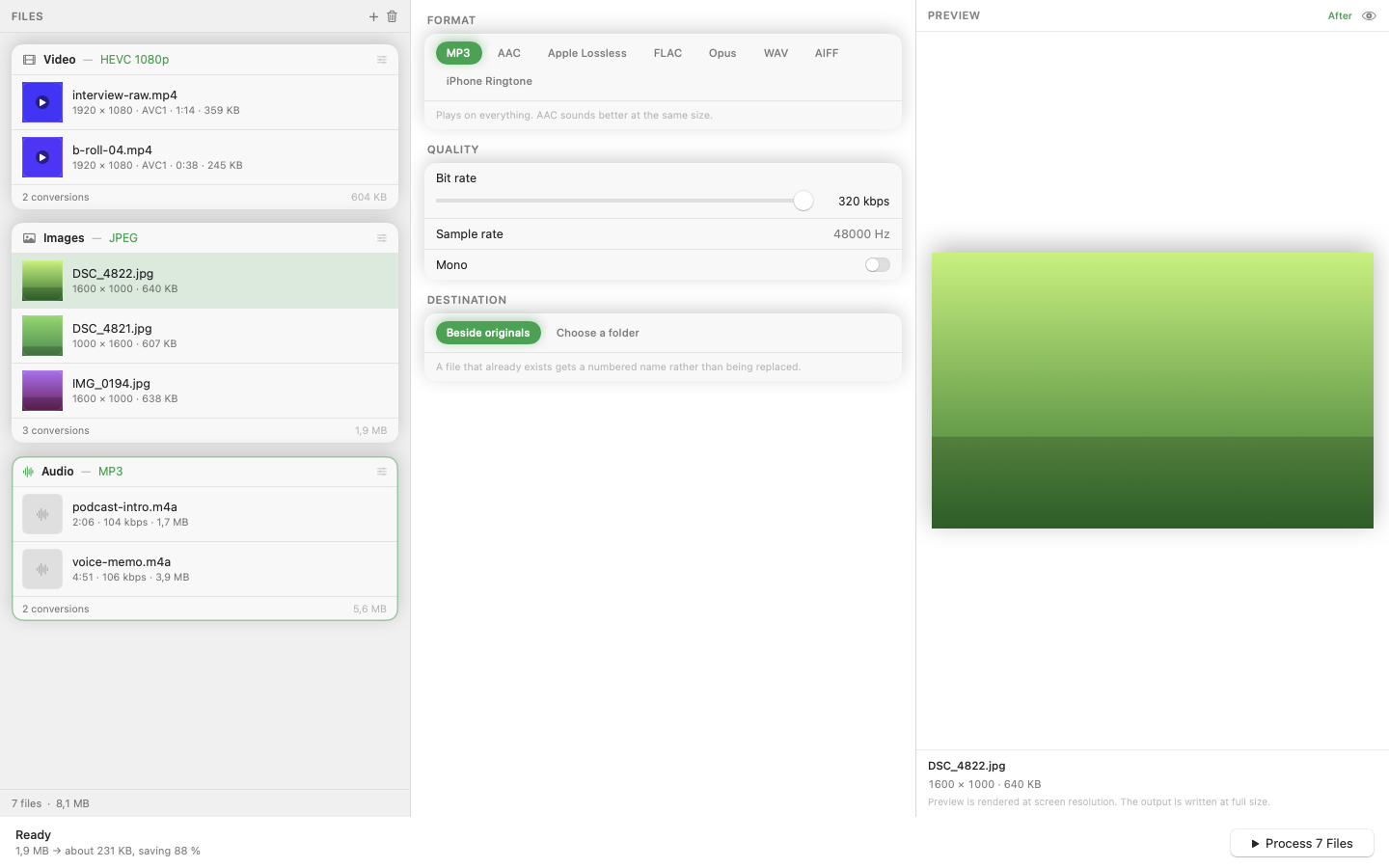
Mediasmith handles WebP as both an input and output format. Drag a folder of WebP files onto the image queue, select PNG as the output, and convert. The batch processes with configurable concurrency, so even hundreds of files finish quickly.
Going the Other Direction
WebP is also a useful output format. If you're preparing images for a website, converting PNG or JPEG to WebP can cut file sizes by 25–35% with minimal visual loss. The same queue works both ways — PNG to WebP for web optimization, WebP to PNG for compatibility.
Add Processing Steps
While converting, you can add pipeline operations. Resize images to a consistent width for your design system. Crop to a standard aspect ratio. The pixel pipeline applies each operation in sequence before saving the final PNG.
No Upload Required
Online WebP converters exist, but they require uploading your files to a third-party server. For client work, internal assets, or anything remotely sensitive, that's a non-starter. A local app converts everything on your machine.
WebP is the web's format. PNG is everyone else's. Converting between them in bulk should be drag-and-drop, not a research project.