AVIF is genuinely impressive as a format — it compresses far more efficiently than JPEG or PNG at equivalent visual quality, which is exactly why more websites are serving images in it. But that same modernity is the problem the moment you need to do something with an AVIF file outside a browser: older software, some image editors, and plenty of tools that expect "an image" still mean JPEG or PNG when they say that, and don't know what to do with an AVIF file at all.
Why You End Up Needing to Convert Back
Right-click and "Save Image" on a modern website increasingly saves an AVIF file, since that's now what the site actually serves. If you then try to open that file in an older design tool, attach it somewhere that validates file extensions strictly, or hand it to a colleague on software that hasn't added AVIF support yet, it simply won't open. Converting to PNG — a format everything from 2003 onward understands — solves the compatibility problem immediately.
Converting AVIF Files on macOS
macOS added native AVIF viewing support in recent versions, so Preview can usually open and display an AVIF file, and export from there to PNG one file at a time. For a single image, that's sufficient. For a folder of them — say, a batch of images downloaded from a site that serves everything as AVIF — a queue-based approach saves the repetition.
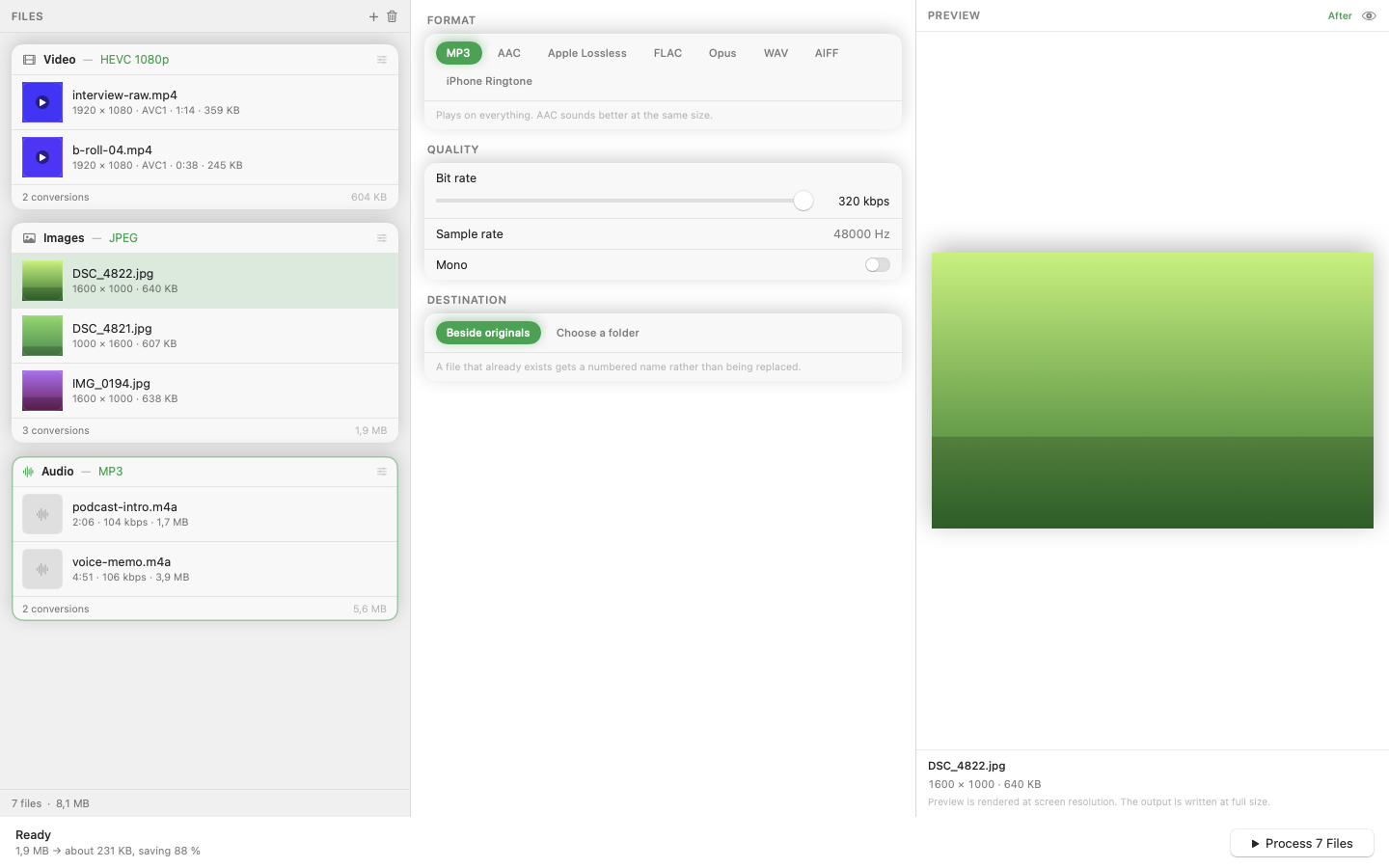
Mediasmith converts AVIF to PNG (or any other supported format) as a batch operation. Drop the AVIF files onto the image queue, choose PNG as the output, and convert the whole set in one pass.
PNG vs JPG as the Target
Choose PNG if the image needs transparency preserved or you want a lossless intermediate for further editing. Choose JPG instead if the image is a photo with no transparency and you'd rather have a smaller file — AVIF-to-JPG runs through the same pipeline just with a different output format selected.
Why This Comes Up More Over Time
As more of the web adopts AVIF and WebP for performance reasons, "convert modern format back to something universally compatible" is becoming a more common need rather than a rare edge case, particularly for anyone pulling reference images or assets from live websites.