MKV is a capable container format — it's popular for its ability to hold multiple audio tracks, subtitle streams, and high-quality video in one file, which is why so much downloaded and ripped content comes packaged as MKV. The trouble is that macOS treats it as a second-class citizen. QuickTime Player won't open it. AirPlay won't stream it to an Apple TV. Most upload forms and messaging apps that accept video expect MP4 and will either reject an MKV or silently fail to preview it.
Why MKV and macOS Don't Get Along
Apple's frameworks are built around QuickTime-compatible containers, and MKV was never one of them. VLC can play MKV files fine because it bundles its own decoders, but playback isn't the same as compatibility — the moment you need to share the file, edit it in Final Cut, or upload it somewhere that checks file type, MKV becomes a liability rather than just an inconvenience.
Converting Without the Command Line
The traditional fix is ffmpeg -i input.mkv -c copy output.mp4, which remuxes the container without re-encoding — fast, but it requires installing ffmpeg via Homebrew and typing commands correctly for every file. That's a reasonable one-time task for a single file; it's tedious for a folder of twenty.
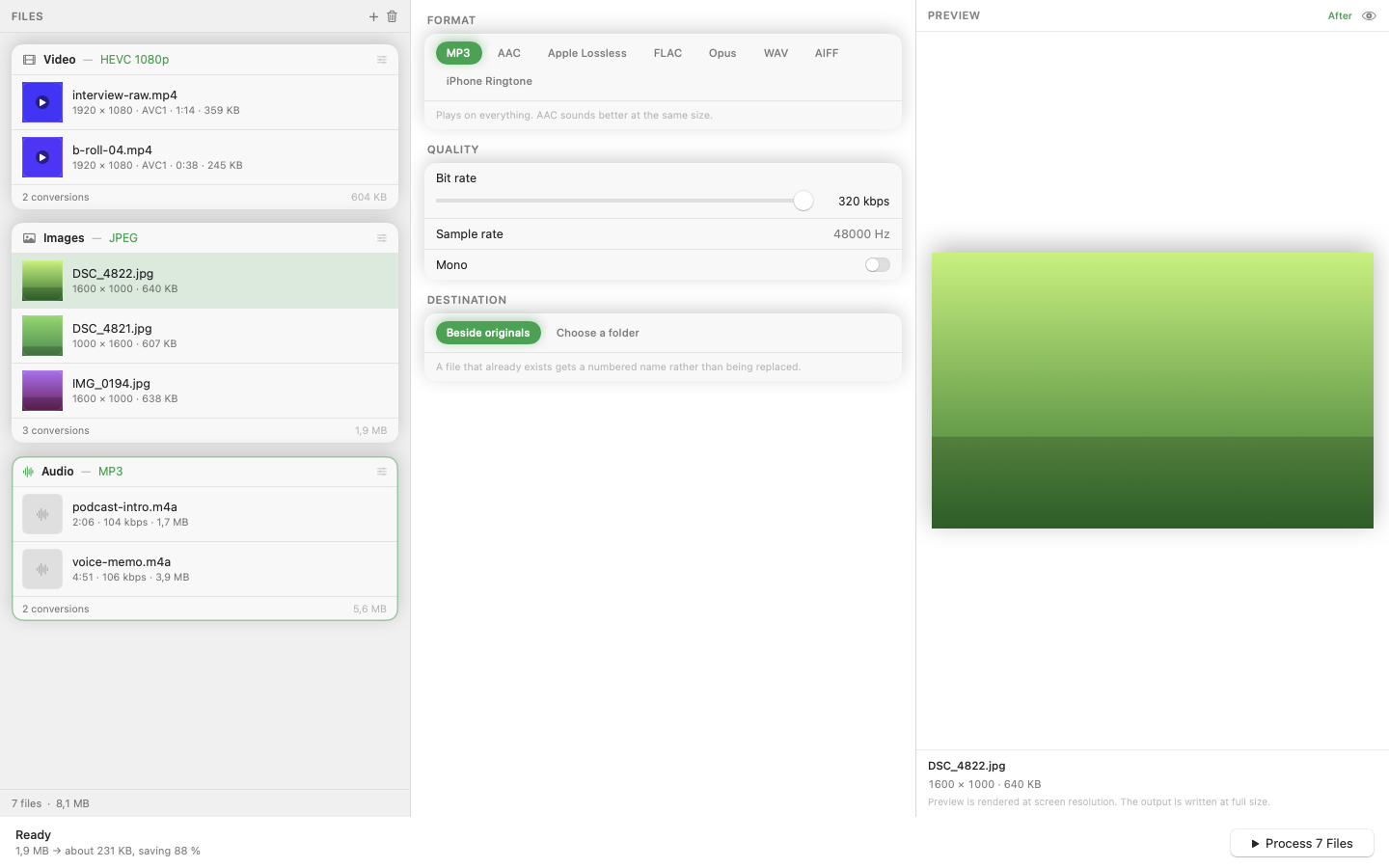
Mediasmith gives you the same result through a drag-and-drop queue. Drop your MKV files onto the video queue, choose MP4 as the output, and convert. Hardware-accelerated encoding on Apple Silicon keeps the process fast even for longer files.
Batch the Whole Folder
If you've got a series of episodes or a folder of downloaded clips all in MKV, queue them together instead of converting one at a time. The queue processes files with configurable concurrency, so a batch of ten converts in roughly the time it takes to convert two or three sequentially.
What Happens to Extra Audio Tracks and Subtitles
MKV files sometimes carry multiple audio tracks or embedded subtitle streams that MP4 handles differently. If your source file has more than one audio track, check which one ends up in the output — for straightforward single-track files this isn't a concern, but multi-track rips are worth a quick playback check after conversion.
Once your video is MP4, it plays in QuickTime, previews correctly in Finder, and uploads without complaint anywhere that expects standard video.