Cropping a single image is a thirty-second job in Preview: open it, drag the selection, hit crop. Cropping two hundred images to the exact same aspect ratio — for a marketplace listing, a grid layout, or a set of thumbnails that need to line up — is a different problem entirely, and Preview simply isn't built for it.
Why Manual Cropping Doesn't Scale
Every manual crop in Preview requires you to eyeball or manually enter the selection for that specific image, since Preview has no concept of "crop this batch to a fixed ratio." Even if you're careful, getting two hundred crops pixel-perfectly consistent by hand introduces small variations that show up as misaligned thumbnails once they're all displayed together in a grid.
Cropping With a Fixed Target
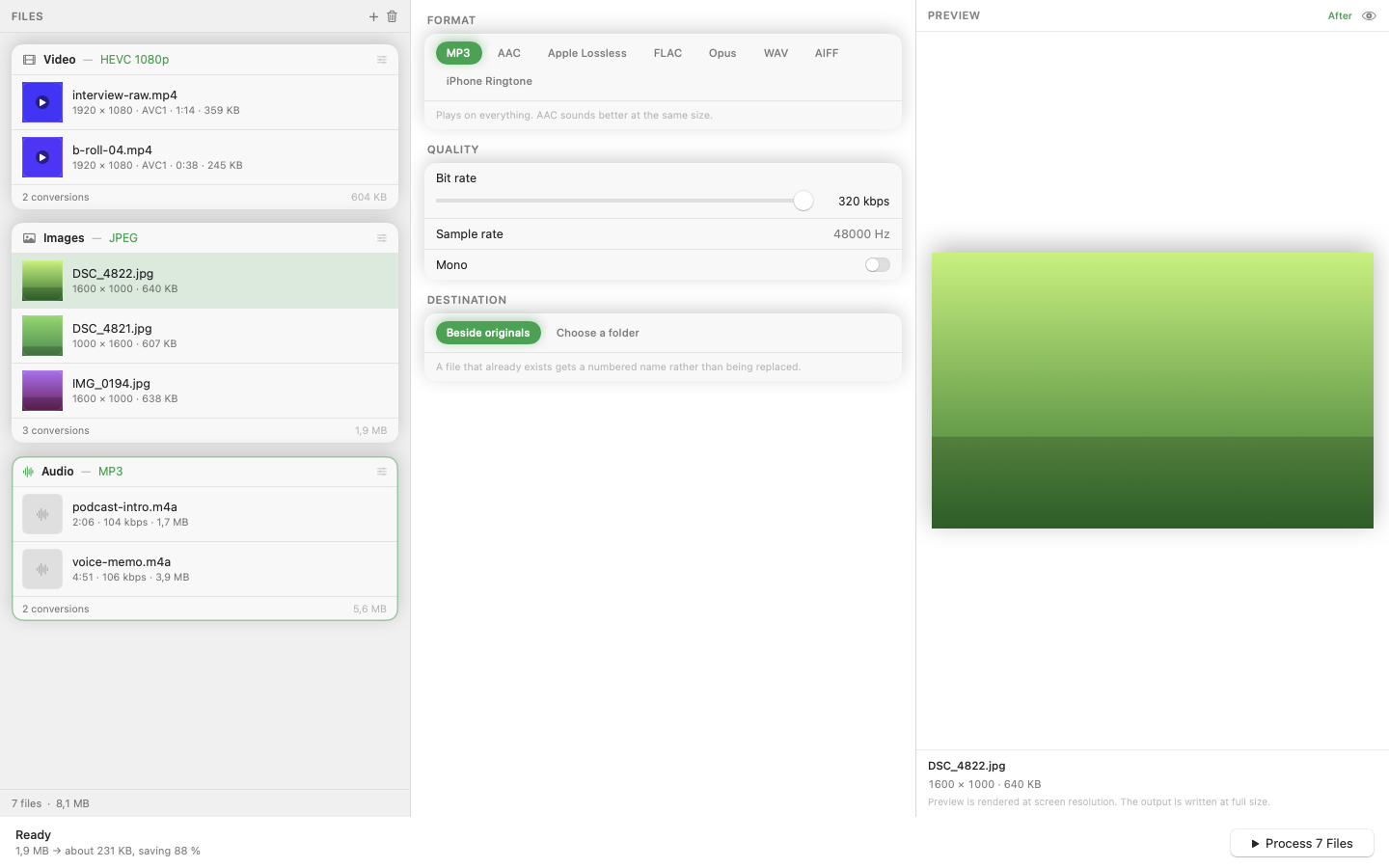
Mediasmith treats crop as a batch operation with a defined target, not a manual selection repeated per file. Set the crop parameters once, drop your whole batch of images onto the queue, and every image gets cropped the same way in a single pass.
Crop After Resize for Predictable Results
Because crop sits in an ordered pipeline alongside resize, you can resize images to a consistent baseline first, then crop from that known size — which produces far more predictable results than cropping images that arrive at wildly different original dimensions.
Common Use Cases
Square crops for social media grids, fixed aspect ratios for a marketplace's listing requirements, or trimming consistent borders from a batch of scanned images are all the same underlying problem: apply one crop rule to many files. Batch tooling turns any of these from a manual afternoon into a queued job.
Combine With Watermarking
If the cropped images also need a logo or watermark before publishing, that can run as the next stage in the same pipeline, so cropped-and-watermarked output comes out of a single queue run rather than two separate passes through two different tools.
Batch cropping isn't a feature most people know to look for — until they've cropped their fiftieth image by hand and realized there had to be a better way.