A QA tester needs to change a user's role to reproduce a permission bug. A designer wants to swap placeholder text in a prototype's database. A product manager needs to update a config value to test a feature flag. None of them should have to learn SQL syntax to make a simple data change — but on Mac, the default tool for editing SQLite databases is thesqlite3command line, where even a one-cell edit requires writingUPDATE tablename SET column = 'value' WHERE id = 42;.
SQL É uma Barreira para Não-Desenvolvedores
SQL não é difícil de aprender em teoria, mas acertá-lo sob pressão é outra questão. Esquecer a cláusula WHERE em uma instrução UPDATE altera cada linha na tabela. Usar as aspas erradas causa um erro de sintaxe. Missoletrar um nome de coluna produz uma mensagem de erro confusa. Para alguém que apenas precisa ativar um booleano ou alterar uma string, esta cerimônia é desproporcional à tarefa.
Even developers often prefer not to write SQL for trivial edits. Opening Terminal, navigating to the file, launchingsqlite3, remembering the exact table and column names, and writing a syntactically correct statement — all to change one cell — is slow compared to just clicking and typing.
Editar SQLite Como uma Planilha Com Tome
Tomelets anyone edit a SQLite database on Mac without writing a single line of SQL. Open the file, find the table, click the cell, type the new value. It works like editing a spreadsheet — because for simple changes, that's exactly the interface you want.
Clique para Editar Qualquer Célula
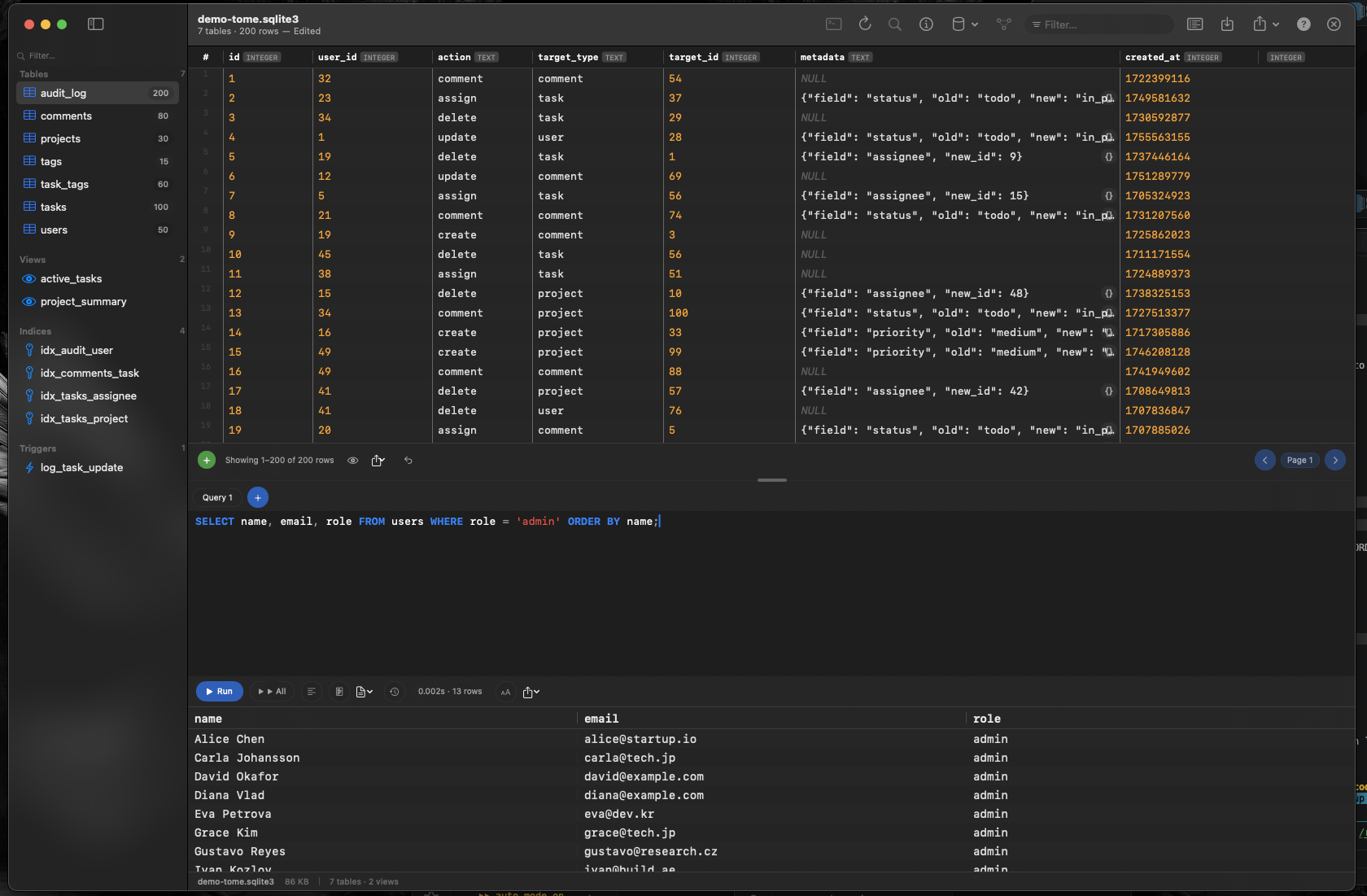
Cada célula na grade de dados do Tome é editável. Clique nela, altere o valor e a atualização direciona essa linha e coluna exatas. Sem cláusula WHERE para esquecer, sem risco de alterações em massa, sem conhecimento de SQL necessário.
Inserir e Deletar Sem Comandos
Adicione uma nova linha clicando no botão inserir. Remova linhas selecionando e deletando-as. Tome lida com o SQL INSERT e DELETE nos bastidores, para que você interaja com seus dados usando ações familiares em vez de comandos de banco de dados.
Criar Tabelas Visualmente
Need a new table? Tome's visual table editor lets you define column names, types, and constraints in a form — no need to writeCREATE TABLEsyntax from memory. Fill in the fields and the table is created correctly.