Firefox keeps your entire browsing history, bookmarks, and site metadata in a SQLite database calledplaces.sqlite. You might want to search through old history that Firefox's built-in search doesn't surface well, export your browsing data, or analyze your habits. But opening this file isn't straightforward — Firefox locks it while running, and once you get a copy, macOS has no built-in way to view it visually.
Localizando e Copiando o Banco de Dados
Firefox's profile folder lives at~/Library/Application Support/Firefox/Profiles/xxxxxxxx.default-release/. Inside, you'll findplaces.sqlitealongside other databases likecookies.sqliteandformhistory.sqlite. The catch: Firefox locks these files while the browser is running. You need to either quit Firefox first or copy the file to another location while it's running (though the copy may be inconsistent if Firefox is writing at that moment).
Once you have the file, the Terminal approach means runningsqlite3 places.sqliteand writing queries against tables likemoz_places,moz_historyvisits, andmoz_bookmarks. The schema isn't intuitive — visit timestamps are stored in microseconds since epoch, URLs are in one table while visit metadata is in another, and getting a readable history list requires a JOIN. This is workable for someone fluent in SQL but unreasonable for most users.
Navegue no Histórico do Firefox Visualmente com Tome
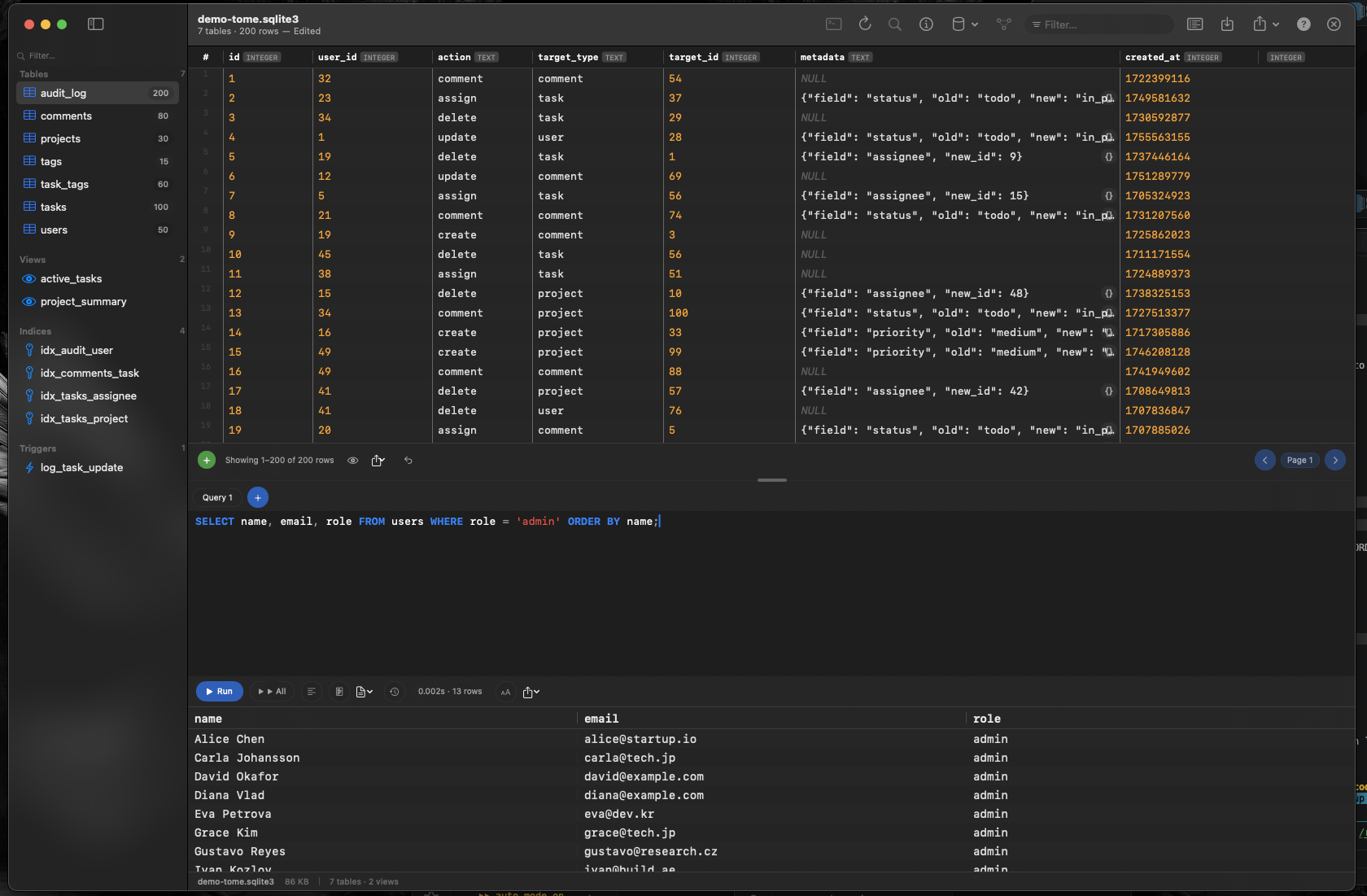
Tomeopensplaces.sqlitelike any other database file. Drag the copied file onto Tome and immediately see every table —moz_places,moz_historyvisits,moz_bookmarks, and more — listed in the sidebar. Click any table to browse its contents in a scrollable grid.
Pesquise e Filtre Seu Histórico
Use o editor de consulta SQL do Tome para escrever pesquisas direcionadas. Encontre cada visita a um domínio específico, filtre por intervalo de datas usando os carimbos de data/hora de microsegundos ou conte quantas vezes você visitou um site específico. Destaque de sintaxe e preenchimento automático tornam a escrita dessas consultas rápida.
Explore Marcadores e Metadados
Themoz_bookmarkstable stores your bookmark tree structure with parent-child relationships. Browse it in Tome to see your full bookmark hierarchy, including folder structure and sort order — details that Firefox's bookmark manager sometimes obscures.
Inspecionar Outros Bancos de Dados do Firefox
The same profile folder containscookies.sqlite,formhistory.sqlite, andcontent-prefs.sqlite. Each is a standard SQLite database that Tome can open. Check what cookies a site set, review saved form entries, or inspect per-site preferences — all visually, without writing raw queries in Terminal.