You open your database tool and Activity Monitor shows it eating 400 MB of RAM before you've even loaded a file. The interface stutters when scrolling through a large table. Keyboard shortcuts don't match what every other Mac app uses. This is what happens when your SQLite editor is actually a web browser pretending to be a desktop app.
The Electron Problem
Electron apps bundle an entire Chromium browser to render their interface. For a database editor — an app that mostly displays tables of text — this is extreme overhead. You get slow startup times, high memory usage, and an interface that never quite feels right on macOS. File dialogs look different. Text rendering is slightly off. The app doesn't appear in Finder's "Open With" menu correctly.
Some developers choose Electron because it lets them ship on Mac, Windows, and Linux from one codebase. That's a reasonable business decision, but you're the one paying the performance tax every time you open a database.
Tome: Built With AppKit, Not a Web Browser
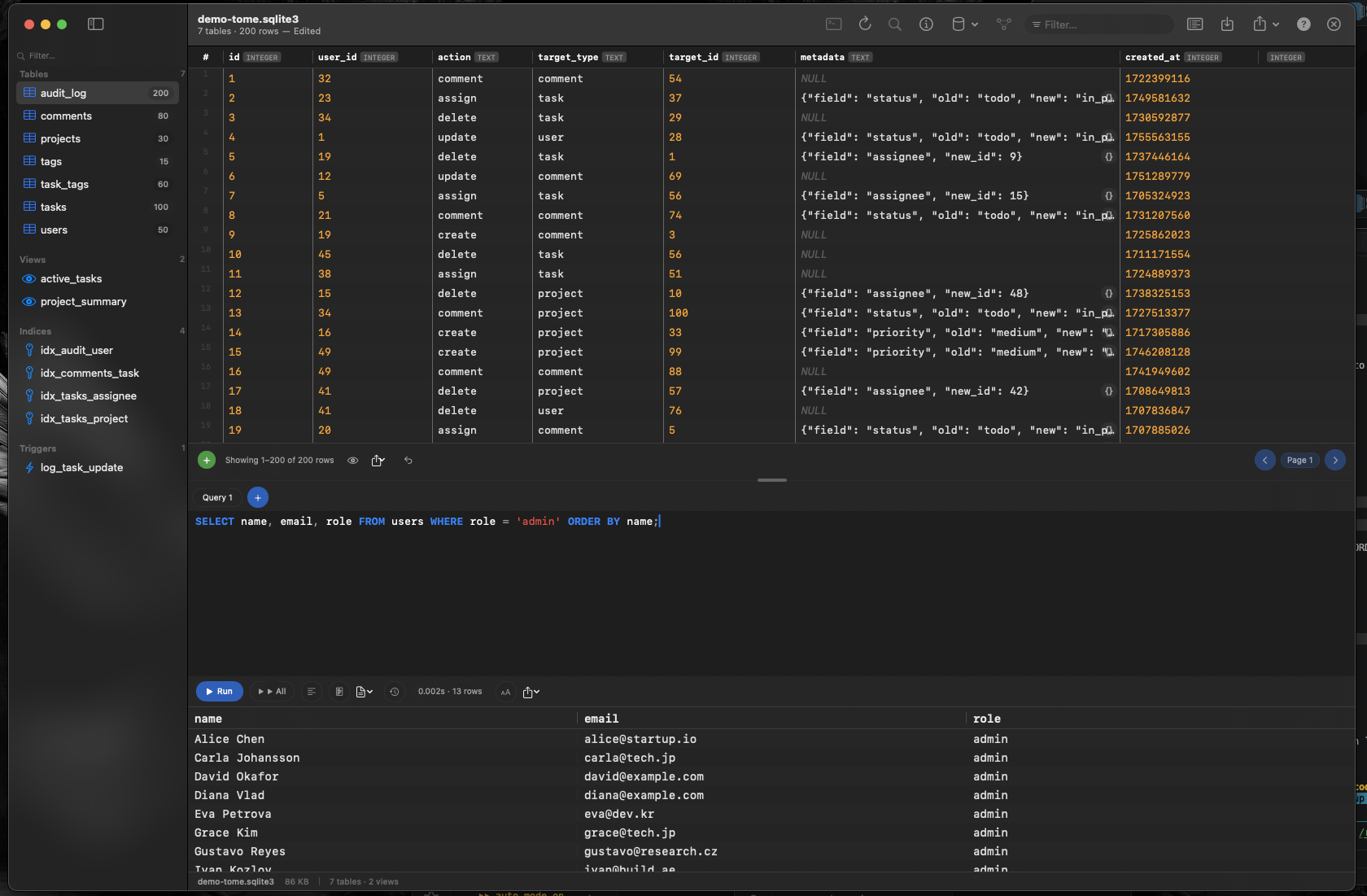
Tome is a native macOS application built with Swift and AppKit. It uses the same frameworks as Finder, Xcode, and every other first-party Apple app. The result is an SQLite editor that launches in under a second, scrolls smoothly through tens of thousands of rows, and uses a fraction of the memory an Electron app would need.
Real macOS Integration
Tome registers as a handler for .db, .sqlite, and .sqlite3 files. Double-click a database in Finder and it opens directly. Drag files onto the dock icon. Use macOS tabs and window management. Everything works the way you expect from a Mac app because it is a Mac app.
Edit Without Writing SQL
Click any cell to edit its value inline. Insert rows, delete rows, and create new tables using a visual editor. When you need SQL, the built-in query editor has syntax highlighting and auto-complete — but for everyday edits, you never have to touch it.
Lightweight by Design
Tome does one thing well: SQLite. It doesn't try to connect to PostgreSQL, MySQL, or MongoDB. By focusing exclusively on SQLite, every feature is optimized for the format you're actually working with.