You're migrating data from one SQLite database to another and need to verify the results. Or you're comparing a staging database against production. Or you have two versions of an app's database and need to spot what changed. In each case, you need to look at two databases simultaneously — and most SQLite tools make this harder than it should be.
The Juggling Act With Single-Database Tools
Most SQLite browsers are designed around a single database connection at a time. To compare two databases, you either open two separate application windows manually (if the tool even supports it), or you switch back and forth between tabs trying to hold column values in your memory. Some tools require you to close one database before opening another.
The Terminal approach is even worse. You'd need two terminal windows, each running sqlite3 against a different file, trying to compare output side by side in plain text. It works in theory but falls apart with any real data volume.
This limitation exists because most database tools weren't designed as document-based applications. They were designed around a connection manager — pick a database, work with it, disconnect, pick another. That's fine for remote server databases but unnecessary friction for local SQLite files.
Tome: A Document-Based SQLite Viewer
Tome treats each SQLite database as a document — the same way TextEdit treats text files or Preview treats PDFs. Open a database and it gets its own window. Open another and it gets its own window too. Arrange them side by side, or use macOS native tabs to group them.
Compare Databases Visually
Open your source and destination databases in two windows. Place them side by side using macOS Split View or by dragging windows. Browse the same table in both to compare row counts, column values, or schema differences. No tab switching, no memorizing values.
Work Across Projects
Keep a reference database open while you develop against another. Have your app's production database open alongside a test fixture database. Open a client's database file while your own is still loaded. Tome doesn't limit the number of simultaneously open databases.
Full Feature Set in Every Window
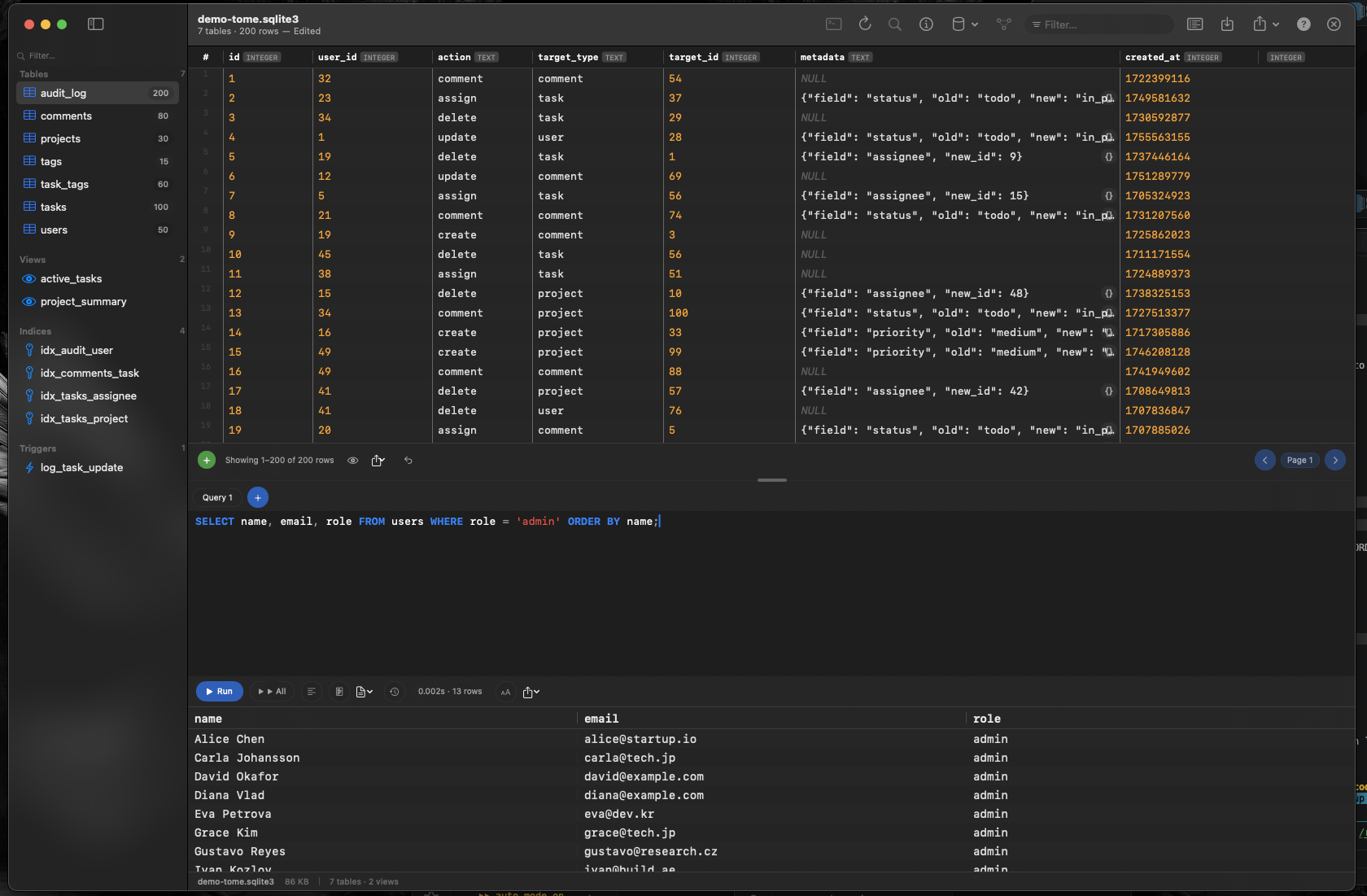
Each database window has the complete Tome interface — sidebar with tables, views, indexes, and triggers; data grid with inline editing; SQL query editor with syntax highlighting and auto-complete. There's no "primary" and "secondary" database concept. Every open database is fully functional.