Direct answer
Downloaded photos, videos, PDFs, audio, and archives can appear in Files recents, Safari downloads, cloud folders, Spotlight, share sheets, and the source app.
affair downloads, Files recents, Safari downloads, Spotlight
What can be placed inside an encrypted vault
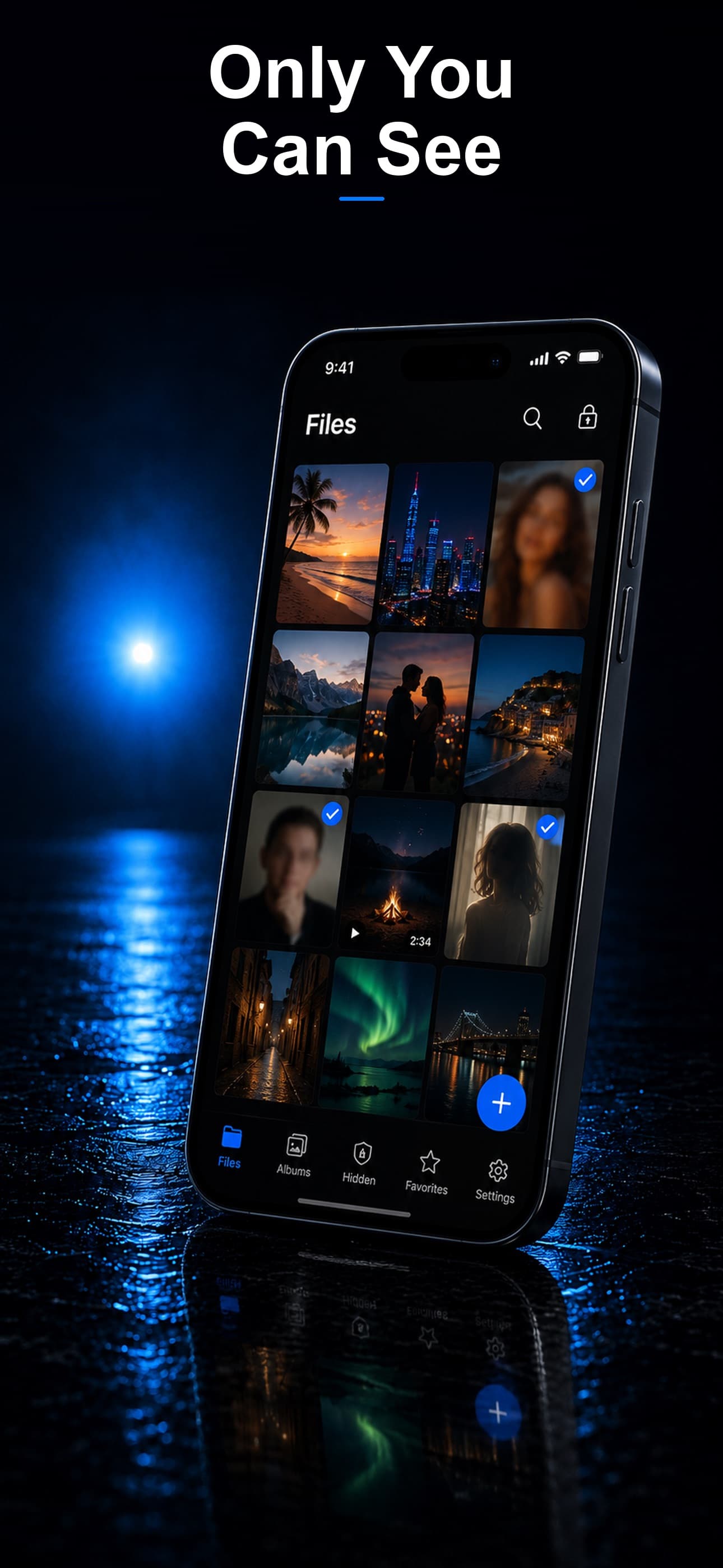
Stash can protect files that are deliberately imported into its separately locked, encrypted storage. In this situation, the useful file layer includes:
- Photos, videos, screenshots, PDFs, voice notes, downloaded attachments, tickets, receipts, and other saved files.
- Copies verified inside the vault before any original is removed from Photos, Files, Downloads, or the source app.
- Harmless decoy content behind a secondary PIN and records of failed attempts to open the vault.
- Files organized away from the ordinary camera roll, recent-file lists, and casual photo swiping.
File-by-file workflow
- Identify every source copy: camera roll, Hidden, Recently Deleted, Files, Downloads, message attachment, editing export, shared album, and cloud folder.
- Import the sensitive files into Stash and open each photo, document, and audio file. Play large videos from beginning to end.
- Use a vault PIN unrelated to the iPhone passcode, birthdays, anniversaries, or a partner's known codes.
- Choose the calculator, fitness, or music disguise that fits the apps normally present on the device.
- Only after verification, decide which source copies should be removed and review synchronized devices separately.
What still reveals cheating or an affair
A file vault is not a system-wide invisibility tool. The following evidence remains outside its control:
- Live messages, calls, contacts, notification previews, account logins, dating profiles, and linked devices.
- App Store purchases, subscriptions, Family Sharing, Screen Time, battery use, device storage, and app search.
- iCloud Photos, Google Photos, shared libraries, backups, e-mail, calendars, Wallet, bank statements, and loyalty accounts.
- Location sharing, ride history, hotel systems, tagged social posts, the other person's phone, and anything another person saves or shares.
The honest limit
Encryption can protect selected files from ordinary access. It cannot guarantee that cheating, adultery, an affair, or a secret relationship stays undiscovered. If discovery could trigger violence, coercive control, outing, or loss of housing, treat that as a safety issue rather than only a phone-privacy problem.
Frequently asked questions
Does Stash solve the full problem described by “How to Hide Affair Downloads on iPhone”?
No. Stash protects supported files imported into the vault. It does not hide third-party apps, live chats, purchases, payments, locations, or records on another device.
What should be checked before deleting an original file?
Open the protected copy, confirm full quality and playback, then review cloud synchronization, Recently Deleted, attachments, downloads, exports, and other devices.