Direct answer
Moving an affair photo into a vault does not automatically erase every synchronized copy. Check iCloud Photos, Shared Library, shared albums, other Apple devices, Files, message attachments, downloads, backups, and Recently Deleted.
What matters in this situation
With iCloud Photos enabled, an image can upload moments after it reaches the camera roll. A partner using a family iPad or Mac may see it before it is moved. Shared Library rules can add photos automatically. Importing a local copy into Stash does not control Apple's servers or another device that already downloaded it.
- iCloud Photos
- Shared Library
- family iPad
- Mac Photos
- Recently Deleted
What Stash can actually protect
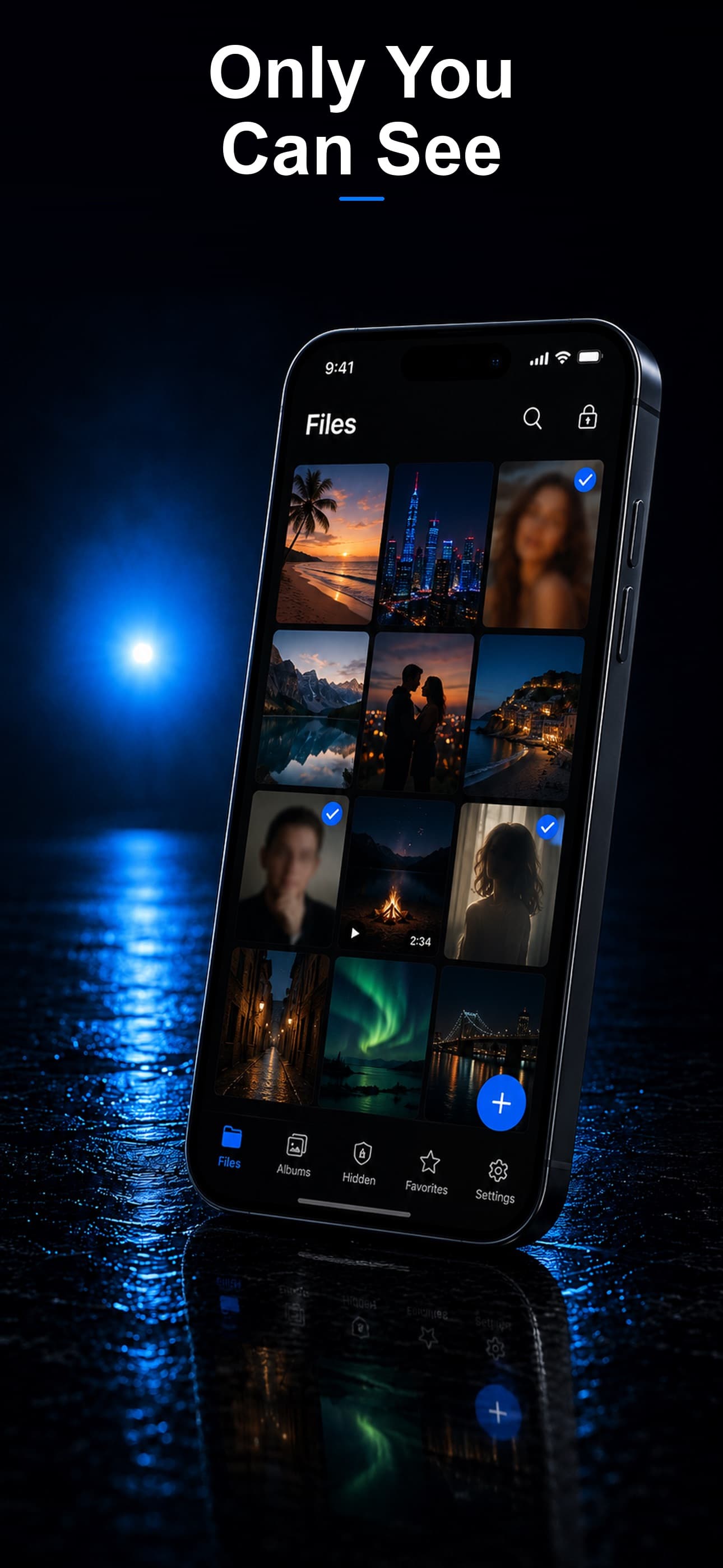
Stash protects files you deliberately import into its encrypted vault. For an affair or discreet relationship, that can include:
- Intimate photos and videos removed from the ordinary camera roll after the import is verified.
- Screenshots of conversations, dating profiles, travel plans, receipts, gifts, and reservations.
- Exported chats, voice notes, PDFs, documents, and downloaded attachments.
- A harmless second content space using a decoy PIN, plus records of failed PIN attempts.
A practical privacy process
- Import sensitive files into Stash and open several inside the vault to confirm that photos display and videos play correctly.
- Only after verification, remove source copies from Photos or Files and review Recently Deleted.
- Use a vault PIN that is different from the iPhone passcode and cannot be guessed from birthdays or anniversaries.
- Choose a calculator, fitness, or music disguise that looks normal among the apps already on the phone.
- Review iCloud, shared albums, downloads, message attachments, and other synced devices separately.
What a file vault does not hide
No vault app makes cheating invisible. Most discoveries happen through information outside the protected file:
- Lock-screen notifications, live messages, call logs, contacts, and shared calendars.
- Dating-app icons, App Store purchase history, subscriptions, Screen Time, and battery usage.
- iCloud Photos, Google Photos, shared libraries, backups, Macs, iPads, and family devices.
- Location sharing, tagged posts, card statements, ride history, hotel emails, and another person's phone.
The relationship and safety reality
Encryption can protect selected files; it does not remove the personal consequences of infidelity. If discovery could lead to violence, coercive control, outing, or homelessness, prioritize a wider safety plan and trusted professional support. A private vault is one technical layer, not protection for an entire situation.
Frequently asked questions
Does moving a photo to Stash remove it from iCloud?
No. Importing into a vault does not manage copies already stored or synchronized by iCloud.
Can a deleted affair photo remain on another Apple device?
Yes. Another device may already have synchronized or cached it, and Recently Deleted may retain a copy.