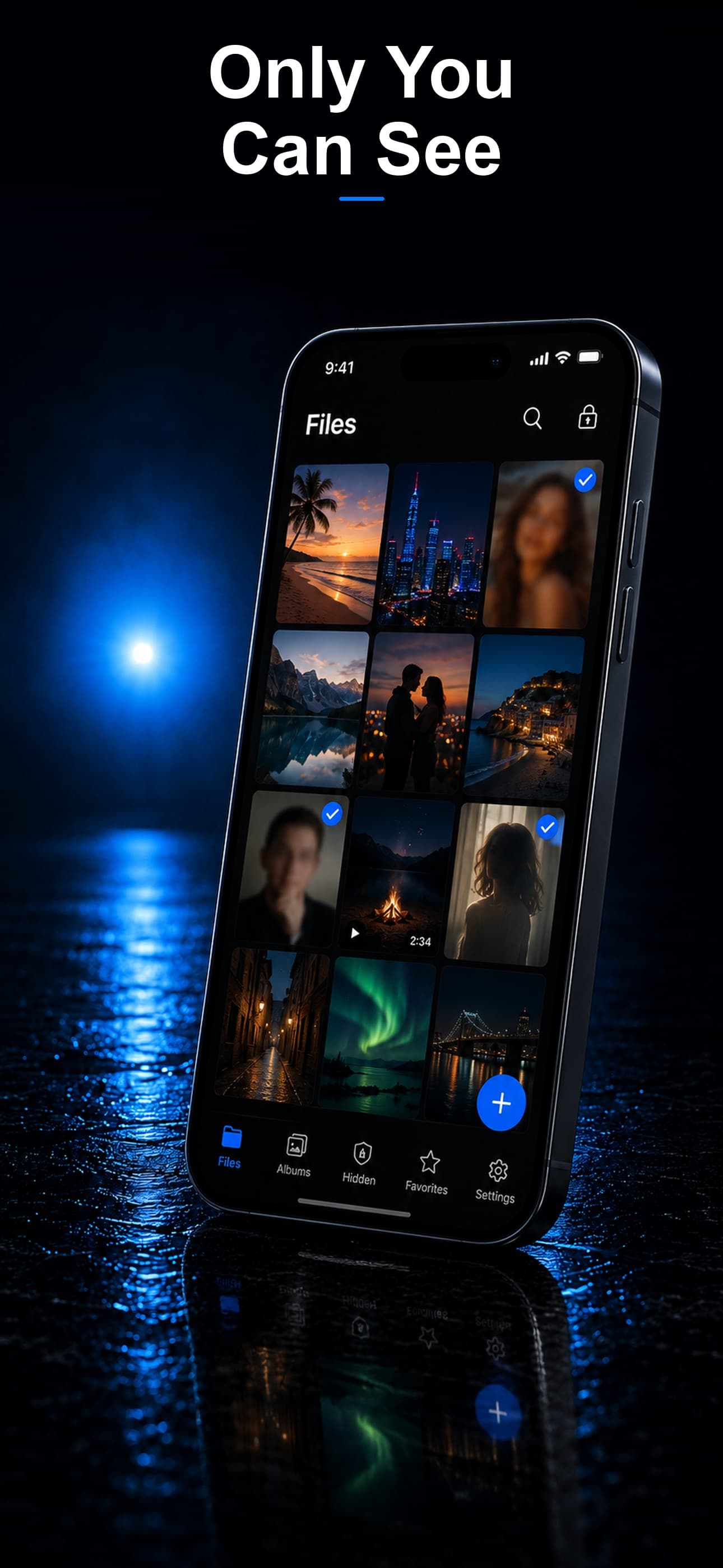
Everyone has something on their phone they would prefer to keep private. It could be personal photos, sensitive documents, a private journal, or simply browsing history. In 2026, the market for secret apps on phones has matured significantly, offering everything from simple folder-hiders to military-grade encrypted vaults. This guide walks through the major categories, how they work, and which ones actually deliver on their privacy promises.
Why People Hide Things on Their Phones
Before diving into the apps themselves, it helps to understand the motivations. Privacy is a fundamental human need, and there are countless legitimate reasons to want extra protection on your device:
- Preventing accidental exposure: Handing your phone to a child who might swipe through your photo roll.
- Protecting sensitive work: Storing confidential documents, client information, or unreleased projects.
- Personal boundaries: Maintaining healthy privacy in relationships and shared living situations.
- Safety: Domestic abuse survivors protecting evidence or communication from an abuser.
- Medical and financial privacy: Keeping health records, bank statements, or legal documents away from prying eyes.
Types of Apps People Use
1. Disguised Vault Apps
These are the most popular category. Disguised vault apps hide behind an innocent-looking icon and interface, typically a calculator, a utility app, or a notes app. When you enter a secret passcode, the real vault opens. They are designed so that even someone who opens the app sees nothing suspicious.
The best disguised vault apps offer multiple disguise options. Stash, for example, lets you choose between a calculator, a fitness tracker, and a music player as your disguise, so you can pick the one that blends in most naturally on your home screen.
2. Encrypted Photo Vaults
These apps focus specifically on photos and videos. They import media from your camera roll, encrypt it, and store it in a protected space. Some offer cloud backup, while others keep everything on-device. The key differentiator is the encryption standard: look for AES-256, and avoid apps that only hide files without actually encrypting them.
3. Secure File Managers
A step beyond photo vaults, secure file managers handle any file type: PDFs, spreadsheets, audio recordings, archives, and more. These are particularly useful for professionals who need to store sensitive documents on a mobile device.
4. Private Browsers
Standalone private browsers promise no history, no cookies, and no cached data. While useful, they only address browsing privacy and do not help with files already on your device. Some vault apps include a private browser as an integrated feature, which keeps everything within a single encrypted environment.
5. Decoy and Panic Features
Advanced vault apps include features designed for high-pressure situations. A decoy vault opens with an alternate passcode and shows pre-selected innocent content. Panic gestures can instantly lock the app or switch to the disguise interface. Break-in alerts silently photograph anyone who enters the wrong passcode.
Features That Matter Most
When evaluating secret apps, focus on these criteria:
- Encryption standard: AES-256 is the gold standard. If the app does not specify its encryption, treat that as a red flag.
- On-device storage: Apps that upload your files to the cloud introduce a third party. On-device storage means only you have access.
- Disguise quality: A disguise is only effective if it looks and functions like a real app. Test the calculator mode to see if it actually computes.
- Decoy password support: Having a separate passcode that opens a decoy vault can be a critical safety feature.
- Intruder detection: Front-camera selfies on failed login attempts let you know if someone tried to access your vault.
- File format support: Some vaults are limited to photos and videos. The best ones handle any file type.
Red Flags to Watch For
Not every app that promises privacy delivers it. Be cautious of:
- Apps that require an account or email sign-up, which links your identity to your vault.
- Vague privacy policies that mention data sharing with third parties.
- Cloud-first storage with no option to keep files on-device only.
- Apps that have not been updated recently, which may have unpatched security vulnerabilities.
- Free apps with aggressive advertising, which often monetize your data instead.
The Best All-in-One Solution
After evaluating the landscape, one app consistently covers every category above. Stash: Secret File Vault combines a disguised vault (three different disguise modes), AES-256 encryption, on-device storage, a decoy vault, intruder detection with encrypted selfies, a private browser, and support for every file type including photos, videos, documents, and audio.
Whether you need to protect personal photos, confidential work documents, or your browsing activity, Stash handles it all within a single, discreet application. Download Stash from the App Store and take control of your phone's privacy today.