Billions of photos are uploaded to cloud services every day. iCloud Photos, Google Photos, and Dropbox have become the default storage solution for most people, offering convenience, automatic backup, and seamless cross-device access. But convenience and privacy do not always align. This article examines the real risks of storing your photos in the cloud, what these services actually do with your data, and when an on-device alternative makes more sense.
What "Cloud Storage" Actually Means
When you upload a photo to a cloud service, you are sending it to a data center: a physical building filled with servers owned by Apple, Google, or another provider. Your photo is stored on hard drives managed by that company's employees and systems. "The cloud" is not an abstract concept. It is someone else's computer, governed by that company's policies, legal obligations, and security practices.
Encryption: At Rest vs. End-to-End
Cloud providers often advertise that your data is encrypted, but the type of encryption matters enormously:
Encryption at Rest
This means your data is encrypted while stored on the server's hard drives. If someone physically stole a hard drive from the data center, they could not read the data. However, the encryption keys are held by the cloud provider, which means the provider can decrypt and access your files at any time. This is the default for Google Photos and Dropbox.
Encryption in Transit
This means your data is encrypted while traveling between your device and the server. This prevents interception during upload and download. Both encryption at rest and in transit are standard, but neither prevents the cloud provider from accessing your files.
End-to-End Encryption (E2E)
With E2E encryption, the encryption keys are generated on your device and never shared with the provider. The provider stores encrypted data it cannot read. This is the gold standard for privacy, but very few cloud photo services offer it by default. Apple's Advanced Data Protection extends E2E encryption to iCloud Photos, but it is opt-in and many users have not enabled it. Google Photos does not offer E2E encryption for photos.
Terms of Service and Content Licensing
When you sign up for a cloud service, you agree to terms of service that typically grant the provider a license to access your content for specific purposes. While no major provider claims ownership of your photos, their licenses can be broad:
- Google Photos: Google's terms grant them a license to "host, reproduce, distribute, communicate, and use your content" for the purpose of operating and improving their services. Google uses your photos to train AI models, improve search, and develop features, though they state this is done in privacy-preserving ways.
- iCloud Photos: Apple's terms are more restrictive regarding content use, but Apple reserves the right to screen content for compliance with their policies.
- Dropbox: Dropbox's terms grant permissions needed to provide the service, including creating thumbnails and previews. Their privacy practices have evolved over the years.
Law Enforcement Access
Cloud providers are subject to the laws of the jurisdictions where they operate. In practice, this means:
- When presented with valid legal process (subpoenas, court orders, warrants), providers must turn over user data.
- Apple, Google, and Dropbox all publish transparency reports detailing the number of government requests they receive and comply with.
- Apple received over 250,000 device requests and thousands of account requests from governments worldwide in recent years.
- Without E2E encryption, the provider can hand over your actual photos in readable form. With E2E, they can only provide encrypted data they cannot decrypt.
Server-Side Content Scanning
Cloud providers scan uploaded content to varying degrees:
- CSAM Detection: Most cloud services scan for child sexual abuse material using hash-matching technology. This means every photo you upload is compared against databases of known illegal content. While the goal is legitimate, it means your photos are being analyzed by automated systems.
- AI Training: Google has acknowledged using user data to train AI models. While they implement privacy measures, your photos contribute to machine learning systems you have no control over.
- Content Moderation: Providers may flag or remove content that violates their terms of service, which can include legal content they find objectionable.
Apple controversially proposed on-device CSAM scanning in 2021 before abandoning the plan after significant backlash. The debate highlighted the tension between safety measures and user privacy in cloud services.
Data Breaches
No service is immune to breaches:
- In 2014, a large-scale iCloud breach (dubbed "Celebgate") exposed private photos of numerous celebrities through phishing attacks and weak security questions.
- Dropbox suffered a breach in 2012 that exposed 68 million user credentials, though the full scope was not revealed until 2016.
- Google has experienced multiple security incidents affecting various services over the years.
Even when the service itself is not breached, individual account compromises through phishing, password reuse, or social engineering put your data at risk. If your cloud account is compromised, every photo you have ever uploaded is accessible to the attacker.
The Convenience Trade-Off
Cloud photo services are genuinely useful. Automatic backup protects against device loss. Cross-device sync is convenient. Search and organization features powered by AI are impressive. For everyday photos, the convenience often outweighs the privacy concerns.
But not all photos are created equal. The family vacation photos you would happily post on social media have different privacy requirements than personal medical images, financial documents, intimate photos, or confidential work files. Using the same storage solution for everything means your most sensitive content is subject to the same risks as your least sensitive content.
When On-Device Storage Makes Sense
For photos and files that require genuine privacy, on-device encrypted storage offers advantages the cloud cannot match:
- No third-party access: No company can view, scan, or analyze your files.
- No law enforcement risk: There is no server for authorities to subpoena. Files exist only on your physical device.
- No breach exposure: Your files cannot be part of a server breach because they are not on a server.
- No terms of service: No company has a license to your content.
- Full control: You decide what happens to your files, with no dependence on a service that might change its policies.
A Balanced Approach
The most practical strategy is to use cloud services for everyday content and an encrypted on-device vault for sensitive content. Keep your vacation photos in iCloud. Keep your private files in a vault.
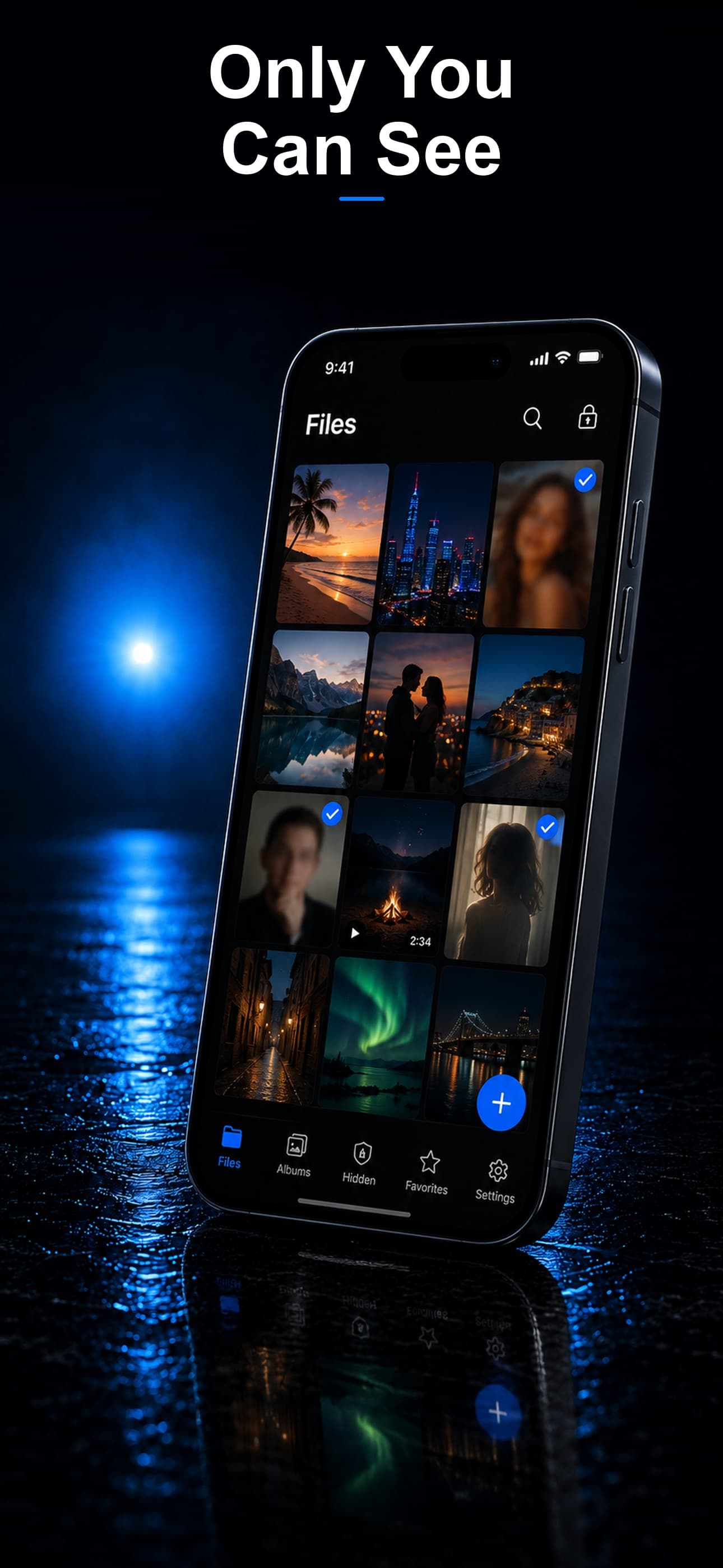
Stash keeps everything on your device with AES-256 encryption, zero cloud sync, and no account required. Your files never leave your phone, never touch a server, and never appear in a terms-of-service license agreement. For the photos that matter most, download Stash from the App Store and keep them entirely under your control.