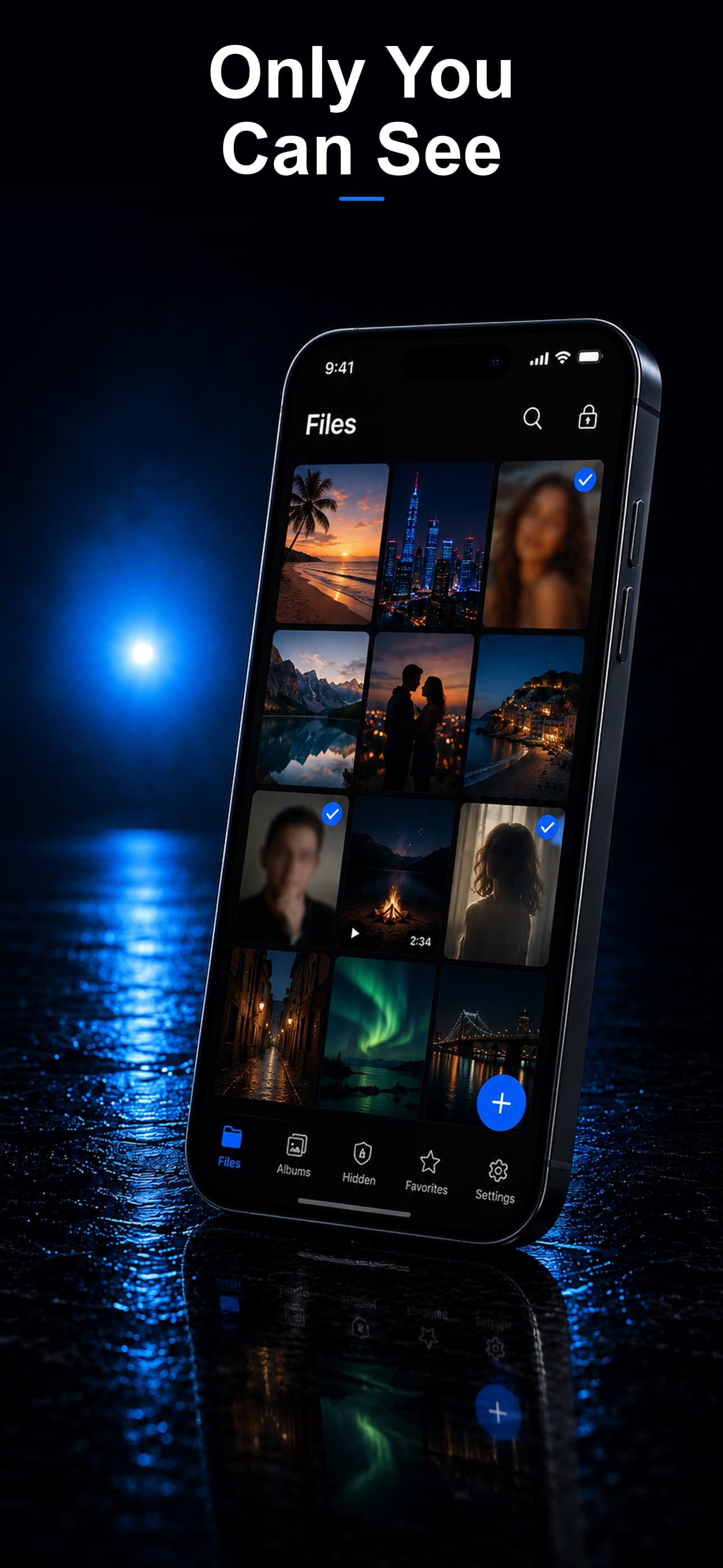
Most vault apps assume an internet connection is available and desirable — for backup, sync, or account verification. But a genuinely offline vault app is a different category entirely: one built to function fully with no network connection at all, and more importantly, to never transmit your data anywhere even when a connection exists.
Why Offline-Only Matters Beyond Convenience
- No transmission means no interception: If an app never sends data over a network, there's nothing for a man-in-the-middle attack, a compromised Wi-Fi network, or a malicious app with network access to intercept.
- Works anywhere: Airplane mode, remote travel, or intentionally disabled cellular and Wi-Fi settings don't limit functionality at all.
- No server to subpoena or breach: An app with no backend has nothing for a legal request or a data breach to target.
- No account required: True offline vaults typically don't require an email or account, removing the identity link between you and your stored files.
What to Verify Before Trusting an App as "Offline"
Many apps that market themselves as private still make background network calls for analytics, crash reporting, or optional backup features. A genuinely offline-first vault should function with zero degradation when your device has no network connection whatsoever — that's the real test.
How Stash Handles This
Stash is built with a zero-server architecture: every file is encrypted with AES-256 and stored locally, with full functionality in airplane mode. There is no account system, no cloud backup option, and no background sync attempting to reach a server.
Disguise Modes That Work Without Connectivity
Because the calculator, fitness tracker, and music player disguises are fully local, they function identically whether or not your device has a signal — there's no loading state or "waiting for connection" that could give away the app's real purpose.
Intruder Detection and Decoy Vault, Fully Local
Features like intruder selfie capture and the decoy vault operate entirely on-device, meaning they work the same in a remote location with no signal as they do at home on Wi-Fi.
Download Stash from the App Store