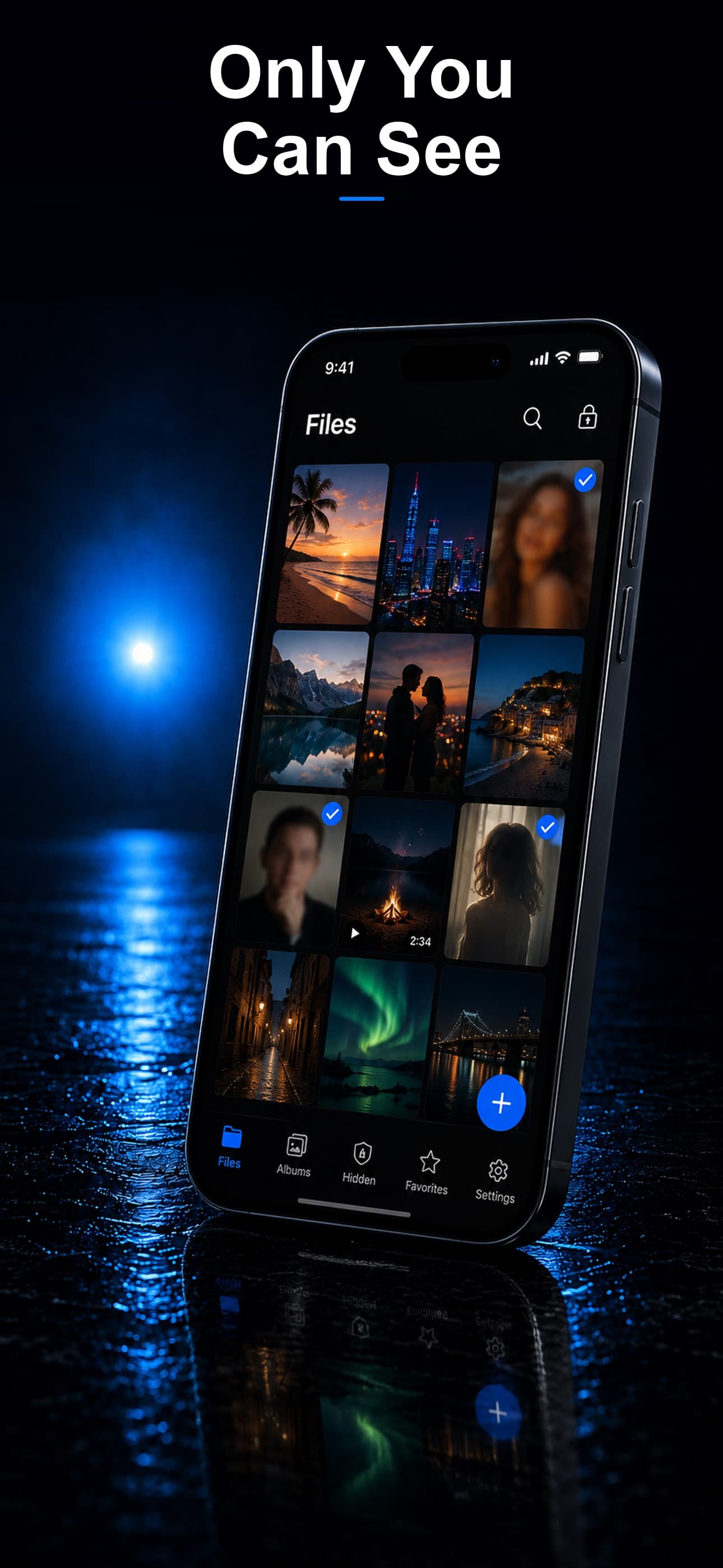
Your iPhone's hidden album is not truly hidden. Anyone who knows where to look can find it in seconds. If you need real privacy for your photos, you need a dedicated vault app with actual encryption. We tested the seven most popular secret photo vault apps for iPhone in 2026, evaluating them across encryption strength, disguise quality, features, pricing, and privacy policies. Here are the results.
What We Evaluated
Every app was tested on the following criteria:
- Encryption standard: Does the app use AES-256 or equivalent? Or does it merely hide files?
- Disguise quality: How convincing is the disguised interface?
- File support: Photos only, or photos, videos, documents, and more?
- Decoy vault: Can you set up a fake vault with a separate passcode?
- Intruder detection: Does the app photograph failed login attempts?
- Data storage: On-device only, or cloud-synced?
- Privacy policy: Does the developer collect or share your data?
- Pricing: Free tier, one-time purchase, or subscription?
The 7 Best Secret Photo Vault Apps for iPhone
1. Stash: Secret File Vault
Stash tops our list because it covers every privacy need in a single app. It offers three disguise modes (calculator, fitness tracker, and music player), AES-256 encryption, a decoy vault, intruder detection with encrypted selfies, a built-in private browser, and support for any file type. Everything is stored on-device with zero cloud dependency.
- Encryption: AES-256
- Disguise: Calculator, fitness tracker, music player
- File types: Photos, videos, documents, audio, any file
- Decoy vault: Yes
- Intruder detection: Yes, encrypted selfies
- Storage: On-device only
- Privacy policy: No data collection, no analytics, no third-party sharing
2. Keepsafe Photo Vault
Keepsafe is one of the oldest and most well-known vault apps. It offers a clean interface and cloud backup for your photos. However, the cloud-first approach means your files are stored on Keepsafe's servers, which introduces third-party risk. The free tier includes ads and limited storage.
- Encryption: AES-256 (on their servers)
- Disguise: PIN pad only, no app disguise
- File types: Photos and videos
- Decoy vault: Yes (premium)
- Intruder detection: Yes (premium, stored on their servers)
- Storage: Cloud-synced
- Privacy policy: Collects usage data, stores files on their servers
3. Calculator+ (Secret Calculator)
Calculator+ is one of the original calculator vault apps. The calculator disguise is functional and convincing. However, the app has not seen major updates recently, and its encryption implementation is not well-documented. It supports photos and videos but not documents.
- Encryption: Not clearly specified
- Disguise: Calculator
- File types: Photos and videos
- Decoy vault: No
- Intruder detection: Basic
- Storage: On-device
- Privacy policy: Minimal data collection
4. Private Photo Vault
A straightforward vault with PIN protection and basic album organization. The premium tier adds break-in alerts and decoy functionality. The interface is dated compared to newer alternatives but gets the job done for photo-only storage.
- Encryption: AES-256 (premium)
- Disguise: No app disguise
- File types: Photos and videos
- Decoy vault: Yes (premium)
- Intruder detection: Yes (premium, limited to 3 photos)
- Storage: On-device
- Privacy policy: Collects analytics data
5. Secret Photo Vault — SPV
SPV offers solid photo encryption and a simple interface. It includes album organization and a basic break-in alert. The app lacks disguise modes and decoy functionality, making it less discreet than alternatives. No document support.
- Encryption: AES-256
- Disguise: No
- File types: Photos and videos
- Decoy vault: No
- Intruder detection: Yes
- Storage: On-device
- Privacy policy: Collects analytics data
6. Folder Lock
Folder Lock supports a wide range of file types and includes a wallet feature for storing credit card information. However, it uses cloud sync by default and has had mixed reviews regarding reliability and customer support.
- Encryption: AES-256
- Disguise: No
- File types: Photos, videos, documents, audio, wallet
- Decoy vault: Yes
- Intruder detection: Yes (not encrypted)
- Storage: Cloud-synced by default
- Privacy policy: Collects usage data
7. Best Secret Folder
A lightweight option for users who just need basic photo hiding. The interface is minimal and the app is small. Encryption details are not documented and there are no advanced features like disguise modes or decoy vaults.
- Encryption: Not clearly specified
- Disguise: No
- File types: Photos only
- Decoy vault: No
- Intruder detection: No
- Storage: On-device
- Privacy policy: Minimal
Our Verdict
For most users, Stash is the clear winner. It is the only app that combines three disguise modes, military-grade encryption, a decoy vault, encrypted intruder detection, a private browser, and universal file support — all while keeping everything on your device. No other app in this comparison matches that feature set.
If you primarily want cloud backup and do not mind your files being stored on a third party's servers, Keepsafe is a reasonable alternative. For everyone else, Stash delivers the most complete and private experience available on iPhone in 2026. Download Stash from the App Store and see why it leads this comparison.