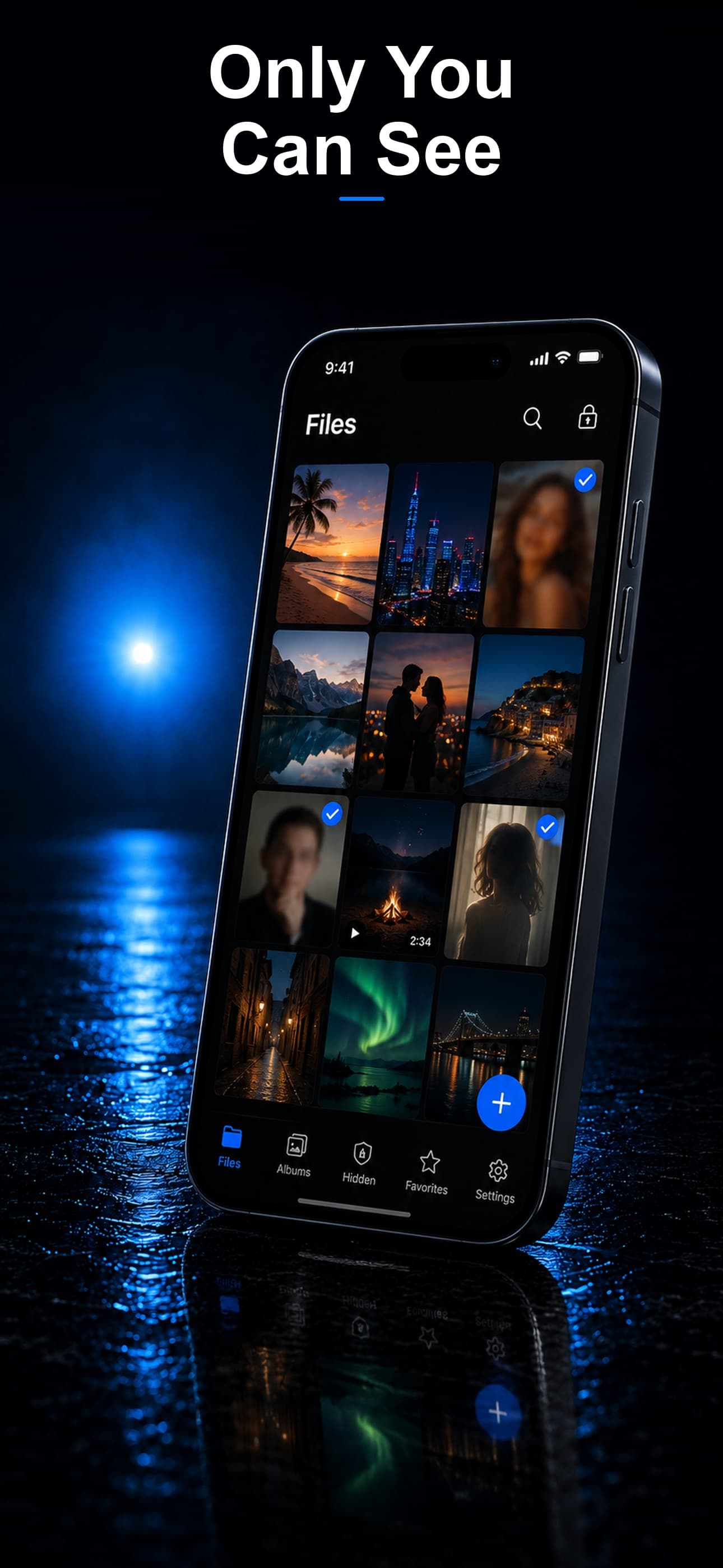
You pick up your phone after leaving it on the table and notice the vault app has a notification waiting. Someone tried to open it while you were away. Not only did the app block them, it silently took a photo with the front camera, logged the exact date and time, and stored the evidence inside your encrypted vault. You now know exactly who tried to snoop and when. This is the power of break-in alerts.
What Are Break-In Alerts?
Break-in alerts, also called intruder detection or intruder selfies, are a security feature found in advanced vault apps. When someone enters an incorrect passcode, the app silently activates the front-facing camera, captures a photo of the person holding the device, and stores that photo along with a timestamp. There is no shutter sound, no flash, and no visual indication that a photo was taken.
The purpose is twofold. First, it deters repeated unauthorized access attempts. Second, it provides evidence of who tried to access your private files, which can be valuable for personal awareness or, in extreme cases, legal proceedings.
How Intruder Detection Works Step by Step
- Failed passcode entry: Someone opens your vault app (or what they think is a calculator, fitness tracker, or music player) and enters a wrong PIN.
- Silent camera activation: The front camera captures a photo without any visible or audible feedback.
- Metadata logging: The app records the date, time, and number of failed attempts.
- Secure storage: The intruder photo and metadata are stored inside the encrypted vault, accessible only with your real passcode.
- Notification (optional): Some apps can send you a silent notification or display the alert the next time you open the vault.
Why Encrypted Intruder Photos Matter
Here is a detail that most people overlook: if the intruder photo is stored outside the encrypted vault, anyone with access to the device could find and delete it. This defeats the entire purpose. A snooper who sees their own photo in an unencrypted folder will simply delete the evidence and try again more carefully.
The best vault apps store intruder photos inside the same encrypted container as your other files. Stash, for example, encrypts every intruder selfie with AES-256 encryption. The snooper has no way to know the photo was taken, no way to find it, and no way to delete it. The next time you open your vault with your real passcode, the evidence is waiting for you.
Common Scenarios Where Break-In Alerts Help
The Curious Roommate
You step out of the room and your roommate decides to check what is on your phone. They open the calculator app (which is actually your vault), try a few obvious PINs, and give up. Later, you check your intruder log and see three photos of your roommate looking puzzled, timestamped during the exact window you were away.
The Persistent Child
Kids are naturally curious and surprisingly persistent with technology. Break-in alerts let you know when your child has been trying to access your vault, so you can have a conversation about boundaries without accusing anyone of anything you cannot prove.
Workplace Security
If you leave your phone at your desk during meetings, break-in alerts provide a record of whether anyone tampered with your device. For professionals handling sensitive information, this is valuable documentation.
Relationship Awareness
Trust in relationships is important, but so is personal awareness. If a partner is regularly trying to access your private vault, that is information you deserve to have, regardless of how you choose to act on it.
Which Vault Apps Offer Break-In Alerts?
This feature varies significantly across vault apps. Here is how the most popular options compare:
- Stash: Secret File Vault — Full intruder detection with encrypted selfie storage. Photos are AES-256 encrypted and stored inside the vault. Logs date, time, and number of attempts. Combined with disguise modes and decoy vault for layered protection.
- Keepsafe — Offers a "break-in report" in the premium plan. Captures photos of intruders, though the processing may involve their servers, raising privacy questions about the intruder photos themselves.
- Calculator+ — Basic break-in alert with photo capture. Storage is local but not clearly encrypted separately from the vault.
- Private Photo Vault — Offers break-in alerts in the paid tier. Limited to three stored intruder photos before older ones are overwritten.
- Folder Lock — Includes intruder detection but does not encrypt the captured photos, making them potentially discoverable.
Break-In Alerts as Part of a Layered Defense
Intruder detection is most effective when it works alongside other security features. Consider the full chain of defense that Stash provides:
- Layer 1 — Disguise: The app does not look like a vault at all. It appears as a calculator, fitness tracker, or music player.
- Layer 2 — Passcode: Even if someone opens the app, they need the correct PIN to access anything.
- Layer 3 — Decoy vault: A secondary PIN opens a fake vault with harmless content, giving plausible deniability.
- Layer 4 — Break-in alert: Wrong PINs trigger a silent selfie that is encrypted and stored for your review.
- Layer 5 — AES-256 encryption: Even bypassing the app entirely leaves the data unreadable without the encryption key.
Each layer independently protects your privacy, and together they create a system that is extraordinarily difficult to compromise.
If you want to know who is trying to access your private files, break-in alerts are not optional. They are essential. Download Stash from the App Store and let your vault catch snoopers for you.