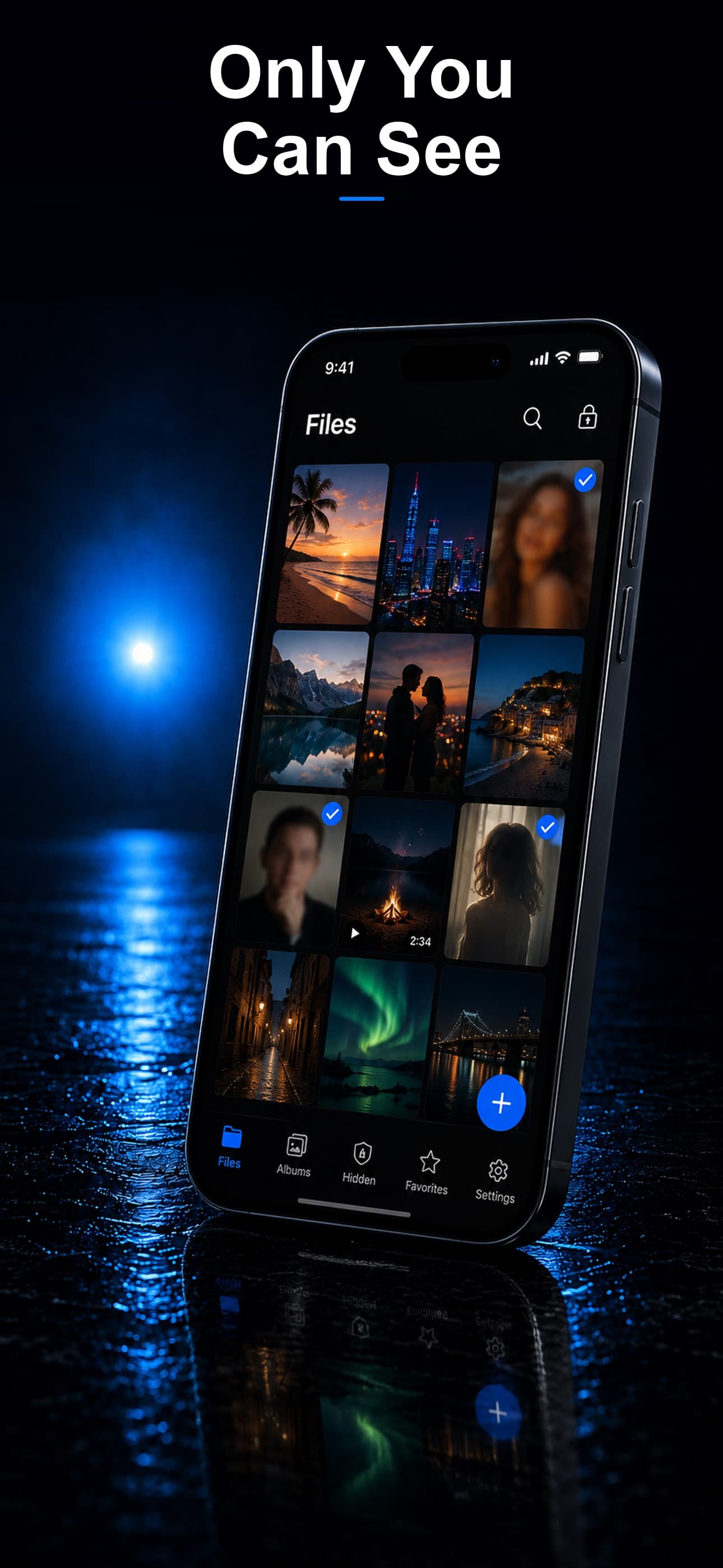
If you have ever handed your phone to someone and felt a twinge of anxiety about what they might find, you are not alone. Calculator vault apps solve that problem by hiding your most private photos, videos, and files behind an interface that looks and functions like an ordinary calculator. To anyone who casually opens the app, it is just a calculator. Enter the right passcode, and a fully encrypted vault slides into view.
How Calculator Vault Apps Work
A calculator vault app replaces the typical lock-screen approach with something far more discreet. The home screen icon, the launch animation, and the interface itself all mimic a real calculator. You can even perform basic math. The vault only reveals itself when you type a specific PIN or passcode followed by a trigger key, such as the equals sign.
Behind the scenes, your files are stored in an encrypted container that is inaccessible through the normal Photos app, Files app, or any other standard file browser. The best implementations use AES-256 encryption, the same standard used by banks and government agencies, to ensure that even if someone gains physical access to your device's storage, the data remains unreadable without the correct key.
Why People Use Calculator Vaults
Privacy is not about having something to hide. It is about having the right to choose what you share. Common reasons people turn to calculator vault apps include:
- Personal boundaries: Keeping private photos out of sight when lending a phone to a friend, child, or partner.
- Sensitive documents: Storing financial records, medical information, or identity documents away from casual browsing.
- Professional discretion: Protecting client files, unreleased creative work, or confidential business material.
- Peace of mind: Simply knowing that your most personal content is behind an extra layer of security.
What to Look for in a Calculator Vault App
Not all vault apps are created equal. Here are the features that separate a reliable calculator vault from a gimmicky one:
Real Encryption
Many apps claim to protect your files but rely on simple folder-hiding techniques that any tech-savvy person can bypass. Look for apps that explicitly use AES-256 encryption, which scrambles data at the file level rather than just moving it out of sight.
Multiple Disguise Modes
A calculator disguise is effective, but it is not the only option. The best apps let you choose from several disguise modes so you can pick the one that looks most natural on your home screen.
Decoy Vault
A decoy vault opens when you enter a secondary passcode. You can pre-fill it with a few harmless photos so that if someone pressures you to open the app, you can show them the decoy without revealing your real vault.
Intruder Detection
If someone tries to guess your passcode, the app should silently take a photo with the front camera, log the date and time, and store that evidence inside your encrypted vault.
On-Device Storage
Cloud-synced vaults introduce a third party into the equation. Apps that keep everything on your device give you full control over your data, with zero risk of server breaches.
Top Calculator Vault Apps Compared
Several apps compete in this category. Here is how the leading options stack up:
- Stash: Secret File Vault — Offers three disguise modes (calculator, fitness tracker, and music player), AES-256 encryption, a decoy vault, intruder detection with encrypted selfies, a built-in private browser, and fully on-device storage. Supports photos, videos, documents, and any file type.
- Calculator+ — Classic calculator disguise with photo and video storage. Lacks document support and intruder detection. Encryption details are vague.
- Private Photo Vault — Offers a PIN-locked interface but does not disguise itself as a calculator on the home screen. Limited to photos and videos.
- Keepsafe — Well-known brand with alternate icon disguises (Keyway, Castle, etc.), though the in-app interface still looks like a vault. Uses cloud sync, meaning files may be stored on external servers rather than exclusively on-device.
Why Stash Stands Out
Stash was designed from the ground up for people who take privacy seriously. While most calculator vault apps offer a single disguise and basic photo storage, Stash delivers a comprehensive privacy toolkit:
- Three disguise modes so you can switch between a calculator, fitness tracker, or music player depending on your preference.
- AES-256 encryption for every file, not just photos.
- Decoy vault with a separate passcode for plausible deniability.
- Intruder detection that captures and encrypts a selfie of anyone who enters the wrong PIN.
- Private browser with no history, no cookies, and no traces left behind.
- 100% on-device storage, meaning your files never touch a server.
Getting Started
Setting up a calculator vault takes less than two minutes. Download the app, choose your disguise mode, set your passcode, and start importing files. Most apps let you import directly from your camera roll and then delete the originals so they only exist inside the encrypted vault.
If privacy matters to you, a calculator vault app is one of the simplest and most effective tools you can add to your phone. Download Stash from the App Store and experience the most complete calculator vault available for iPhone.