Every time you unlock your phone, you are making a security decision. You either present your face, type a PIN, or use some combination of both. But which method is actually more secure? The answer is more nuanced than you might expect, involving not just technology but also legal rights, physical coercion scenarios, and the practical realities of daily use. Here is a comprehensive comparison of Face ID and PIN security to help you make informed decisions about protecting your phone and your most sensitive apps.
How Face ID Works
Face ID uses a TrueDepth camera system that projects over 30,000 invisible infrared dots onto your face to create a depth map. This map is compared against a stored mathematical representation of your face (not an actual photo) that is kept in the Secure Enclave, a dedicated security chip on your iPhone.
The technology is sophisticated enough to:
- Work in the dark, since it uses infrared rather than visible light.
- Adapt to gradual changes in appearance (growing a beard, wearing glasses, aging).
- Distinguish between your face and a photograph, mask, or 3D-printed replica.
- Process the recognition entirely on-device, without sending facial data to Apple's servers.
Apple states that the probability of a random person being able to unlock your phone with Face ID is approximately 1 in 1,000,000, compared to 1 in 50,000 for a five-digit PIN.
How PIN Codes Work
A PIN is a knowledge-based authentication factor: something you know. On iPhones, you can set a four-digit PIN (10,000 combinations), six-digit PIN (1,000,000 combinations), or a custom alphanumeric password (virtually unlimited combinations).
The iPhone protects PINs with several mechanisms:
- Increasing time delays after failed attempts (1 minute, 5 minutes, 15 minutes, 1 hour).
- Optional setting to erase the device after 10 failed attempts.
- The Secure Enclave rate-limits passcode attempts at the hardware level, preventing software-based brute force.
Security Comparison
Strength Against Remote Attacks
Both Face ID and PINs are designed to prevent remote attacks. Face ID data never leaves your device, and the Secure Enclave prevents brute-force PIN attacks. In terms of remote security, both are strong.
Strength Against Physical Access
This is where the comparison gets interesting. If someone has your phone in their hands:
- Face ID requires your physical presence. A thief who steals your phone when you are not around cannot use Face ID.
- PIN can be observed. "Shoulder surfing," where someone watches you enter your code, is a well-documented attack vector. Multiple cases have been reported where thieves in bars or public spaces observe a person entering their PIN, then steal the phone.
Face ID wins in the "stolen phone, thief not present" scenario. PIN wins in the "thief is present and watching you" scenario only if you use the PIN while covering the screen.
Strength Against Coercion
Here is where things get legally and ethically complicated. In the United States:
- Biometrics can be compelled: Multiple courts have ruled that law enforcement can require you to unlock your phone with Face ID or fingerprint. The reasoning is that biometrics are physical characteristics, similar to providing a DNA sample or standing in a lineup.
- PINs have stronger legal protection: Under the Fifth Amendment, you generally cannot be compelled to reveal something you know (a testimonial act). While this area of law is still evolving and inconsistent across jurisdictions, PINs currently have stronger constitutional protection than biometrics.
Beyond legal contexts, consider personal coercion: someone could physically force you to look at your phone to trigger Face ID. Entering a PIN under coercion is possible too, but you have the option of entering the wrong PIN deliberately to trigger lockout or intruder detection features.
Spoofing and Bypass Risks
- Face ID spoofing: While Apple's system is resistant to photos and masks, researchers have demonstrated bypasses using sophisticated 3D models. Identical twins can sometimes fool Face ID. These attacks require significant effort and resources, making them impractical for most scenarios.
- PIN exposure: PINs can be observed, guessed (people commonly use birthdates, repeated digits, or patterns), or extracted through social engineering. Security cameras in public spaces can also capture PIN entry.
The Best Approach: Both Layers Together
Face ID and PINs are not competing technologies; they are complementary layers. The optimal security setup uses both:
- Face ID for daily convenience: Unlock your phone quickly without exposing a PIN to shoulder surfers.
- A strong alphanumeric passcode as the backup: This is the true security foundation that protects you if Face ID is unavailable or if the situation requires knowledge-based authentication.
- A separate PIN for sensitive apps: High-security apps should have their own authentication that is independent of your device passcode.
When Your Device Requires the Passcode
Even with Face ID enabled, your iPhone requires the passcode in specific situations:
- After restarting the device.
- After 48 hours without unlocking.
- After five failed Face ID attempts.
- After initiating SOS Emergency.
- When remotely locking via Find My.
In each of these situations, the security of your device depends entirely on the strength of your passcode. A weak passcode undermines everything else.
Applying This to Vault Apps
The Face ID vs. PIN debate becomes even more relevant for vault apps that protect your most sensitive content. A vault app should offer:
- Its own separate passcode that is different from your device passcode. If someone observes your device passcode, they should still be unable to access your vault.
- Optional biometric unlock for convenience, so you can open the vault quickly without exposing the vault passcode.
- Intruder detection that captures a selfie on failed attempts, which works regardless of whether the thief is trying PINs or using a face.
- A decoy vault accessible via a separate PIN, useful in coercion scenarios where you need to appear to comply.
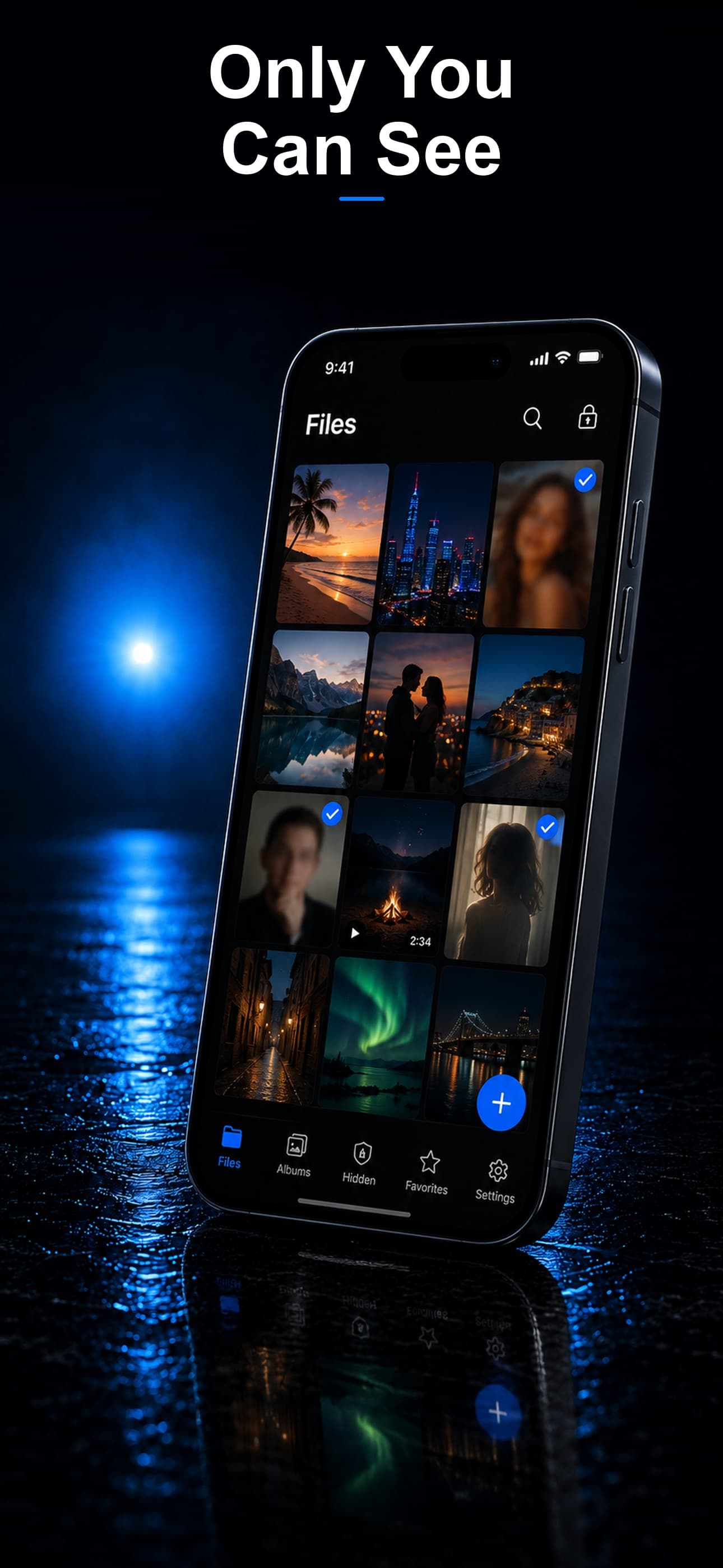
Stash supports both Face ID and a separate vault passcode, giving you biometric convenience with an independent security layer. The decoy vault adds another dimension: enter one passcode for the real vault, another for the decoy, and a wrong one triggers intruder detection. Download Stash from the App Store and set up the multi-layered authentication your private files deserve.