Whether you're a teenager, a college student home for the summer, or an adult still living with family, dating while your parents have visibility into your phone creates a specific kind of stress. It's not usually about hiding wrongdoing — it's about wanting the normal privacy to date, message, and figure things out without every match becoming a family conversation.
How Parents End Up Seeing More Than Expected
- Family Sharing and Screen Time: Parents managing a Family Sharing plan can see app usage, downloads, and in some setups, direct activity reports.
- Shared iCloud Photo Library: A shared family photo plan can sync photos from a dating app or a date across every linked device automatically.
- Lock screen notifications: Dating app message previews appearing on a lock screen that others glance at is one of the most common accidental exposures.
- Shared devices: Using a family iPad or laptop to browse a dating profile leaves history and cached images behind.
Keeping Your Dating Life Genuinely Yours
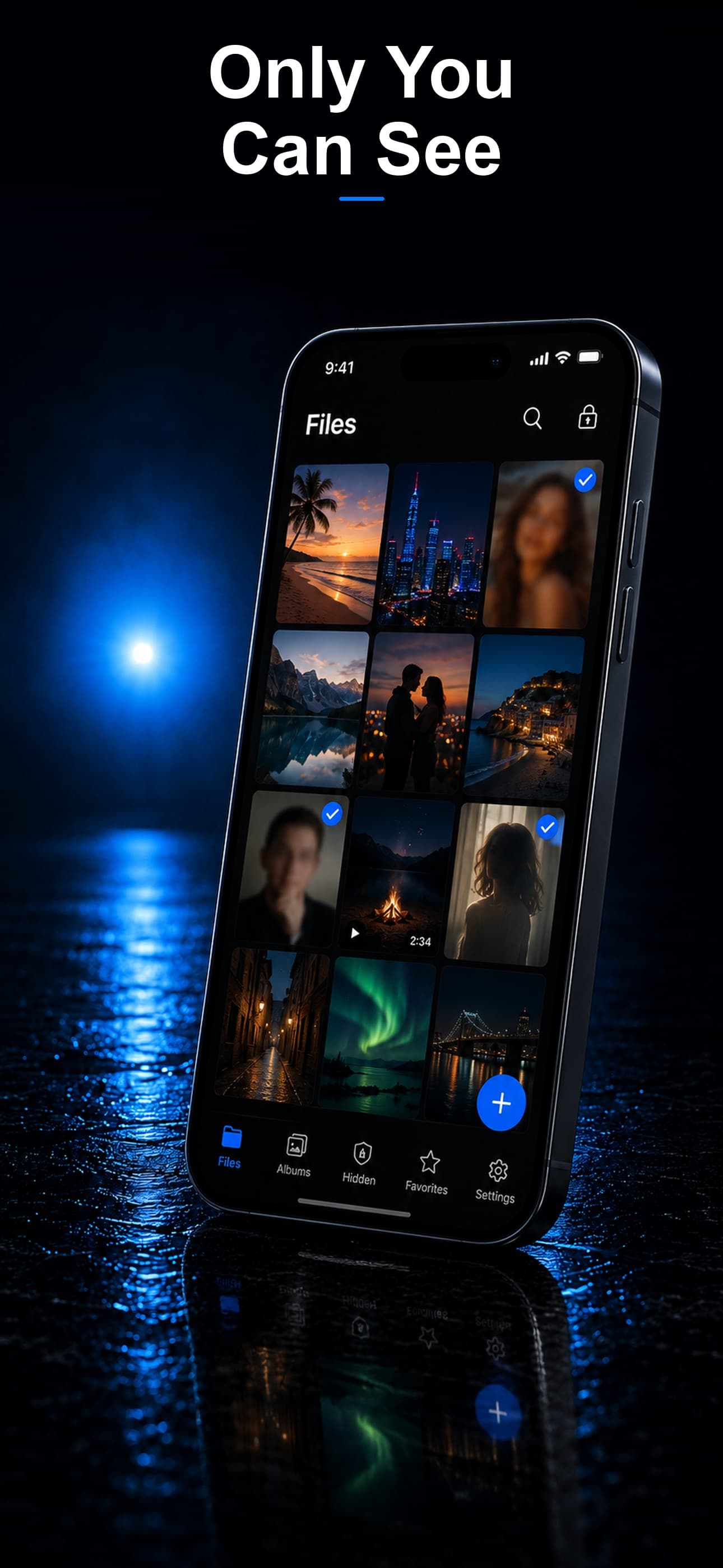
Stash gives you an encrypted, disguised space — appearing as a calculator, fitness tracker, or music player — to store photos and screenshots you don't want appearing in a shared photo library or discovered during a casual phone browse.
Photos That Don't Sync to a Shared Library
Photos saved from a dating app or taken on a date can be imported into Stash and deleted from Camera Roll, keeping them out of any shared iCloud Photo Library your family plan syncs to.
Turning Off Notification Previews
Beyond using a vault, go to Settings, then Notifications, select your dating apps, and set previews to "When Unlocked" or "Never" so message content doesn't appear on a lock screen others can see.
A Decoy for Casual Phone Checks
If a parent or sibling regularly borrows your phone, a decoy vault with harmless pre-loaded content means an idle scroll through your apps never reveals what's actually being kept private.
Download Stash from the App Store