If you are in an abusive relationship, your phone is often both a lifeline and a liability. It may hold the only proof of what has happened to you — threatening messages, injury photos, voicemails, financial records — but it can also be the thing your abuser checks daily, sometimes with your passcode, sometimes with stalkerware installed without your knowledge.
If you are in immediate danger, please contact the National Domestic Violence Hotline at 1-800-799-7233, available 24/7. This article is not a substitute for a safety plan built with an advocate who knows your specific situation.
Why a Normal Photo Album or Notes App Isn't Safe
Many survivors instinctively save evidence in the Photos app, Notes, or a folder labeled something vague. Unfortunately, these are the first places an abuser looks, and iOS's built-in "Hidden" album is protected only by your device passcode — the same code an abuser often already has.
- Shared passcodes: If your abuser knows your lock screen code, they can see anything not separately encrypted, including the Hidden album.
- Stalkerware: Monitoring apps can silently mirror your screen activity, messages, and photo library to another device.
- Physical checks: Many abusers periodically scroll through a partner's phone looking for anything unusual, including new or unfamiliar apps.
- Cloud sync: If your iCloud or Google account is linked or known to your abuser, anything backed up there can be seen remotely.
Building a Safer Evidence Record
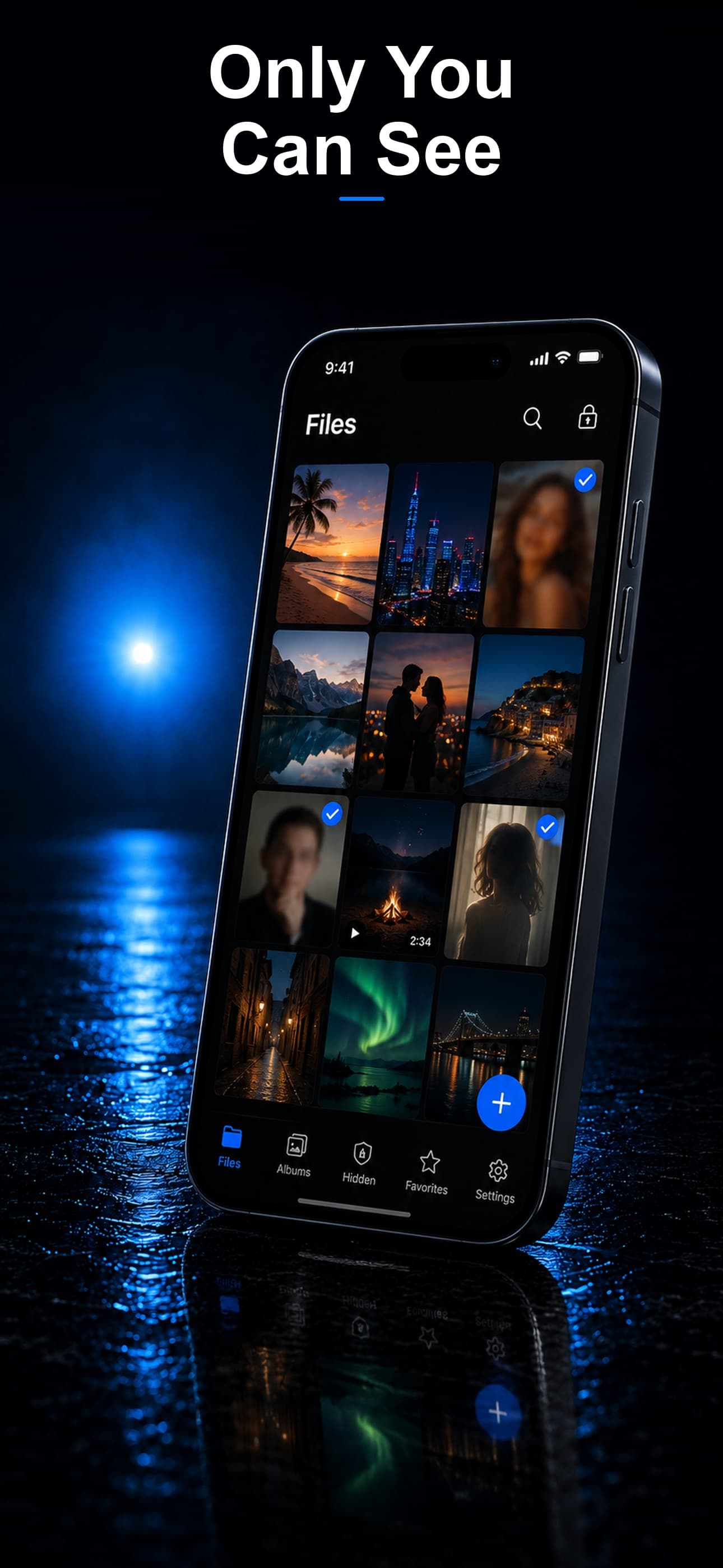
Stash disguises itself on your home screen as a calculator, fitness tracker, or music player, and everything inside is protected by AES-256 encryption with a passcode separate from your phone's lock screen. Someone scrolling through your apps sees an ordinary utility, not a vault.
Documenting Incidents Without Detection
Photograph injuries, damaged property, or threatening texts, then import them directly into Stash and delete the originals from your camera roll and Recently Deleted. The evidence exists only inside the encrypted vault from that point forward.
Using a Decoy Vault Under Pressure
If your abuser demands you unlock an app that "looks suspicious," a decoy vault opens with a separate passcode and shows only harmless, pre-selected content. Your real evidence stays completely hidden behind your actual passcode.
Knowing If Someone Tried to Get In
Stash's intruder detection silently photographs anyone who enters the wrong passcode and stores that image, encrypted, inside the vault. If your abuser attempts to snoop, you will have a record of exactly when it happened.
What to Do Before You Leave
Advocates recommend backing up evidence to a location your abuser cannot access at all — a trusted friend's device, a lawyer, or a domestic violence advocate — in addition to keeping it encrypted on your phone, in case your device is damaged, taken, or destroyed.
Download Stash from the App Store