Photos get most of the privacy attention, but notes, PDFs, and documents are just as exposed — and often more revealing. A journal entry, a legal document, a financial record, or a set of personal writings can say more about you than a photo ever could, and by default, the Notes and Files apps on iPhone sync everything to iCloud the same way Photos does.
Why Text-Based Files Are Just as Exposed
- iCloud sync by default: Notes and Files both sync automatically unless you've specifically disabled it in Settings, mirroring content to Apple's servers.
- Locked Notes isn't real encryption at rest for sync: Apple's "Lock Note" feature adds a password prompt, but locked notes still sync through iCloud and remain within the same legal reach as unlocked ones.
- Search indexing: Spotlight and Siri Suggestions can surface note content in ways users don't expect, even from notes intended to be private.
- Same subpoena exposure as photos: A warrant served on Apple for iCloud content typically covers the full range of synced data, not just images.
An Encrypted Container Built for Any File Type
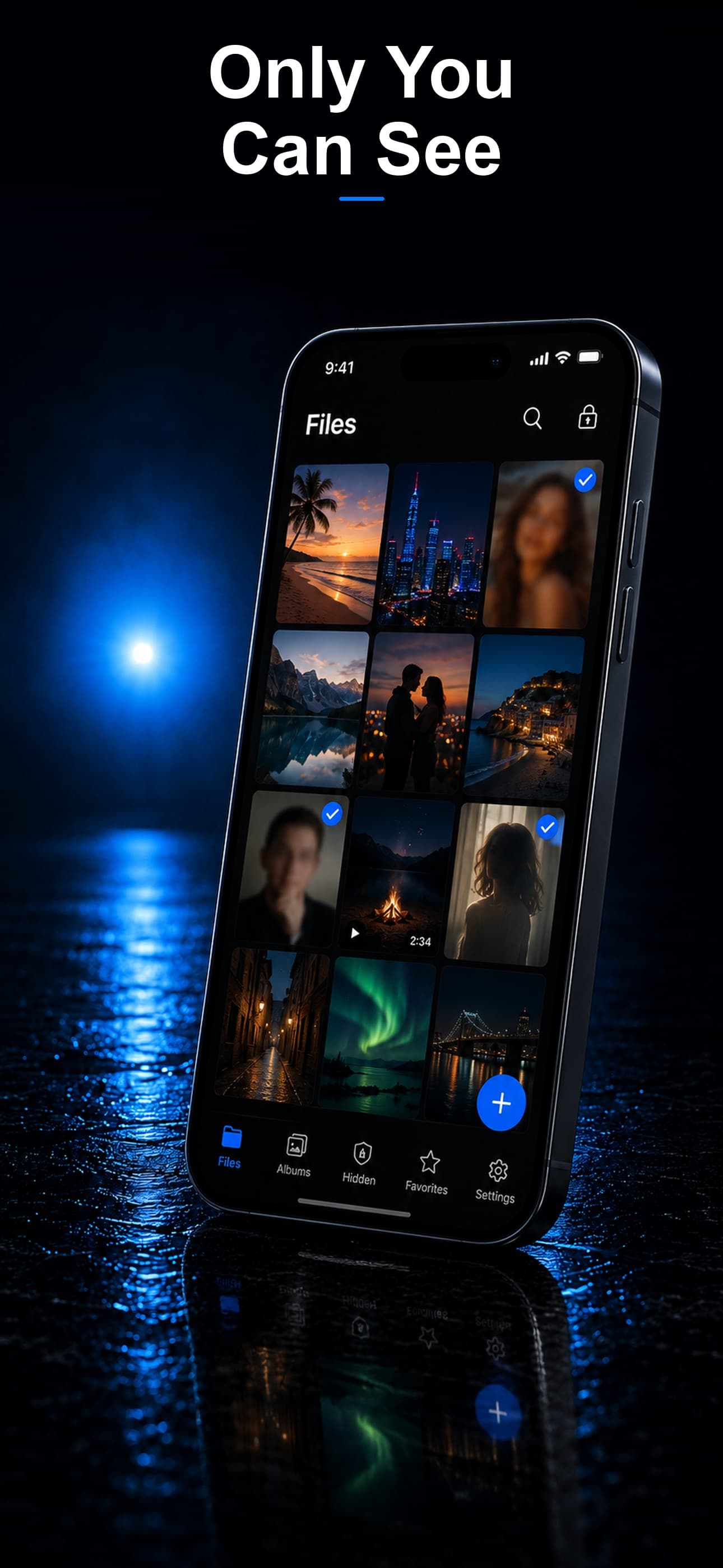
Stash isn't limited to photos and videos — it stores any file type, including PDFs, Word documents, spreadsheets, and plain text, all with AES-256 encryption and zero cloud sync.
Journaling and Personal Writing
Rather than using the default Notes app, sensitive journal entries can be written as text files and imported directly into Stash, keeping them off iCloud entirely from the moment they're created.
Legal, Medical, and Financial Documents
Documents that could be individually damaging if disclosed — legal filings, medical records, immigration paperwork — can be scanned or imported directly into the vault rather than stored in the default Files app, where iCloud Drive sync would otherwise mirror them externally.
A Private Space That Doesn't Look Like One
Because Stash disguises itself as a calculator, fitness tracker, or music player, the fact that you're storing documents at all isn't visible from your home screen, unlike a labeled "Secure Notes" or "Private Documents" app icon.
Download Stash from the App Store