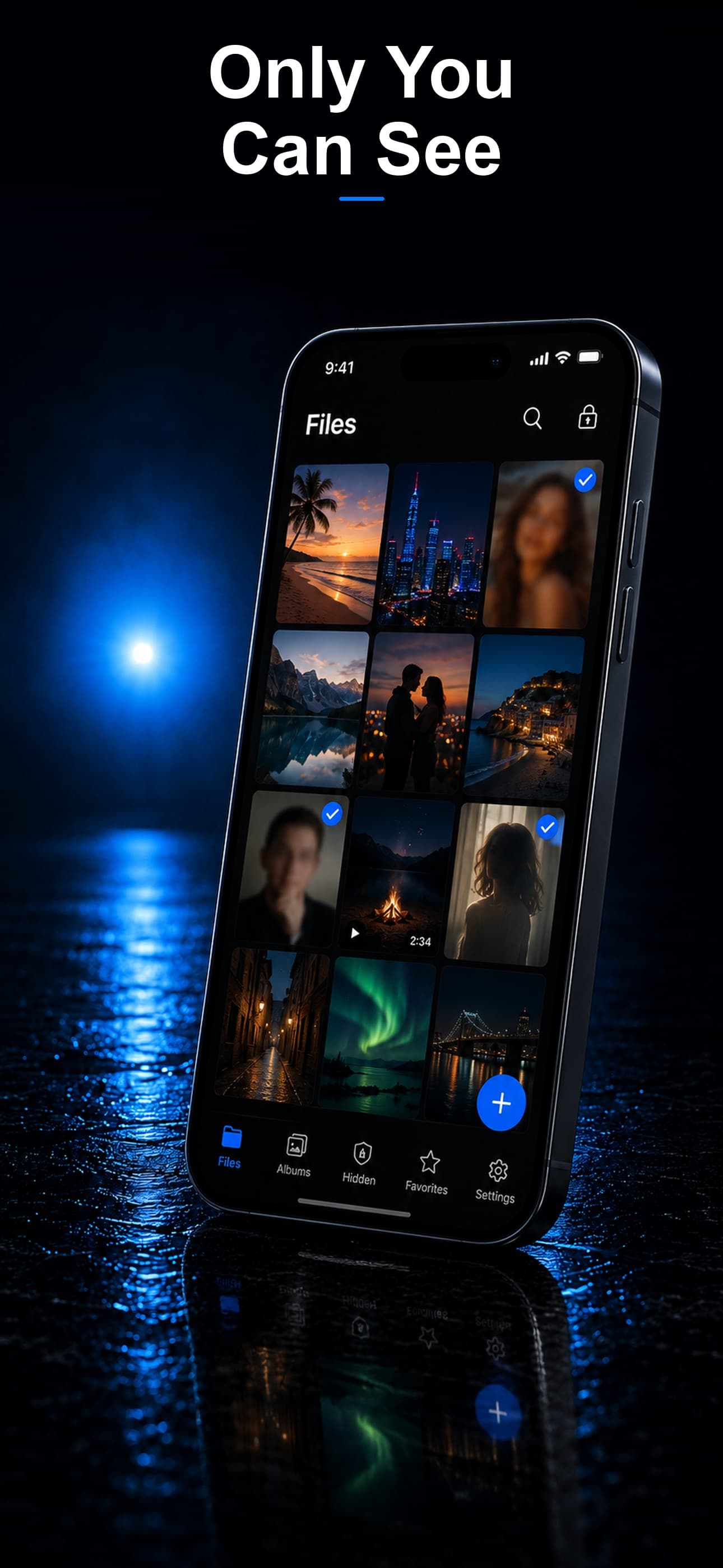
Most people assume the photos on their iPhone are theirs alone. In practice, if those photos are backed up to iCloud, they exist on Apple's servers, and Apple can be legally compelled to produce them. The Fourth Amendment protects you against unreasonable searches, but it does not protect data that is voluntarily stored with a third party — a legal principle known as the third-party doctrine, and it has been used for decades to justify subpoenas for cloud-stored content.
You do not need to be doing anything wrong for this to matter. Government requests for cloud data have grown every year, and Apple's own transparency reports show tens of thousands of device and account requests annually in the United States alone.
Where Your Photos Are Actually Exposed
Understanding the exposure points is the first step to closing them:
- iCloud Photo Library: Every photo you take can sync to Apple's servers within seconds, unless you have disabled it.
- Apple's CSAM scanning debate: Apple proposed on-device scanning of photos in 2021, paused it after backlash, and continues to face pressure from governments to build detection systems into consumer devices — systems that privacy researchers warn could be repurposed for broader surveillance.
- Legal process: A subpoena, search warrant, or National Security Letter can compel Apple to turn over iCloud content, often with a gag order that prevents you from ever being notified.
- Device seizure: If your phone is physically taken, anything visible in the standard Photos app — including the "Hidden" album — is reachable with basic device passcodes or forensic tools like Cellebrite and GrayKey.
The Fix: Keep Photos Off Any System a Subpoena Can Reach
Stash stores your photos with AES-256 encryption entirely on your device. There is no cloud sync, no server, and no company in the middle that could be legally compelled to hand over your files — because there is nothing on any server to hand over. A subpoena addressed to a developer with zero-knowledge, zero-server architecture has nothing to produce.
Stash also disguises itself as a calculator, fitness tracker, or music player, so the vault does not visibly exist on your home screen in the first place.
Photos That Never Touch iCloud
Importing a photo into Stash keeps it inside the encrypted vault. It is never uploaded, synced, or backed up externally. Once you delete the original from your camera roll and empty Recently Deleted, the only copy that exists is the encrypted one on your device.
Protection If Your Phone Is Seized
Even in the worst case — your device is physically taken and unlocked — files inside Stash remain encrypted and are not visible through the standard Photos or Files apps. A decoy vault can also be opened with a separate passcode, showing only harmless content if you are pressured to unlock something.
Download Stash from the App Store