Search "how to hide photos on iPhone" and you'll find plenty of guides. Search for how to do the same thing with a video, a PDF, a voice memo, or a downloaded document, and the options thin out fast. Apple's built-in privacy tools are largely photo-specific, leaving everything else scattered across the Files app, Voice Memos, and Mail attachments with no protection at all.
Where Different File Types Actually Live on Your Phone
- Photos and videos: Live in the Photos app, with only a basic Hidden album offering minimal protection, tied to your device passcode.
- Documents and PDFs: Sit in the Files app or Mail attachments, completely unprotected beyond your device lock screen.
- Voice memos: Stored in the Voice Memos app with no privacy option at all beyond deleting them.
- Downloaded files: Land in the Files app's Downloads folder, visible to anyone who opens the Files app.
Each of these is protected, at best, by the same passcode that unlocks your entire phone — meaning there's no way to keep some content more private than the rest.
One Encrypted Vault for Every File Type
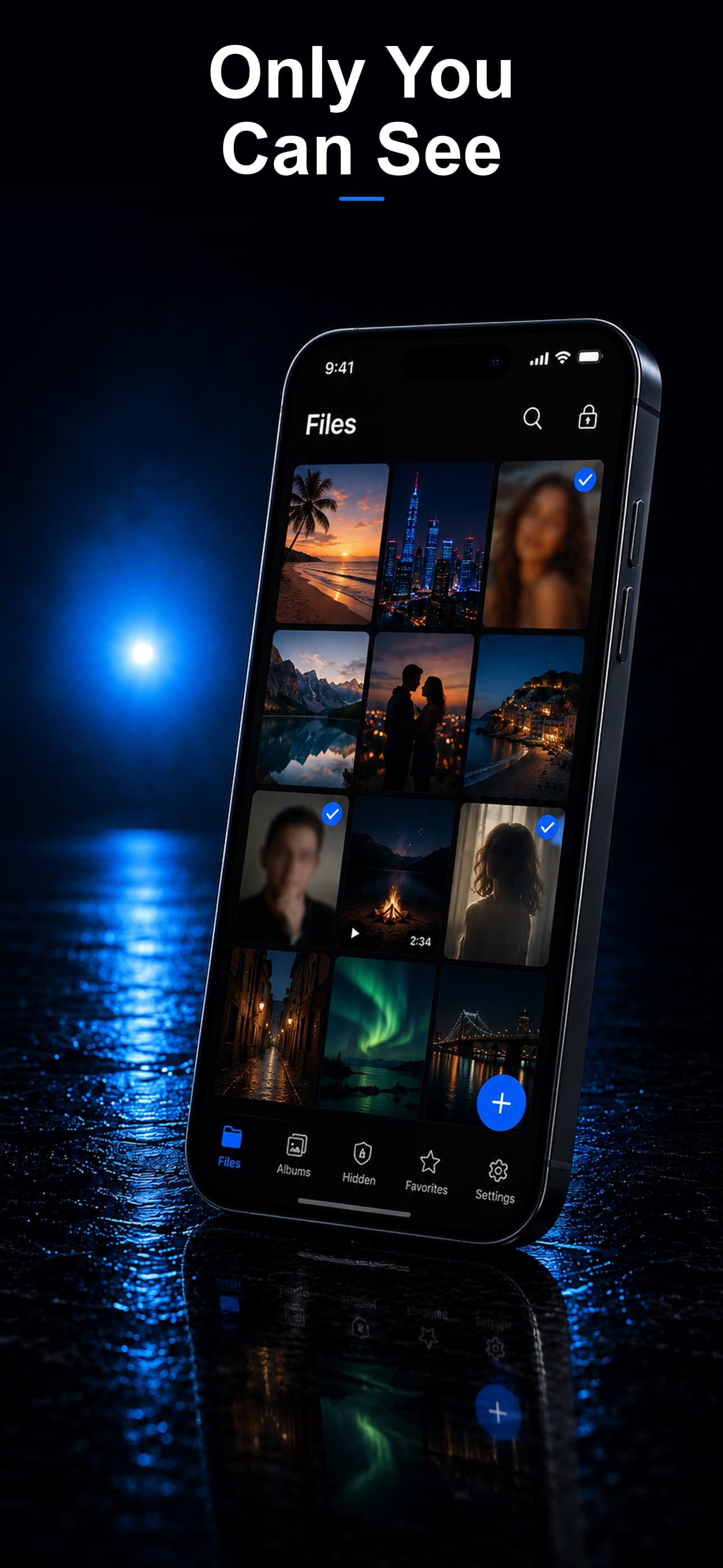
Stash supports photos, videos, PDFs, documents, audio recordings, and effectively any file type, all inside a single AES-256 encrypted vault, disguised as a calculator, fitness tracker, or music player.
Importing From Every Source
Stash can pull photos and videos directly from your camera roll, documents from the Files app, and other file types from wherever they're currently stored, consolidating everything that needs protection into one encrypted space instead of leaving it scattered across multiple unprotected apps.
Cleaning Up After Import
After confirming a file displays correctly inside Stash, delete the original from its source app — Camera Roll, Files, or Voice Memos — and empty Recently Deleted where applicable, so the only surviving copy is the encrypted one.
Why Consolidation Matters
Keeping every sensitive file type in one encrypted vault, rather than relying on a patchwork of app-specific hiding features, means there's a single passcode and a single security standard protecting everything, instead of the weakest link — usually your device's default lock screen — determining your actual privacy.
Download Stash from the App Store