The thought that someone might be watching your phone activity is unsettling, but it is not paranoia. Stalkerware, spyware, and monitoring tools are more accessible than ever, and they are designed to be invisible. Whether you suspect a controlling partner, a suspicious employer, or unauthorized surveillance, knowing the warning signs can help you detect monitoring and take steps to protect yourself.
Warning Signs Your Phone May Be Monitored
1. Unusual Battery Drain
Monitoring software runs continuously in the background, tracking your location, recording calls, capturing screenshots, and transmitting data. All of this activity consumes power. If your battery life has suddenly and significantly decreased without a change in your usage habits, it could indicate background processes that should not be there.
To check, go to Settings, then Battery, and review which apps are consuming the most power. Look for apps you do not recognize or unusually high background activity from apps that should not need it.
2. Increased Data Usage
Spyware needs to send the collected data somewhere. This means uploading screenshots, call logs, messages, location data, and sometimes even audio recordings to a remote server. This creates noticeable spikes in cellular data usage.
Check your data usage in Settings, then Cellular. Scroll through the list of apps and look for anything unfamiliar or apps using disproportionate amounts of data. Some spyware disguises itself under generic names like "System Service" or uses names that mimic legitimate iOS processes.
3. Phone Overheating
A phone that feels warm even when you are not actively using it may be running resource-intensive background tasks. While occasional warmth is normal (during charging or heavy use), consistent overheating during idle periods is a red flag.
4. Unexpected Restarts or Behavior
If your phone restarts on its own, the screen lights up without a notification, or apps open and close without your input, something may be controlling or interacting with your device remotely. Some monitoring tools require periodic restarts to apply updates or refresh their data collection.
5. Strange Sounds During Calls
While modern digital networks rarely produce interference, some monitoring tools that intercept calls can introduce faint clicking, static, or echo effects. If you consistently hear unusual sounds during calls, it is worth investigating, though this is less common with current spyware.
6. Unfamiliar Apps or Configuration Profiles
Check your installed apps carefully. Spyware on iPhones often requires a configuration profile to be installed. Go to Settings, then General, then VPN and Device Management. If you see configuration profiles you did not install, especially ones with unfamiliar names, this is a strong indicator of monitoring software.
Types of Monitoring Software
Stalkerware
Stalkerware is commercial spyware marketed for "parental monitoring" or "employee tracking" but frequently used by abusive partners. Products like mSpy, FlexiSpy, and Cocospy can track location, read messages, monitor social media, record calls, and capture photos. They are designed to be invisible and often require brief physical access to install.
MDM (Mobile Device Management) Profiles
Employers can install MDM profiles on company-issued devices. These profiles can monitor app usage, enforce policies, track location, and even remotely wipe the device. If you see an MDM profile on a personal device, someone has been managing your phone without your full understanding of its scope.
iCloud Account Access
If someone knows your Apple ID credentials, they can monitor your location via Find My, read your iMessages via iCloud sync, view your photos, and access your browsing history. This does not require any software installation on your device, making it particularly hard to detect.
How to Check Your iPhone
- Review configuration profiles: Settings, General, VPN and Device Management. Remove any profiles you did not authorize.
- Check for jailbreaking: Look for apps like Cydia or Sileo. If your device is jailbroken and you did not do it, someone may have installed monitoring software that requires jailbreak access.
- Update iOS: Keep your iPhone on the latest iOS version. Updates patch security vulnerabilities that spyware exploits.
- Review Apple ID access: Go to Settings, tap your name, and check the list of devices. Remove any you do not recognize.
- Check location sharing: Go to Settings, Privacy and Security, Location Services, and review which apps have access. Also check Find My to see if your location is being shared with anyone.
- Change your Apple ID password if you suspect unauthorized access, and enable two-factor authentication if it is not already on.
Protecting Your Sensitive Files
Even if you identify and remove monitoring software, you cannot always be sure your device is completely clean. For your most sensitive files, the best protection is encryption that works regardless of what else is running on your phone.
An encrypted vault protects your files even in a worst-case scenario. If monitoring software captures screenshots of your phone, it will see a calculator app. If it accesses your file system, it finds encrypted data that is unreadable without your personal passcode. This is defense in depth: even if one layer of security fails, encryption ensures your private content remains private.
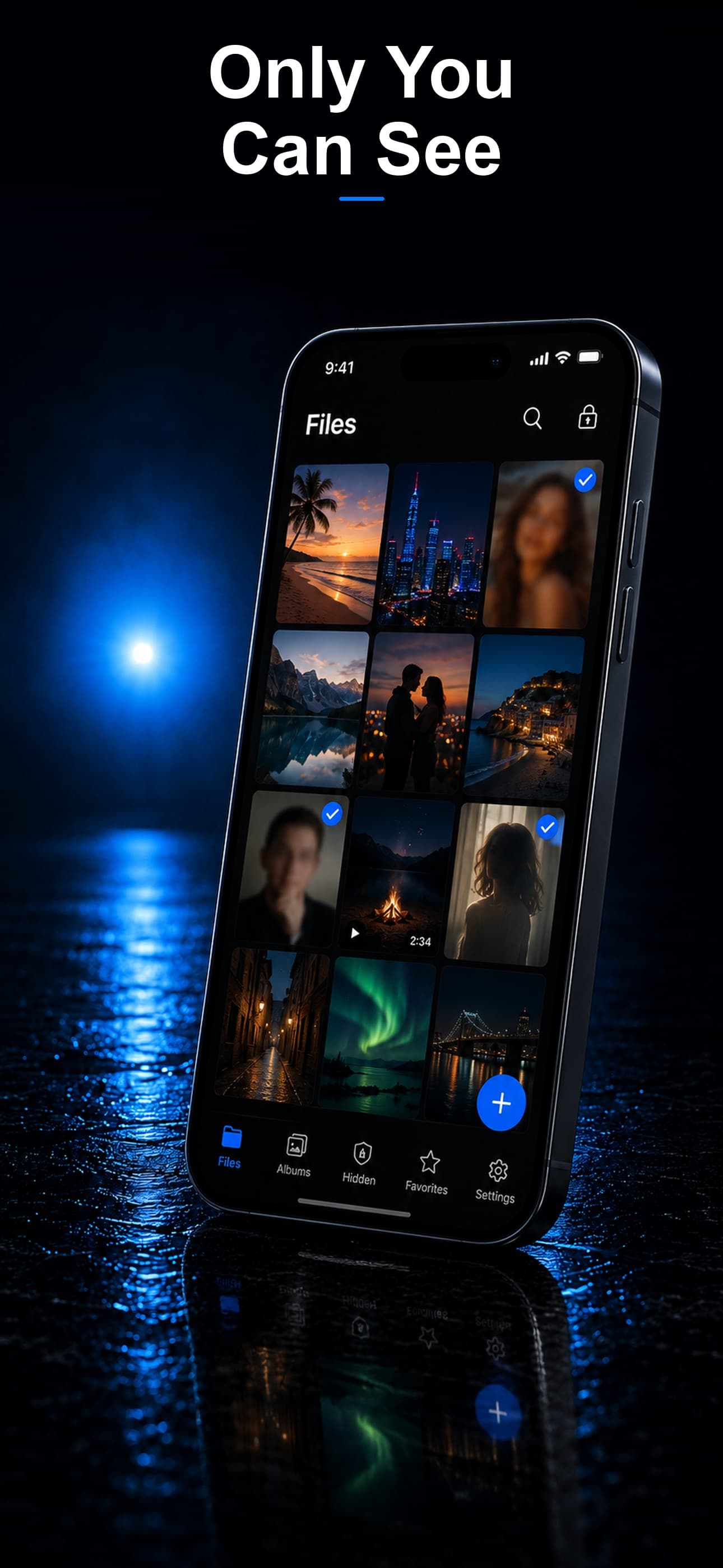
Stash encrypts every file with AES-256, disguises itself as an ordinary calculator, and stores everything on-device. Even if someone is monitoring your phone, they see nothing but a calculator app and encrypted files they cannot read. Download Stash from the App Store and add an unbreakable layer of protection to your most sensitive files.