Apple added Face ID and Touch ID locking to the Hidden album starting with iOS 16, and many people understandably assumed that made it a real privacy feature. It is a modest improvement over previous versions, but "requires authentication" is a much lower bar than "encrypted separately from the rest of your phone" — and the gap between those two things matters more than most users realize.
What the Hidden Album Actually Protects Against
- Casual scrolling: It stops someone flipping through your Photos app from stumbling onto hidden images by accident.
- That's essentially it. Anyone who knows your device passcode — a partner, a parent, a roommate — can access it with the exact same code that unlocks your entire phone.
The Specific Weaknesses
- Shared device passcode: There is no separate password option. If your lock screen code is compromised or known to someone else, the Hidden album offers zero additional protection.
- iCloud Photos sync: If iCloud Photos is enabled, hidden photos are backed up to Apple's servers just like everything else in your library, meaning the content exists outside your device.
- Visible in Settings and Albums: The album's existence is discoverable — someone who knows to look under Albums, then Utilities, then Hidden, can see there's a hidden collection, even if they can't open it.
- No app disguise: There's no way to make it look like the feature doesn't exist at all; the option is baked into every iPhone's Photos app.
- No decoy, no intruder detection: If someone is pressured or curious enough to guess your passcode, there's no fallback content to show them and no record of the attempt.
What Actual Separation Looks Like
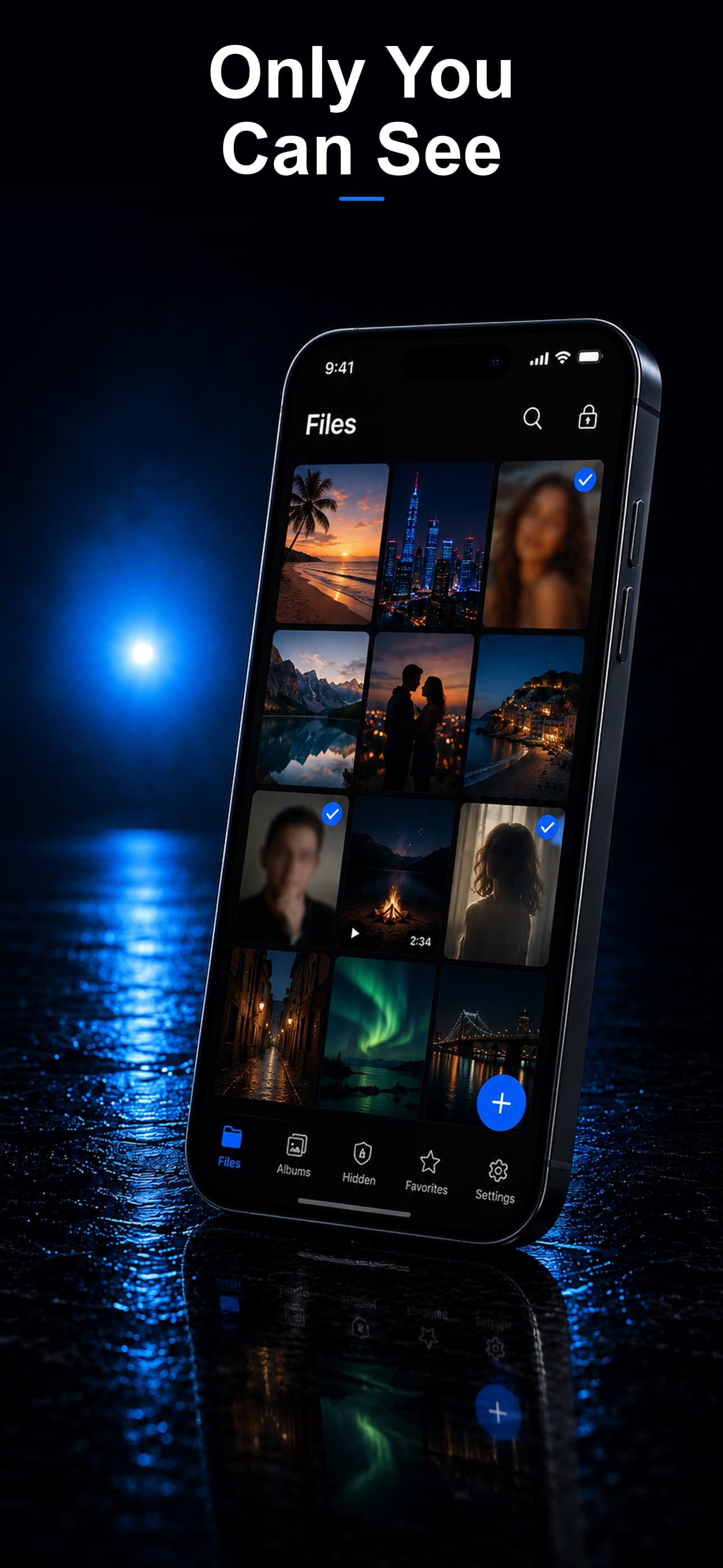
Stash addresses each of these gaps directly. Files are protected with AES-256 encryption and a passcode completely independent of your device lock screen, so someone knowing your iPhone passcode gains nothing. There is no cloud sync, so nothing is mirrored to iCloud. And the app itself is disguised as a calculator, fitness tracker, or music player, so its existence isn't advertised anywhere on your home screen.
Migrating Off the Hidden Album
Temporarily unhide the photos you want to protect, import them into Stash, confirm they appear correctly inside the vault, then delete the originals from your camera roll and empty Recently Deleted so no unencrypted copy remains.
Download Stash from the App Store