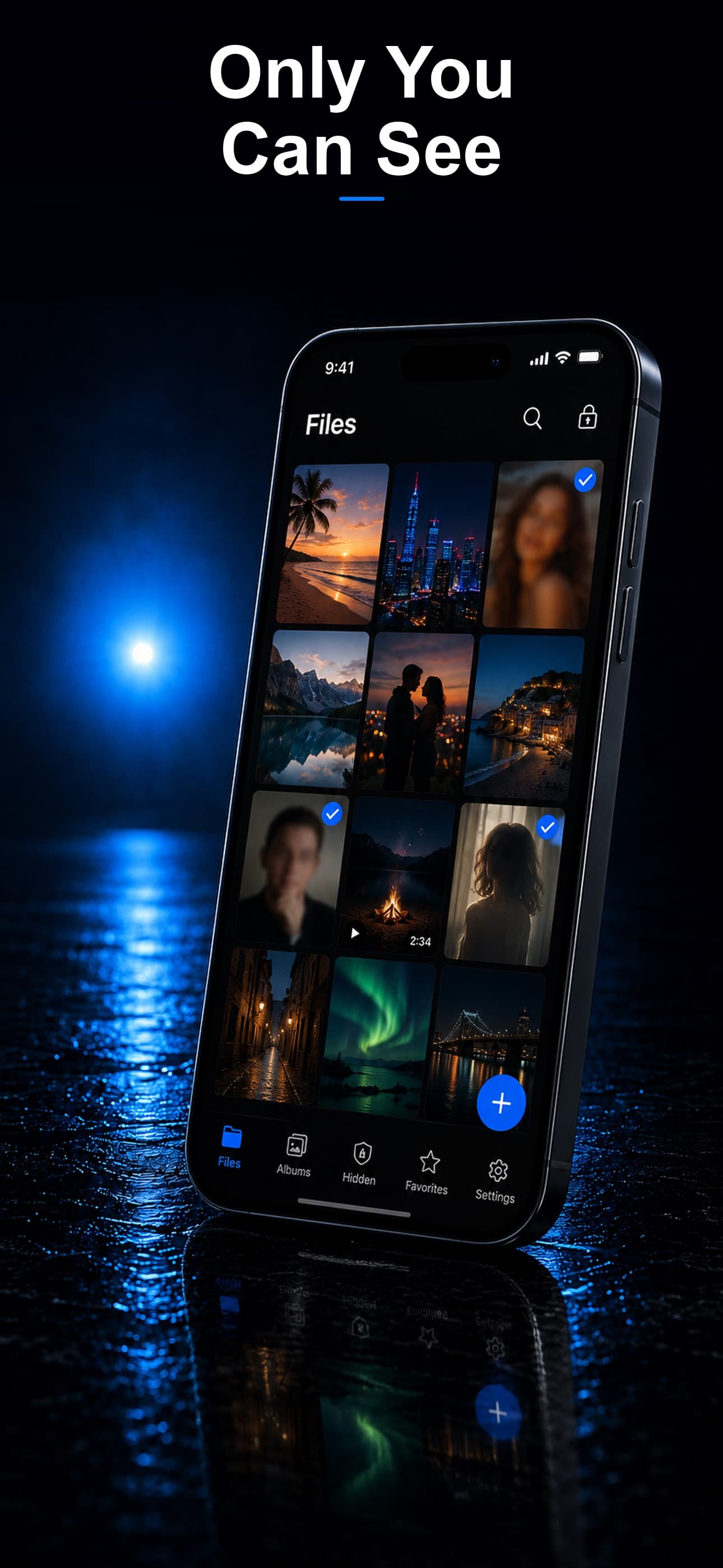
Keepsafe is one of the most downloaded photo vault apps in the world, with millions of users and years of brand recognition. But popularity does not always equal privacy. When you dig into how Keepsafe actually handles your files versus how Stash: Secret File Vault handles them, the differences are significant. This comparison looks at both apps from a privacy-first perspective to help you make an informed choice.
The Fundamental Difference: Where Your Files Live
This is the single most important distinction between the two apps, and it shapes everything else in this comparison.
- Keepsafe: Your photos and videos can be synced to Keepsafe's cloud. According to their privacy policy, files may be stored on their infrastructure. They use encryption on their servers, but because the service manages the keys, the data is not zero-knowledge.
- Stash: Your files never leave your device. Everything is encrypted and stored locally using AES-256 encryption. There is no cloud component, no server, and no third party that has access to your data at any point.
This distinction matters more than any individual feature. When your files are stored on someone else's server, you are trusting that company's security practices, their employee access policies, their legal compliance, and their resistance to data breaches. When your files are on your device only, that trust chain disappears entirely.
Encryption Comparison
Keepsafe's Encryption
Keepsafe uses encryption for files stored on its servers. However, because the cloud service manages the data, the encryption is not zero-knowledge — meaning the service could potentially access files if required. As with any cloud-based vault, this also means that legal requests could compel the provider to produce user data.
Stash's Encryption
Stash also uses AES-256 encryption, but with a critical difference: the encryption and decryption happen entirely on your device, and the keys are derived from your passcode. Stash does not have a server to store your files on, and the developer cannot access your data even if they wanted to. There is nothing to subpoena, nothing to breach, and nothing to hand over.
Feature Comparison
Disguise Modes
Keepsafe offers alternate app icons (such as Keyway, Castle, and Deco variants) that replace the default icon on your home screen. These icon disguises help avoid the recognizable "Keepsafe" branding. However, the disguise is limited to the icon itself — once you open the app, the interface is clearly a vault. Anyone who taps the icon will immediately see a photo-vault interface.
Stash takes disguise significantly further with three full interface modes: calculator, fitness tracker, and music player. The app icon changes to match the selected disguise, and the app actually functions as that utility when opened. The calculator performs real math, the fitness tracker displays workout data, and the music player looks and feels like a real audio app. Only the correct passcode reveals the vault. This means even someone who opens the app sees nothing suspicious.
Decoy Vault
Keepsafe offers a "fake PIN" feature in its premium tier that opens a secondary set of albums. This provides basic plausible deniability but is limited in its customization options.
Stash includes a full decoy vault with its own separate storage space. You can populate it with whatever content you choose, and it is visually indistinguishable from the real vault.
Intruder Detection
Both apps offer intruder detection in their premium tiers. Keepsafe's "break-in report" may involve server-side processing. Stash captures intruder selfies and encrypts them entirely on-device inside your local vault, meaning the snooper cannot find or delete the evidence and no third party ever sees the photos.
File Type Support
Keepsafe is primarily a photo and video vault. It added limited document support later, but it is not a core strength.
Stash supports any file type: photos, videos, PDFs, documents, spreadsheets, audio files, archives, and anything else. It functions as a complete encrypted file manager, not just a photo vault.
Private Browser
Keepsafe does not include a built-in private browser.
Stash includes a private browser that leaves no history, no cookies, and no cached data. Browsing activity stays within the encrypted vault environment.
Privacy Policy Analysis
According to Keepsafe's privacy policy, the service collects device information and usage analytics, and files may be transmitted to and stored on their servers. They state that data may be shared with third-party service providers. While this is standard for cloud-based services, it means your private files exist within a broader data infrastructure beyond your direct control.
Stash's privacy policy is straightforward: no data collection, no analytics, no third-party sharing. Since the app does not communicate with any server, there is no data flow to disclose. Your files exist only on your device.
Pricing
- Keepsafe: Free tier with ads and limited storage. Premium subscription ranges from approximately $9.99/month to $23.99/year depending on the plan and region.
- Stash: Offers a free tier with core functionality and a premium subscription for advanced features including multiple disguise modes, intruder detection, and unlimited storage.
Who Should Use Keepsafe?
Keepsafe may be suitable for users who prioritize cloud backup and do not mind their files being stored on a third party's servers. If your primary concern is not losing your photos when you switch devices, and privacy from the service provider is a secondary consideration, Keepsafe's cloud sync is a convenience advantage.
Who Should Use Stash?
Stash is built for users who consider privacy non-negotiable. If you want your files to exist only on your device, encrypted with keys that nobody else can access, and disguised behind an interface that does not advertise itself as a vault, Stash is the clear choice. It is also the better option for users who need to store documents, audio, and other file types beyond just photos.
The Bottom Line
Keepsafe is a popular app with a polished interface and cloud convenience. But "popular" and "private" are not the same thing. If genuine privacy is your priority, Stash's on-device, zero-knowledge approach is fundamentally more secure. Download Stash from the App Store and keep your files where they belong — on your device and under your control.