The 2014 Supreme Court decision Riley v. California established that police generally need a warrant to search the digital contents of a phone seized during an arrest — a landmark recognition that phones contain "the privacies of life" in a way a wallet or bag does not. But a warrant requirement is not the same as no search. Once a warrant is obtained, or in exigent circumstances where courts have allowed warrantless searches, the device can be forensically examined using tools like Cellebrite or GrayKey that extract data far beyond what's visible on the lock screen.
What Actually Happens After Seizure
- Immediate lockdown: Once in police custody, a phone is typically placed in a Faraday bag to prevent remote wipe and preserve evidence.
- Warrant application: Officers request a warrant specifically authorizing a device search, though timelines for this vary widely and devices are sometimes held for weeks.
- Forensic extraction: Specialized hardware can attempt to bypass lock screens and pull data directly from storage, including deleted files in some cases.
- What's typically recoverable: Anything visible in standard apps — Photos, Messages, Notes, Files — is the first target, along with app data that isn't independently encrypted.
The Layer That Survives Extraction
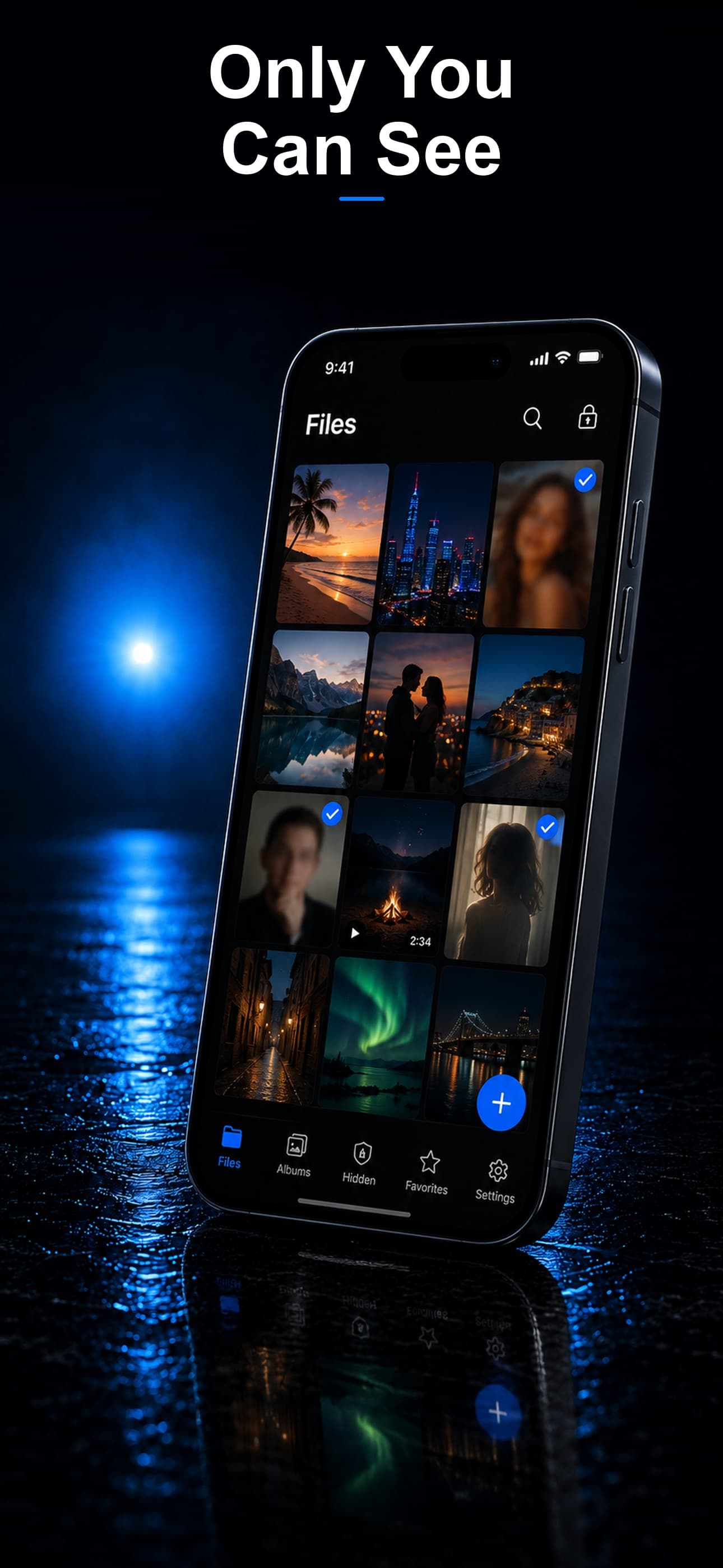
Forensic tools can often bypass a lock screen, but they cannot break properly implemented AES-256 encryption without the correct key. Stash encrypts every file with a key derived from its own separate passcode — distinct from your device passcode — so even a successfully unlocked phone does not expose vault contents.
Files That Never Appear in a Standard Extraction
Because Stash stores files in its own encrypted container rather than through the Photos or Files app, a forensic scan of your visible media libraries will not surface anything stored in the vault.
Disguise as a First Line of Defense
An officer manually reviewing app icons sees a calculator, fitness tracker, or music player — nothing that reads as a vault requiring further investigation, reducing the chance the app is even flagged for deeper extraction attempts.
A Decoy Vault for High-Pressure Moments
If you are asked directly to unlock a specific app, a separate decoy passcode opens a vault populated with only harmless content, keeping your real files inaccessible without lying about the app's existence.
Download Stash from the App Store