Trade secret litigation has grown steadily as companies increasingly rely on mobile devices for everything from Slack threads to internal product decks. Under the U.S. Defend Trade Secrets Act, a company can lose legal protection for confidential information if it fails to take "reasonable measures" to keep it secret — and an unencrypted screenshot sitting in a personal Photos app is a common way that argument gets made.
How Trade Secrets Leak From Personal Devices
- Photo roll sprawl: Screenshots of whiteboards, slide decks, and internal dashboards taken "just to remember later" often sit unprotected in Camera Roll indefinitely.
- Auto cloud backup: iCloud Photos and third-party backup apps can silently sync confidential screenshots to a personal cloud account outside company control.
- Lost or stolen devices: A phone left in a taxi or stolen from a bag can expose everything visible in the standard Photos and Files apps.
- Shared devices: Family members borrowing a personal phone can stumble onto sensitive material never meant to leave the building.
Building a Real Boundary Around Confidential Material
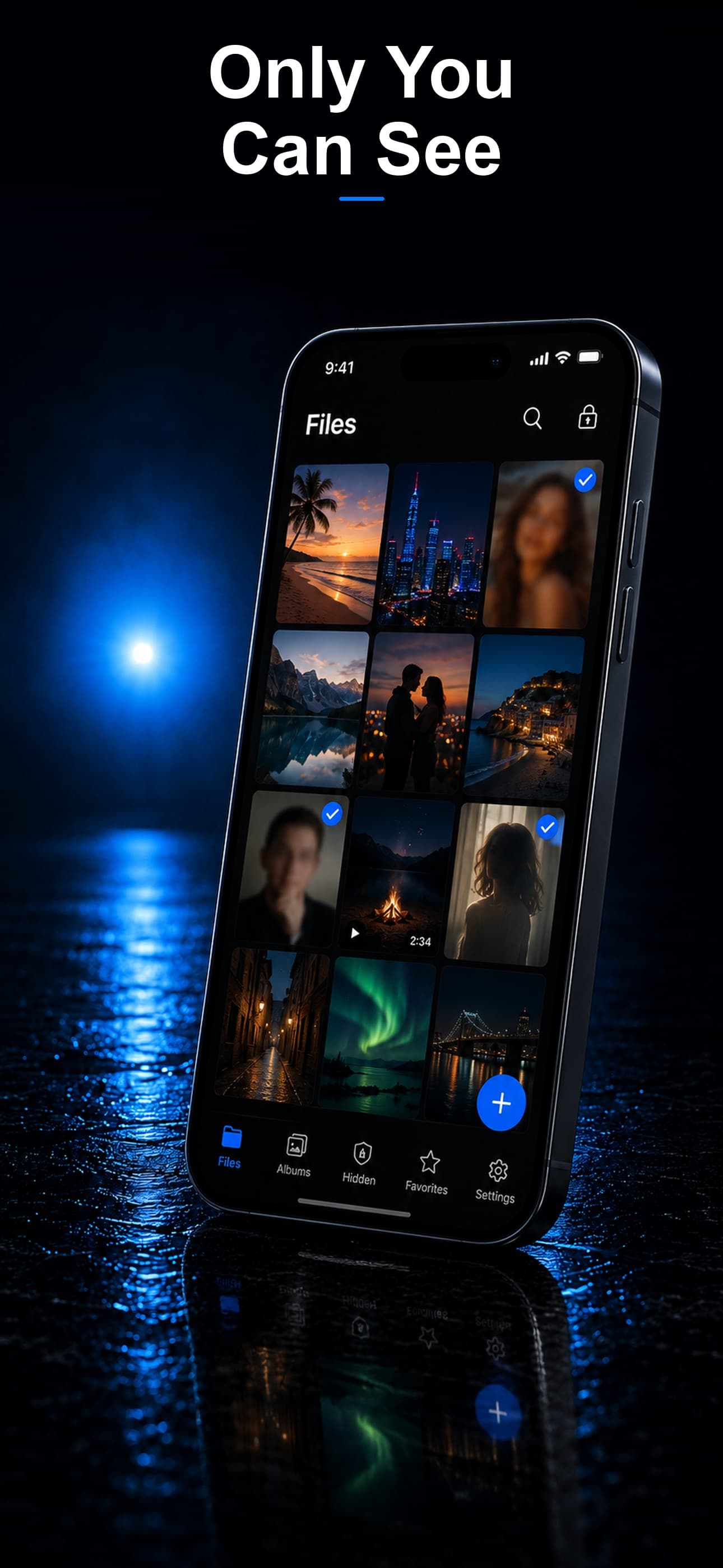
Stash lets you move sensitive screenshots, documents, and files into an AES-256 encrypted vault, entirely separate from your regular Photos and Files apps, with zero cloud sync to any server.
Isolating Work Material From Personal Photos
Rather than scrolling past confidential screenshots between vacation photos, importing them into Stash keeps sensitive material in a dedicated, encrypted space — and deleting the originals from Camera Roll removes them from any iCloud backup going forward.
Supporting Documents, Not Just Screenshots
Stash handles any file type, so PDFs of contracts, pricing sheets, and product specifications can be stored alongside screenshots rather than scattered across the Files app and Mail attachments.
Protecting Against Device Loss
If a device is lost or stolen, files inside Stash remain encrypted and inaccessible without the vault passcode — a materially different outcome than confidential material sitting unencrypted in the default Photos app.
A Note on Company Policy
Personal vault apps are a useful layer of protection, but they don't replace your employer's data handling policy or any NDA obligations you've signed. Check whether your company requires confidential material to stay on managed devices before storing it anywhere on a personal phone.
Download Stash from the App Store