Stalkerware is commercial monitoring software marketed for "parental control" or "employee monitoring" but frequently used by abusive partners and controlling family members to secretly surveil another adult's phone. Research from groups like the Coalition Against Stalkerware and the Electronic Frontier Foundation has documented its use in domestic abuse cases for years, and detections have continued to rise.
How Stalkerware Gets Onto an iPhone
- Physical access: Most iOS stalkerware requires the abuser to physically hold the device for a few minutes to install a configuration profile or enterprise app.
- Shared Apple ID: If your Apple ID and password are known to someone else, they can view your photos, messages, and location through Find My and iCloud without installing anything at all.
- Family Sharing settings: Location sharing and Screen Time restrictions set up during a relationship can persist long after trust has broken down.
- Malicious configuration profiles: These can redirect network traffic or grant remote visibility into device activity, often disguised as a system update.
Steps to Reduce Your Exposure
Go to Settings, then General, then VPN & Device Management, and check for any configuration profiles you don't recognize. Review Settings, then your name, then Find My, and confirm who can see your location. Change your Apple ID password and enable two-factor authentication if anyone else has ever known your credentials.
Protecting What Stalkerware Can't Reach
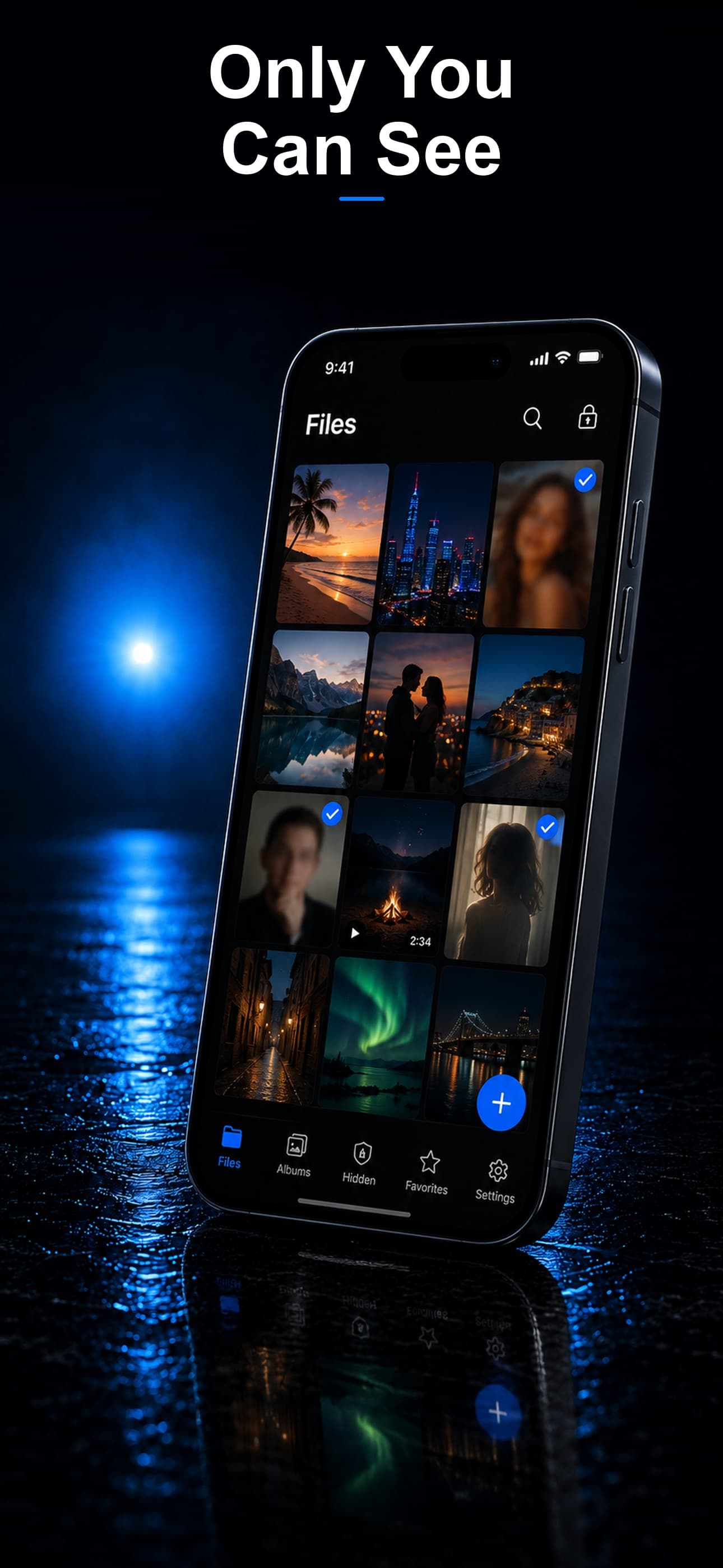
Even after removing monitoring software, the safest approach is keeping your most sensitive files somewhere stalkerware was never designed to look. Stash stores photos, documents, and messages screenshots inside an AES-256 encrypted vault disguised as a calculator, fitness tracker, or music player — separate from the Photos and Messages apps that stalkerware typically targets.
Why On-Device Encryption Matters Here
Stalkerware often works by reading data already on your device or mirroring your iCloud account. Because Stash never syncs to iCloud and stores files with their own encryption key derived from a separate passcode, content inside the vault is not visible to monitoring software scanning your Photos library, Messages, or standard file system.
A Passcode Stalkerware Doesn't Know
Use a vault passcode that is different from your device passcode, your Apple ID password, and anything an abuser may have seen you type before. If you believe someone already knows a passcode, change it immediately from a device they don't have access to.
If you suspect you are being monitored and are in danger, the National Domestic Violence Hotline (1-800-799-7233) has trained advocates who can help you assess your specific device situation safely.
Download Stash from the App Store