Count the tools you use in a typical debugging session. A JSON formatter to read an API response. A Base64 decoder for an auth header. A JWT inspector to check token claims. A URL decoder to untangle a redirect chain. A hash generator to verify a checksum. That is five browser tabs open, five websites that now have your data, and five context switches that pulled you away from the actual problem.
These are not complex tasks. Each one takes ten seconds of actual work. But the overhead of finding the right tool, switching to it, pasting input, and copying output adds up to minutes per session and hours per week. Worse, it fragments your attention at the exact moments when you need to hold a complex system in your head.
The Current Landscape
Developers have assembled personal toolkits from a mix of sources. Browser bookmarks to sites like jwt.io, regex101.com, and jsonformatter.org. Shell aliases and functions in .zshrc. VS Code extensions that add formatting or encoding. Homebrew packages like jq and htop. Each tool was added to solve one problem, and none of them talk to each other.
The result is a toolchain that technically works but has no coherence. You cannot predict where the next utility will live. You cannot chain operations without manually copying output from one tool and pasting it into another. And you cannot guarantee that any of the web-based tools are keeping your data private.
41 Tools in One Native macOS App
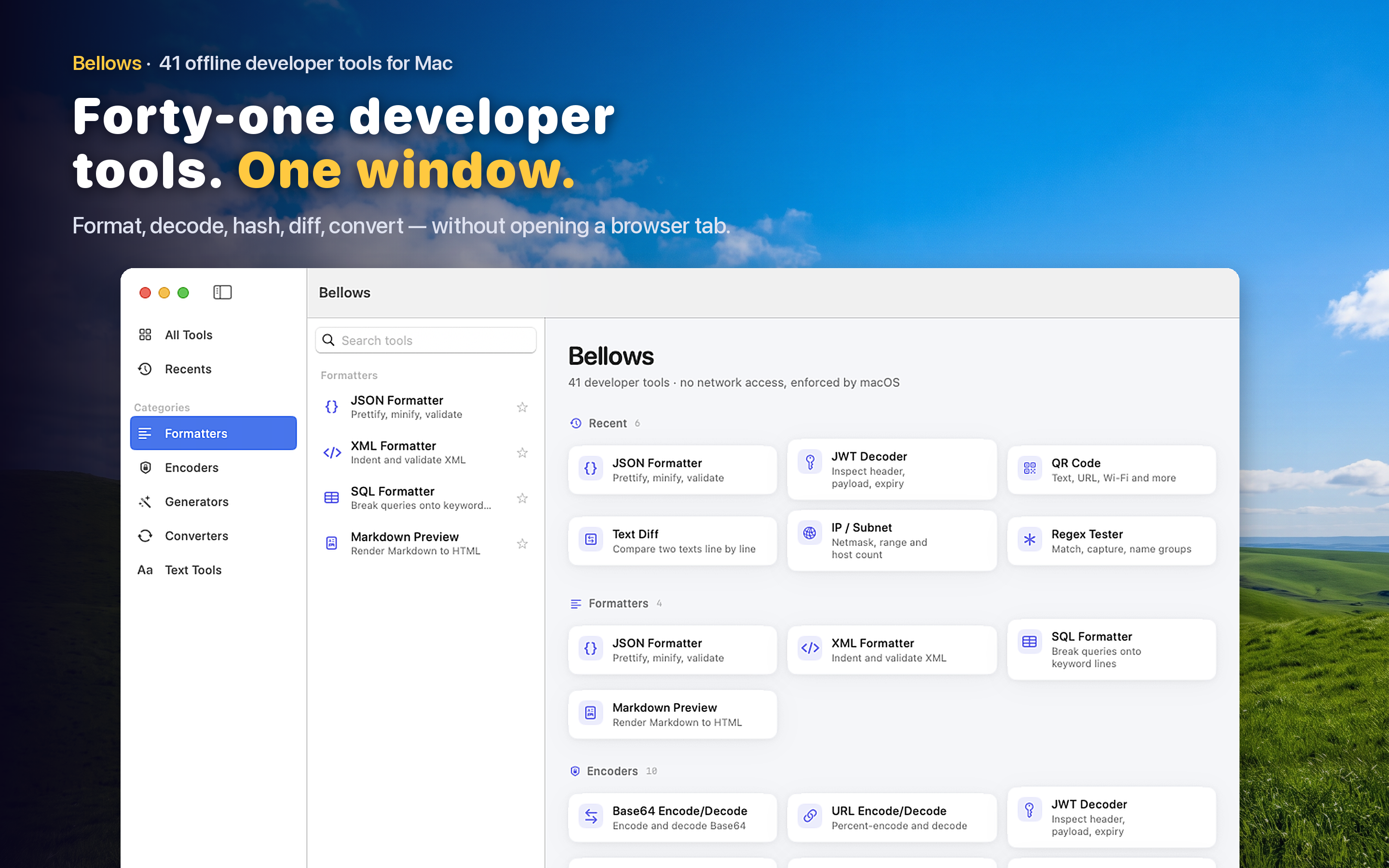
Bellows consolidates 41 developer tools into a single macOS application organized across five categories:
- Formatters — JSON, XML, SQL, HTML, and more. Paste messy input, get clean output.
- Encoders — Base64, URL encoding, HTML entities, JWT decoding. Encode and decode in both directions.
- Generators — UUIDs, hashes (MD5, SHA-256, SHA-512), Lorem Ipsum, passwords. Generate and copy in one step.
- Converters — Colors (hex/RGB/HSL), number bases, timestamps, units. Convert between formats without mental math.
- Text Tools — Regex tester, diff checker, case converter, line sorter, character counter. The text manipulation utilities you reach for daily.
Clipboard Detection
Copy something to your clipboard and open Bellows. The app analyzes the pasteboard content and suggests the most relevant tool. Copy a JWT and it offers the decoder. Copy JSON and it surfaces the formatter. Copy a Base64 string and it points to the encoder. This removes the step of choosing a tool — the app does it for you.
Menu Bar and Window Mode
Bellows runs as a menu bar app for quick, one-off operations: click the icon, use a tool, close it. For longer sessions — like testing a series of regex patterns or converting multiple color values — switch to windowed mode and keep it alongside your editor. Both modes use the same interface with a NavigationSplitView sidebar for browsing categories.
Fully Offline
Every tool runs locally on your Mac. No network requests, no accounts, no telemetry. This is not a philosophical stance — it is a practical requirement for developers who work with tokens, secrets, credentials, and proprietary data daily. Your input stays on your machine.
Recents Tracking
The tools you use most frequently surface at the top of the sidebar. Over time, Bellows adapts to your workflow so the tools you need are always within reach, not buried in a category you have to expand.