You are debugging why a piece of text on a webpage shows up as & instead of a plain ampersand. Or you are writing HTML by hand and need to escape a less-than sign so the browser does not interpret it as the start of a tag. Either way, you are dealing with HTML entities — the small set of characters that need special encoding to display correctly or to avoid breaking markup.
The common ones are easy to remember: & becomes &, < becomes <, > becomes >. But once you get into curly quotes, em dashes, non-breaking spaces, and accented characters, the entity names stop being intuitive and you end up searching for a reference table every time.
A Security Angle, Not Just a Formatting One
HTML entity encoding is not purely cosmetic. Failing to encode user-submitted content before rendering it in a webpage is a classic vector for cross-site scripting. If your application ever needs to display raw text — comments, usernames, form input — inside HTML, understanding exactly what gets encoded and how is part of writing secure code, not just clean-looking output.
Conversely, decoding is just as common a need: scraping a webpage, parsing an RSS feed, or reading an exported CMS document often leaves you with entity-encoded text that needs converting back to plain characters before you can use it anywhere else.
Encode and Decode in One Step
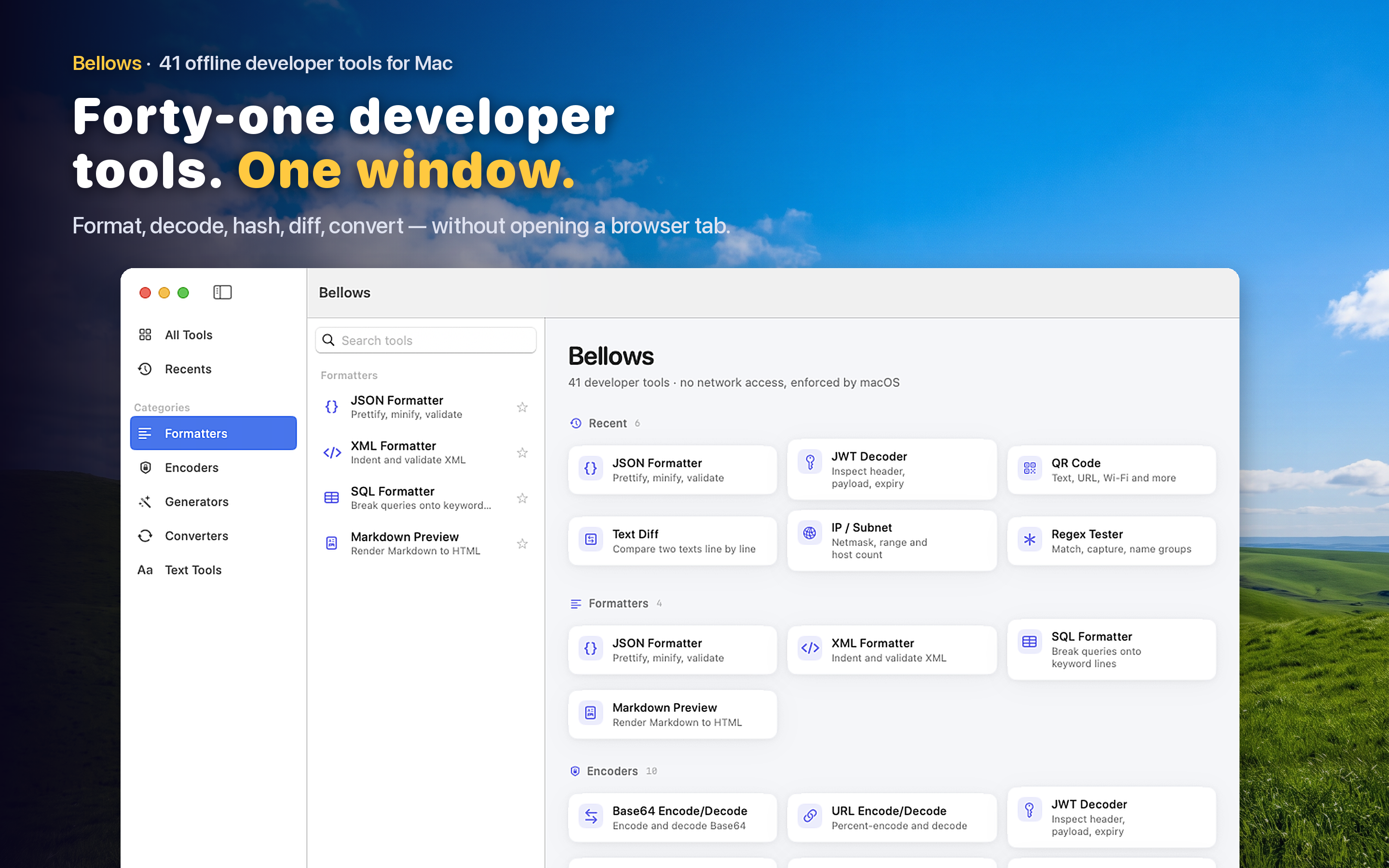
Bellows includes an HTML entity encoder and decoder among its 41 developer tools. Paste raw text to get properly escaped HTML entities, or paste encoded markup to see the readable text. Both directions happen instantly and entirely offline.
Cleaning Up Scraped Content
Text pulled from RSS feeds, exported blog posts, or scraped HTML frequently arrives full of entity codes where plain punctuation should be. Decoding it in bulk before storing or displaying it elsewhere avoids a page full of stray ’ where an apostrophe should be.
Writing Markup by Hand
When you are hand-editing an HTML template or an email newsletter and need to include a literal angle bracket or ampersand in the visible text, encoding it correctly the first time saves you from a rendering bug that only shows up after you have already sent the email.