Unix timestamps are perfect for machines and useless for humans. Every log aggregator, database record, and API response seems to store time as a raw integer counting seconds since January 1, 1970, and every developer has, at some point, tried to eyeball whether 1725580800 is recent or ancient.
The usual fallback is a quick Google search — "1725580800 to date" — which works but adds a browser round-trip for something that should be a two-second lookup. Or you write a one-liner in a language console: new Date(1725580800000) in a browser JS console, remembering to multiply by 1000 for milliseconds and hoping you did not mix up seconds and milliseconds in the first place.
Seconds vs. Milliseconds: The Classic Trap
Unix time is typically seconds, but JavaScript's Date object expects milliseconds, and some APIs (particularly those built on JavaScript) return millisecond timestamps by default. Mixing these up gives you a date that is either wildly in the future or stuck near the epoch in 1970 — a mistake every developer has made at least once while debugging a "why does this date look wrong" issue.
Time zones add another layer. A timestamp converts to a specific instant, but displaying it in your local time versus UTC versus the server's time zone can make the same value look like three completely different times, which matters a lot when you are trying to correlate an error with a deploy.
Convert Both Directions Instantly
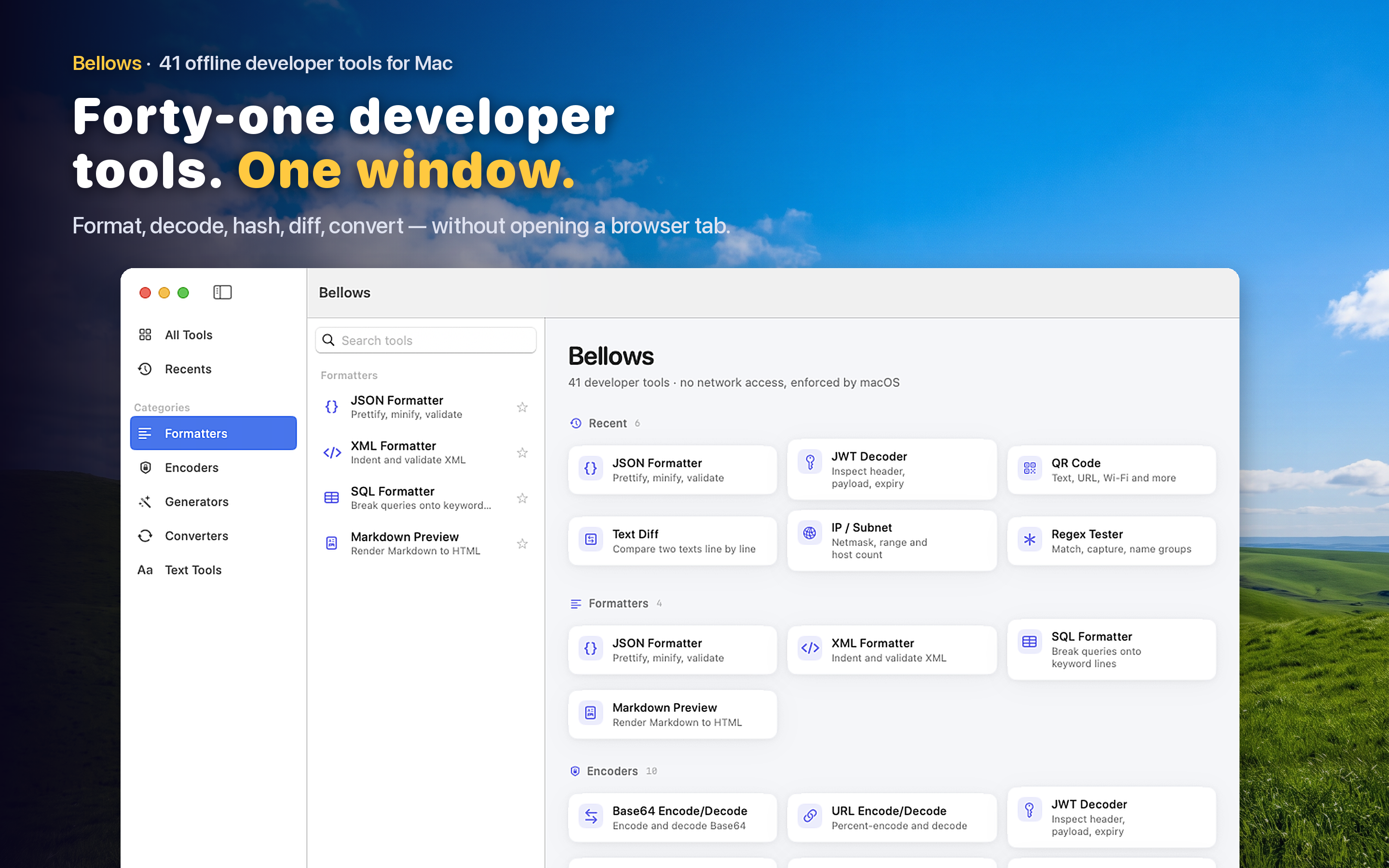
Bellows includes a timestamp converter that turns a Unix timestamp into a readable date and time, and converts a date back into a timestamp — both directions, no math required. It handles the seconds-versus-milliseconds ambiguity so you do not have to guess.
Debugging Logs and Databases
Log aggregators, database rows, and API payloads store time as raw numbers far more often than as readable strings. Converting a handful of timestamps while tracing an incident is a small task that happens dozens of times during any serious debugging session.
Scheduling and Expiry Logic
Cache expiry, token expiration, and scheduled job timestamps are all Unix time under the hood. Quickly checking what a given expiry value actually corresponds to in wall-clock time helps you verify that your TTL logic is doing what you think it is.