Docker Desktop on macOS runs containers inside a lightweight virtual machine, and that VM stores everything — images, containers, volumes, build cache — in a single large file, typically Docker.raw or a qcow2 disk image. This file can grow to 40, 60, even 100+ GB over months of active use, and it rarely shrinks back down on its own even after you delete images and containers inside Docker.
Why the Docker disk file keeps growing
- Layer caching — every image build leaves intermediate layers cached for faster rebuilds
- Unused images — pulled images for projects you finished months ago rarely get manually removed
- Dangling volumes — data volumes from removed containers can persist indefinitely
- Build cache —
docker buildcache accumulates with every iteration during development - Sparse file behavior — the virtual disk file can grow but doesn't automatically shrink when you free space inside it
You can run docker system prune -a to clean up unused images and cache, but that only helps if you know Docker is the actual culprit. On a Mac with several dev tools competing for disk space, it's easy to overlook.
Confirming Docker is the space hog
Canopy scans your entire drive and shows Docker's virtual disk file as a single large, clearly sized block in the treemap — usually located under ~/Library/Containers/com.docker.docker/. If it's the biggest thing on your Mac, you'll see it immediately rather than suspecting it based on gut feeling.
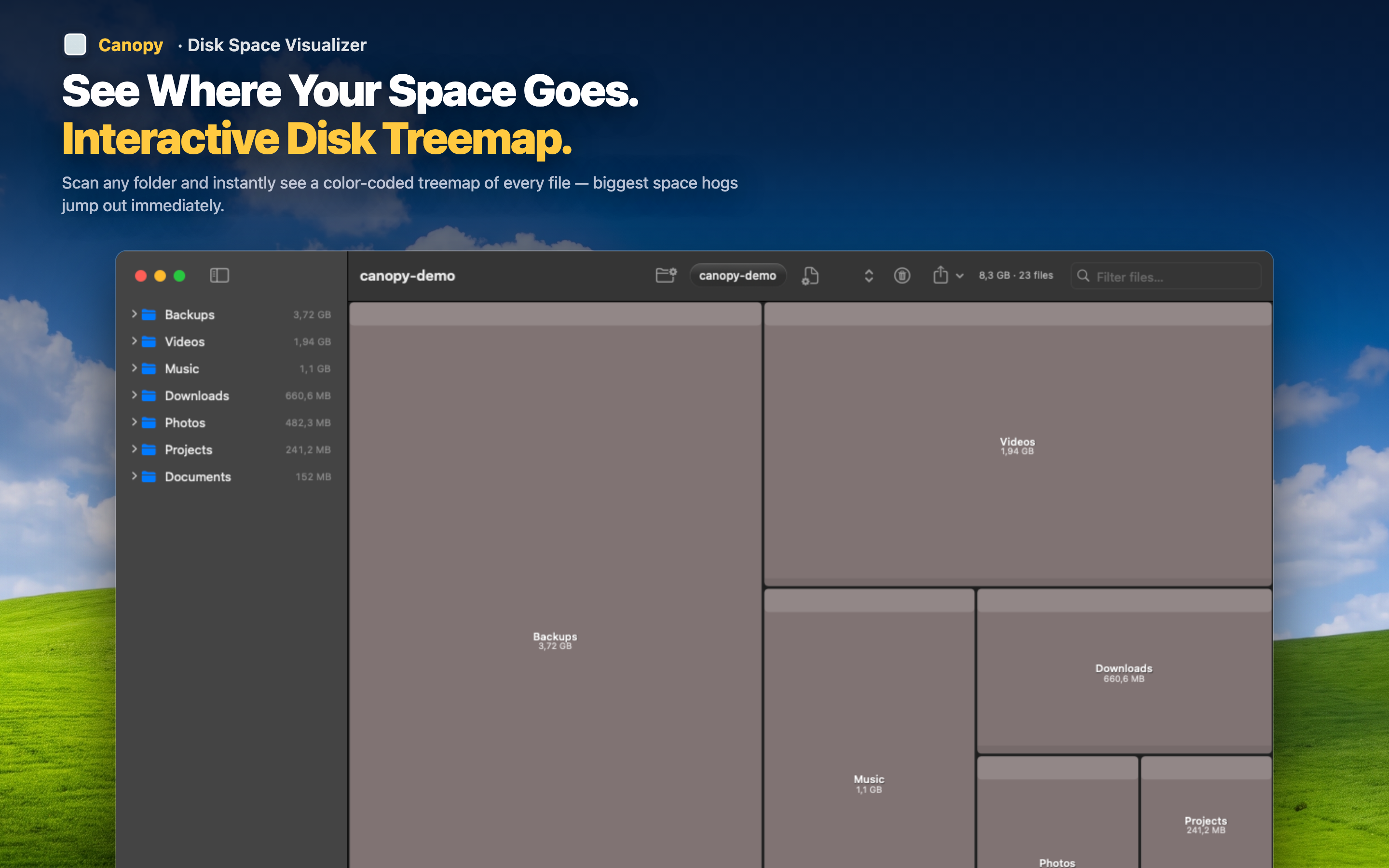
Confirm before you clean
Once you can see exactly how large the Docker.raw file is relative to everything else on your drive, you know whether running docker system prune or lowering Docker Desktop's disk size limit in Settings is worth doing.
Check the rest of your dev tools too
While you're at it, the same treemap will show whether Xcode, npm caches, or old VMs are also contributing — useful context before you commit to cleaning any single tool.
Verify the reclaim worked
After running Docker's cleanup commands or compacting the virtual disk, rescan with Canopy to confirm the file actually shrank and the space came back.