Apple introduced Stacks as the answer to messy Mac desktops — automatically grouping files by kind, date, or tag into tidy little piles along the edge of your screen. It helps with organization, but if your actual goal is a clean-looking desktop for a screen share, recording, or presentation, Stacks doesn't get you there. You still see a row of icons. They're just labeled "Documents," "Images," and "PDFs" instead of scattered individually.
Stacks solve a different problem than clutter visibility
Stacks are genuinely useful for finding files faster — instead of scanning fifty individual icons, you scan a handful of category piles. But visually, your desktop still isn't clean. Anyone looking at your screen sees stacks of icons, each one still hinting at what's inside through its top file or folder name. It's organized clutter, not hidden clutter.
There's also a usability tradeoff: once files are stacked, quickly grabbing a specific one requires clicking into the stack and scrolling or expanding it, which is slower than when it sat as its own icon. Some people find Stacks more annoying to use day-to-day, even if the desktop looks marginally tidier.
When you need actually clean, not just organized
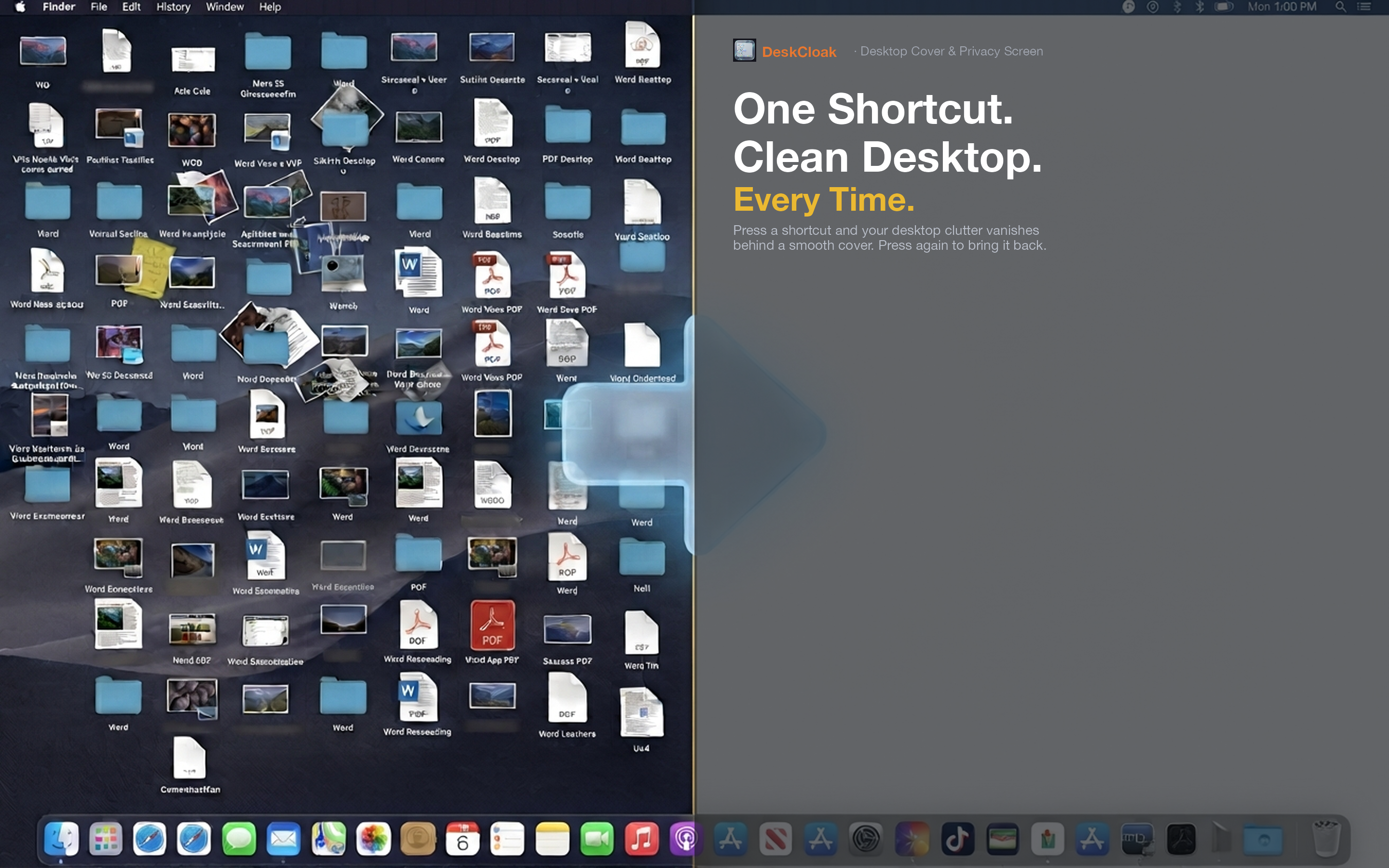
For situations where visual cleanliness matters — screen sharing, recording, presenting — DeskCloak covers the entire desktop surface, Stacks and all. Instead of grouping icons into piles, it places an overlay above everything, so there's nothing on screen at all except your chosen background.
Use both together
Stacks and DeskCloak aren't competing tools — they solve different problems. Keep Stacks on for day-to-day file organization and faster searching. Toggle DeskCloak on top whenever you need the desktop to look completely clean for an audience, whether that's a client call or a recorded tutorial.
No reorganizing required
Because DeskCloak just covers the desktop rather than rearranging files, your Stacks configuration stays exactly as you set it up. Toggle the overlay off and everything — piles, groupings, and all — is back to normal instantly.
One click beats one setting
Stacks require you to visit System Settings or right-click the desktop to change grouping options. DeskCloak is a single hotkey press, which matters when you need a clean desktop right now, not after adjusting a setting.