GIF is a strange survivor of a format — designed in 1987 for simple graphics, it's now the de facto standard for short looping clips shared across the web, despite being spectacularly inefficient at the job. A GIF encodes every frame with a limited 256-color palette and no real inter-frame compression, which means a five-second clip that would be a few hundred kilobytes as MP4 can easily be tens of megabytes as GIF, with visibly worse color quality to boot.
Why Convert Away From GIF at All
If a GIF is just going into a chat message, its inefficiency mostly doesn't matter. But the moment it needs to go on a website, into a video editor, or anywhere file size or quality matters, MP4 is strictly better for the same content: smaller file, full color range, and it plays as an actual video element rather than an animated image, which most platforms handle more efficiently.
Converting GIF to MP4
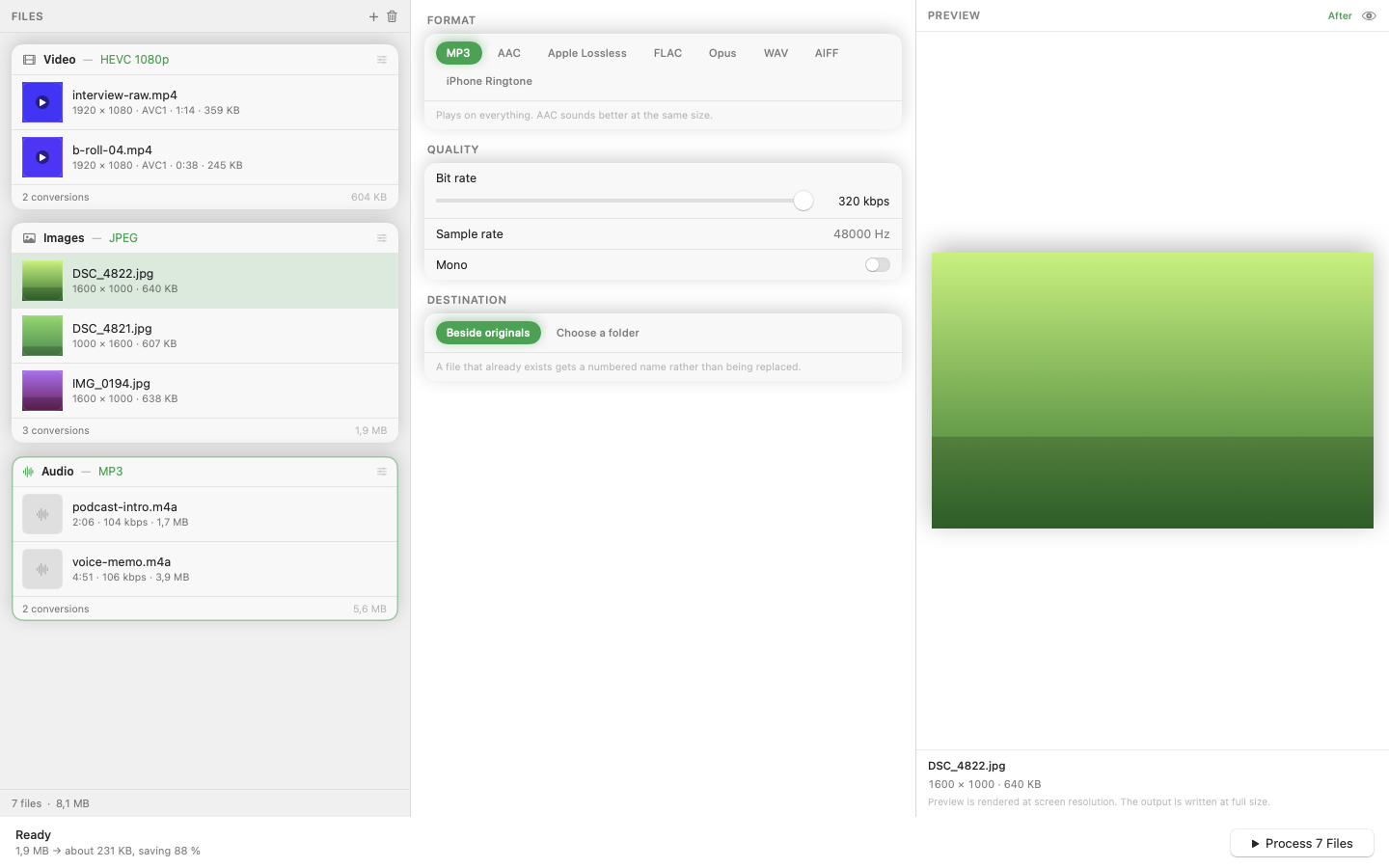
Mediasmith treats a GIF as a video source on its video queue — drop it in, set MP4 as the output, and convert. The color banding and limited palette that GIF imposes on the source disappear in the process since MP4 isn't constrained to 256 colors, though the original visual content (and any quality already lost when it became a GIF) stays the same.
Batch Convert a Folder of GIFs
If you've collected or generated a folder of GIFs — screen recordings saved as GIF, memes, UI demos — converting them all to MP4 in one queue run cuts total storage significantly, since MP4 encoding is so much more efficient for the same visual content.
Where MP4 Still Needs a GIF Fallback
Some older platforms and email clients still don't autoplay MP4 the way they display GIFs inline, so check the destination before assuming MP4 is a drop-in replacement everywhere. For modern websites, video editors, and most social platforms, MP4 is the better choice without caveats.
Converting a GIF library to MP4 typically shrinks total storage by a wide margin — worth doing before file size becomes an actual problem.