You are about to upload a batch of files to a portal, a CMS, an FTP server, or a client's file-sharing system, and the naming requirements do not match what you have. Maybe the system rejects spaces. Maybe it needs a specific prefix so files sort correctly on the other end. Maybe your files still have internal draft names that should not be visible to whoever receives them. Whatever the reason, you need the whole batch renamed correctly before the upload goes through — not after, when fixing it means re-uploading everything.
Why last-minute renaming in Finder is risky
Under deadline pressure, Finder's batch rename becomes a liability rather than a convenience. You get one operation at a time, a single sample preview, and no way to verify the entire batch before you upload. If ten files end up wrong, you may not notice until the recipient flags it — by which point the upload has already gone out.
Rename with confidence before you upload
Renym gives you a full preview of every file's new name before anything changes, which matters most exactly when you are working against a deadline and cannot afford a re-upload.
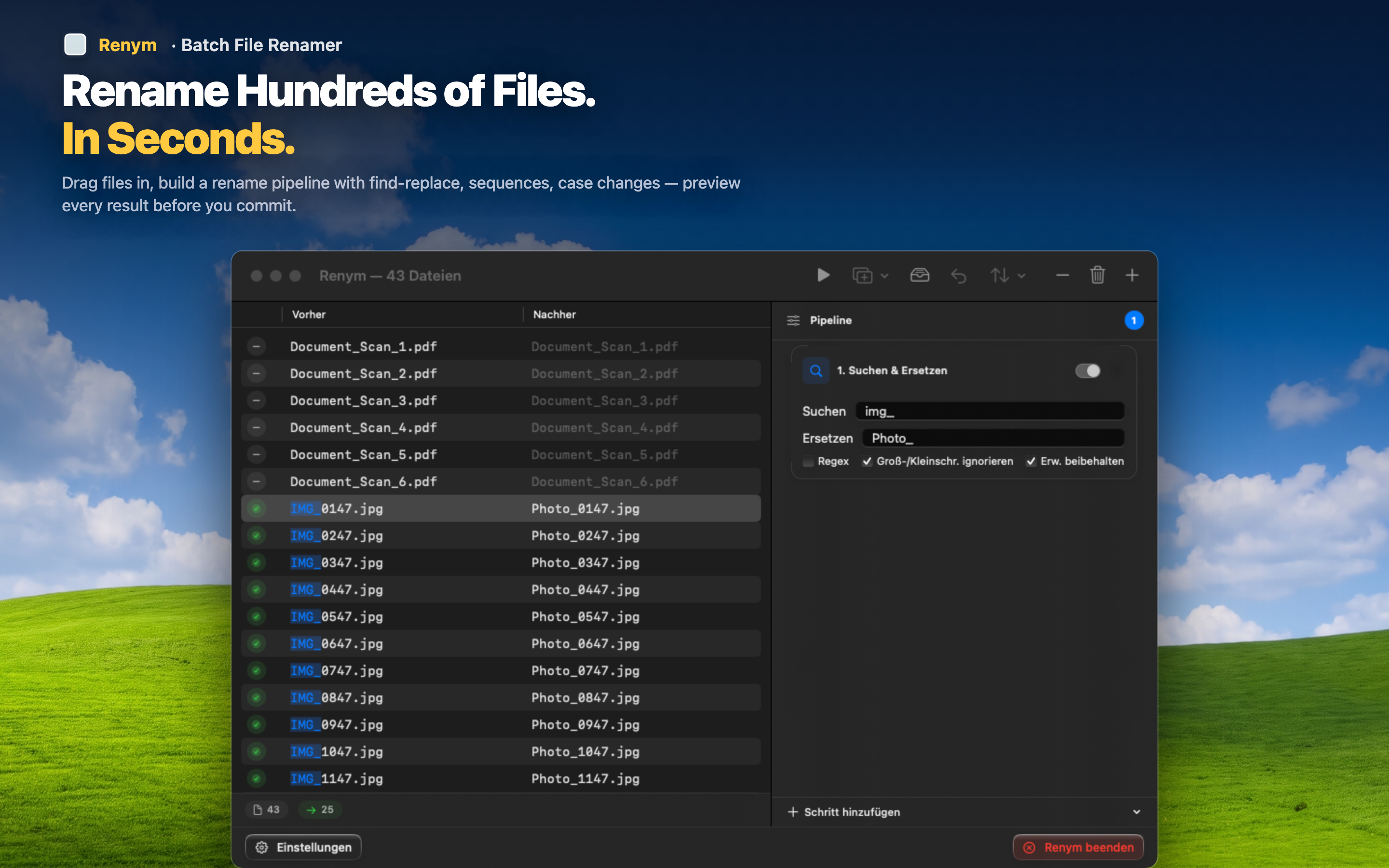
Match the destination's naming rules
Strip spaces and special characters, enforce lowercase, or add a required prefix — whatever the upload system expects, build it as a pipeline once and reuse it for future uploads to the same destination.
Remove internal or draft naming
Strip words like "DRAFT," "internal," or version markers that should not be visible to an external recipient, across the whole batch in one pass.
Verify everything before it leaves your machine
Scroll through the full before-and-after list and confirm every file is correct. Only then does the rename apply, and only then do you upload — no surprises after the fact.