You have a folder of audio files named "track01.mp3," "01 - Untitled.flac," or a jumble of random characters from a download. The embedded metadata might be correct, but the file names themselves are useless for browsing outside a music player, syncing to certain devices, or organizing a backup where you are looking at file names directly rather than tag data. You want file names that reflect the actual artist, album, and track number — consistently, across the whole library.
Why this is not a one-file problem
A single mismatched file name is a two-minute fix. A library of a few hundred tracks with inconsistent naming — some already correct, some using a different format, some completely generic — is not something you fix by hand without losing a weekend to it. And Finder's rename tool has no awareness of audio metadata at all; it only sees the file name as plain text, so it cannot pull the artist or album from the file's tags even if you wanted it to.
Standardizing names across a library
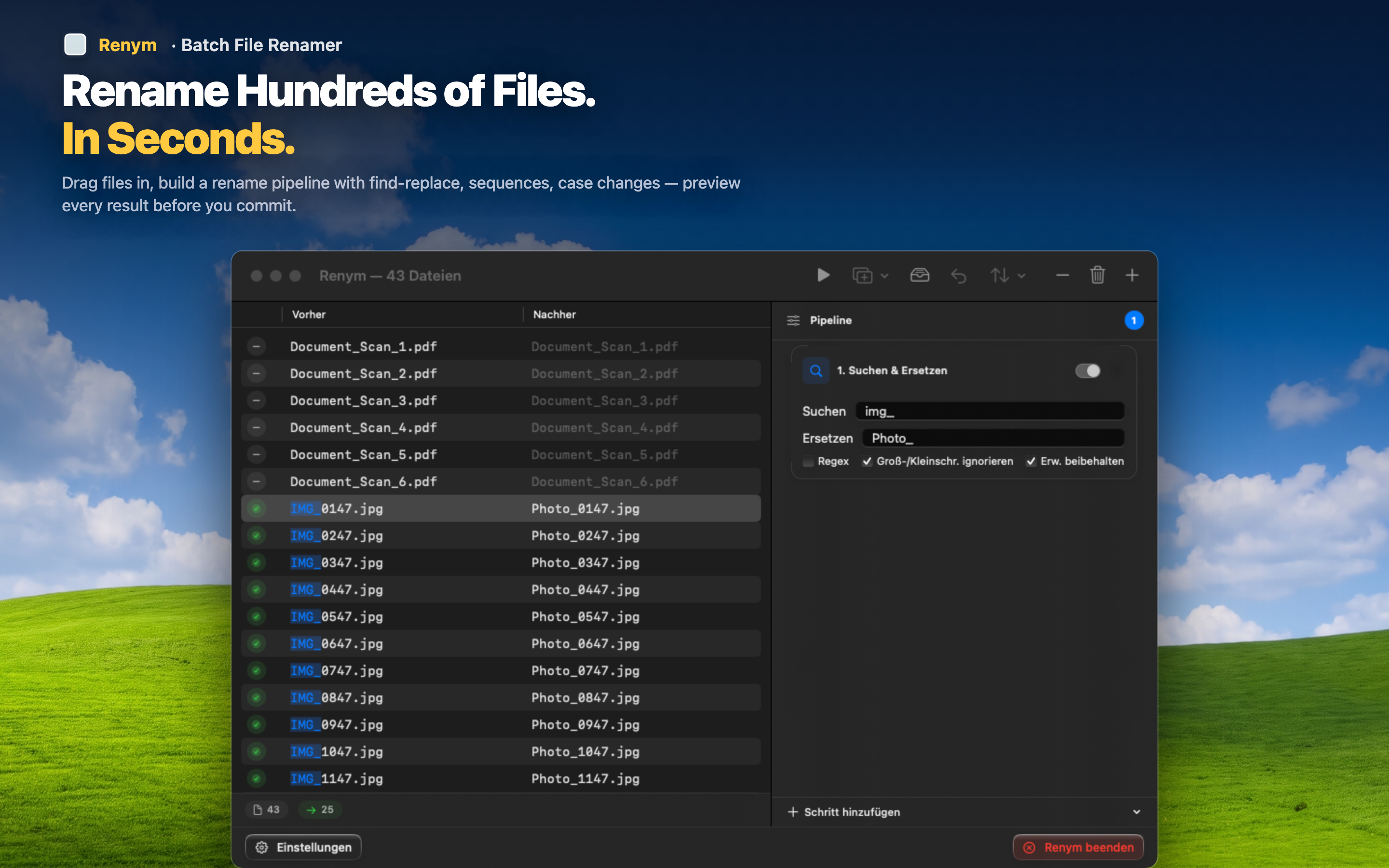
Renym handles the file-name side of this problem — once you know the naming pattern you want, apply it consistently across the whole batch.
Standardize the track number format
Fix inconsistent track numbering — some files using "1," others "01," others "Track 1" — into a single zero-padded format using sequential numbering or a regex-based find and replace.
Clean up generic or garbled names
Strip out download artifacts, random ID strings, or placeholder text like "Untitled" using find and replace, then insert the correct artist and album information as a consistent prefix across each album's folder.
Batch by album, not by whole library
Since naming conventions usually apply per album, drag in one album's folder at a time, build the pipeline for that naming pattern, and apply it — then move to the next album with a fresh batch.