Some file names grow out of control — an exported document keeps its original title plus a version tag plus a date plus a department code, until the file name is 120 characters long. This causes real problems: some systems enforce a maximum path length and reject the file outright, some file lists truncate the name so you cannot tell files apart, and scripts that manipulate the name can behave unpredictably when it is unusually long.
You need to shorten the names — cut them down to a reasonable length while keeping the parts that actually matter.
Finder cannot trim by length
Finder's rename tool has no concept of a maximum length or a "keep only the first N characters" operation. It can replace specific text if you know exactly what to remove, but if the excess length comes from redundant or inconsistent information scattered through the name, Finder offers no systematic way to cut it down. You are left manually shortening each file, which is exactly the kind of repetitive work batch tools exist to eliminate.
Trimming names with targeted rules
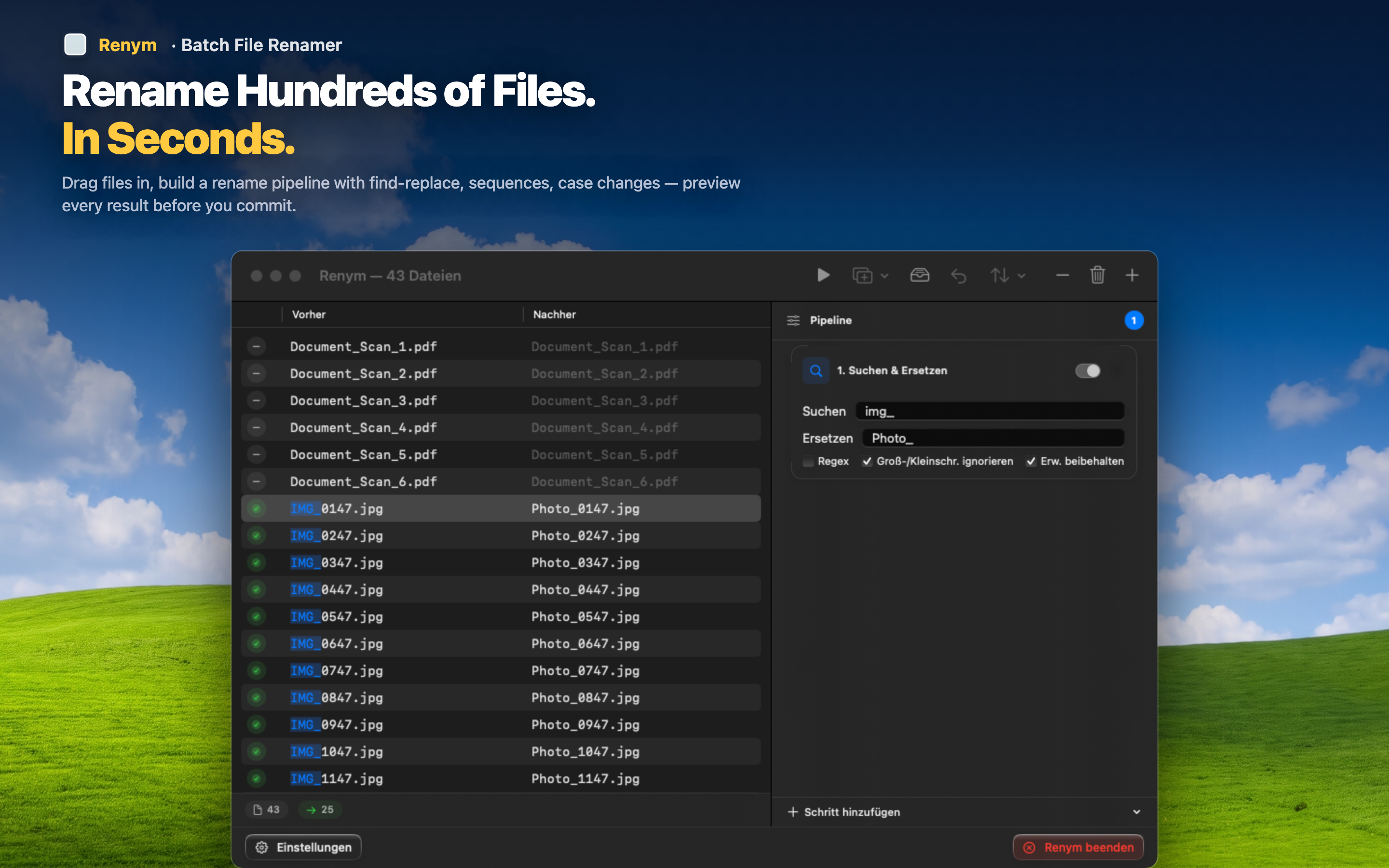
Renym lets you remove characters by position or by pattern, which covers most real-world cases of overly long file names.
Remove a fixed number of trailing characters
If the excess length comes from a repeated suffix — a department code, an internal tag — remove a specific number of characters from the end of every file name in one step.
Cut out a specific redundant segment
Use find and replace or regex to remove a segment that appears in the middle of every name, like a repeated project code that no longer needs to be there once files are already organized into a project folder.
Preview the shortened result
Check the full before-and-after list to make sure the trimmed names are still distinguishable from each other — trimming too aggressively can accidentally create duplicate names, and the preview catches that before you apply anything.