You bought an M-series Mac for its performance and battery life. Then you install a database tool and notice it runs through Rosetta — the Intel translation layer that exists for compatibility, not performance. The app uses more memory, drains more battery, and launches slower than it should. For a tool you might keep open alongside Xcode or VS Code all day, that overhead adds up.
The Rosetta Tax on Database Tools
Many popular database browsers are still shipped as Intel-only binaries or are built with Electron, which only recently gained reliable Apple Silicon support. DB Browser for SQLite, built with Qt, has had inconsistent ARM support across versions. DBeaver runs on Java, adding another layer of abstraction above the hardware. Even tools that technically support Apple Silicon often bundle Electron's Chromium engine, which consumes significantly more resources than a native app needs.
Check Activity Monitor and look at the "Kind" column. If your database tool shows "Intel" on an M-series Mac, it's running through Rosetta. That means slower startup, higher memory usage, and reduced battery life compared to a native ARM binary. For a lightweight utility like a SQLite viewer, the performance gap is especially noticeable because the app itself should be fast and small.
Tome: Native Apple Silicon From Day One
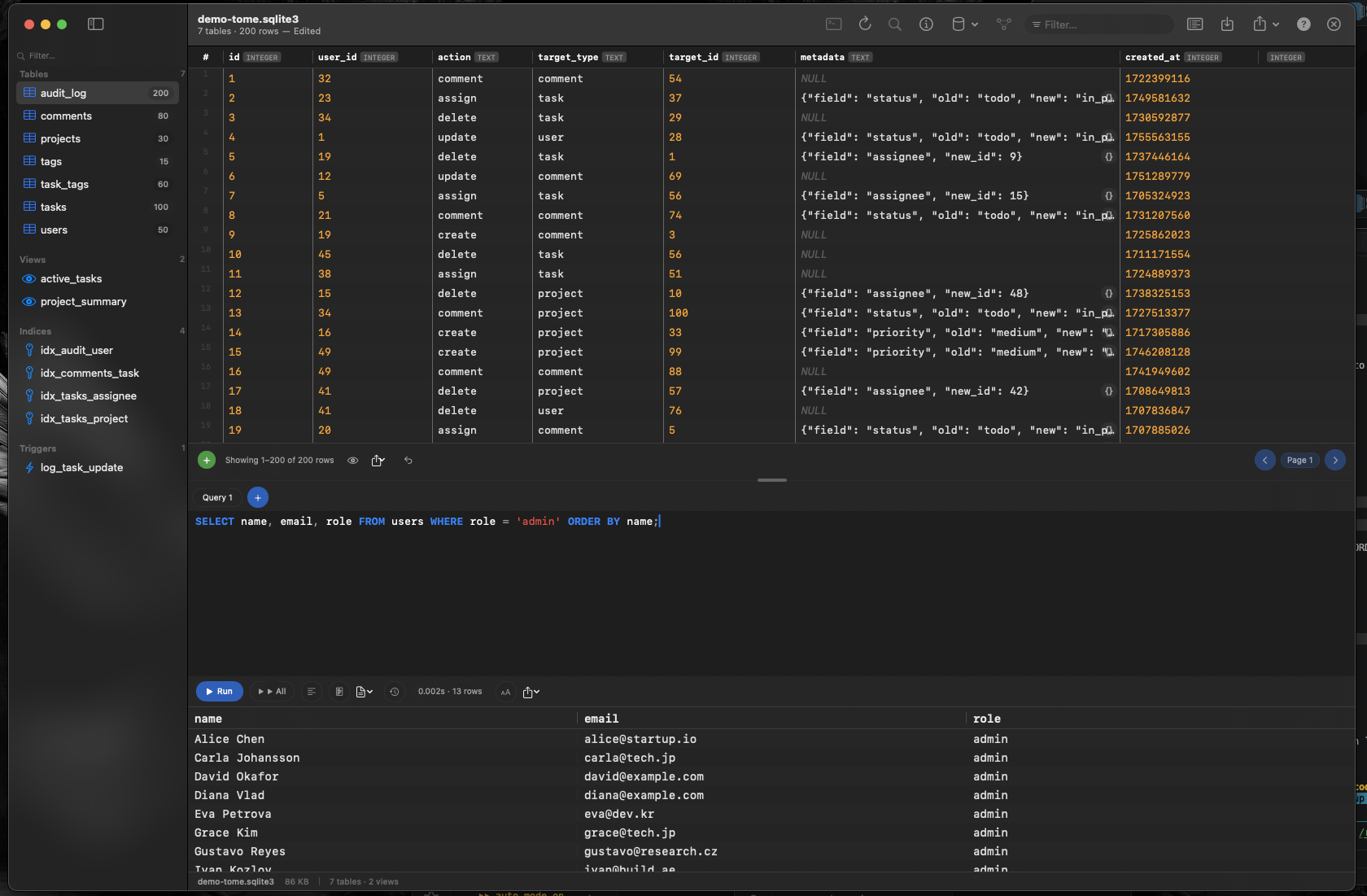
Tome is built with Swift and AppKit as a universal binary that runs natively on both Apple Silicon and Intel Macs. On an M-series Mac, it launches instantly, uses minimal memory, and has zero Rosetta overhead. It's the kind of app Apple Silicon was designed to run.
Instant Launch, Low Memory
No JVM startup, no Chromium engine initialization, no Rosetta translation. Tome opens in under a second and stays lightweight — typically using a fraction of the memory that Electron-based alternatives consume. Keep it open all day without impacting your other work.
Smooth Scrolling Through Large Tables
Native AppKit rendering means Tome scrolls through thousands of rows with the same smoothness you expect from Finder or Numbers. No dropped frames, no lag when jumping to the end of a large result set. The M-series chip handles native UI effortlessly.
Full Feature Set, Minimal Footprint
Browse tables, views, indexes, and triggers. Edit data inline. Run SQL queries with syntax highlighting and auto-complete. Create and modify tables visually. All of this in an app that respects your Mac's resources because it was built specifically for the platform.