You're developing a mobile app and need to inspect its local database. If you're using Realm, you reach for Realm Studio. If you're using SQLite (directly or through Core Data, GRDB, or Room), you need a different tool entirely. The two formats are fundamentally different, and the browsing tools don't overlap. Understanding what each offers helps you pick the right one — or realize you need both.
Realm and SQLite Serve Different Needs
Realm is an object database — it stores data as objects with properties and relationships, not as rows in tables. Realm Studio lets you browse these objects visually, see relationships as links, and edit properties inline. It's purpose-built for Realm files and does nothing else.
SQLite is a relational database stored as a single file. It uses standard SQL tables with rows and columns. Core Data on iOS, Room on Android, and countless other frameworks use SQLite as their storage backend. The ecosystem is enormous, but the inspection tools on Mac have historically been either Terminal-based or cross-platform ports that feel out of place.
If your project uses Realm, Realm Studio is your only real option — no general-purpose database browser can open .realm files. But if your project uses SQLite in any form, you have choices. The question is whether those choices are actually good on macOS.
A Native SQLite Browser for the Other Half
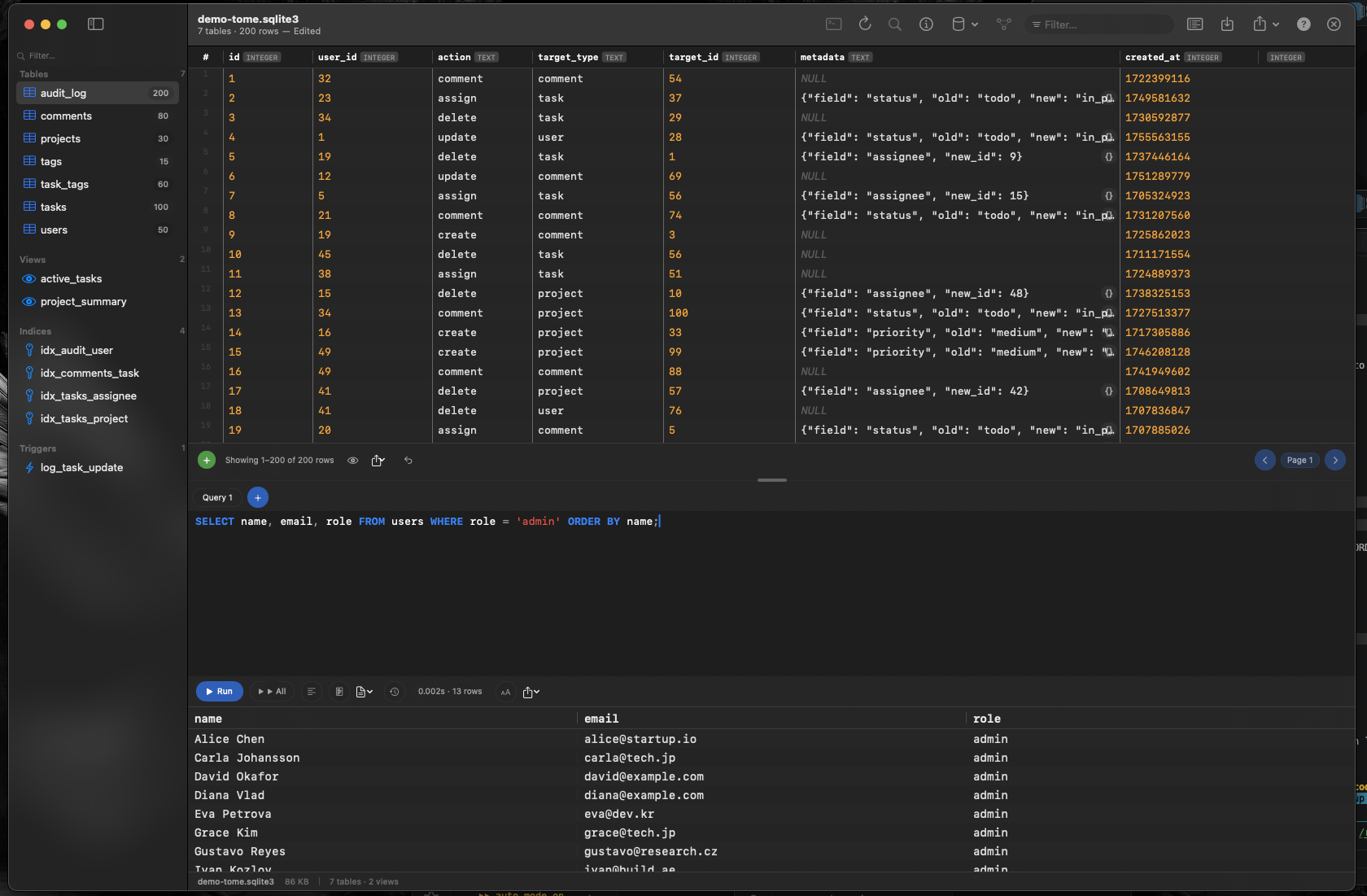
Tome is a native macOS SQLite browser that matches the focus and polish of Realm Studio but for SQLite databases. Where Realm Studio is purpose-built for .realm files, Tome is purpose-built for .sqlite, .db, and .sqlite3 files — and nothing else.
Same Focused Philosophy
Realm Studio doesn't try to be a PostgreSQL client. Similarly, Tome doesn't try to connect to MySQL or MongoDB. By focusing exclusively on SQLite, every feature — inline editing, table creation, query auto-complete — is optimized for the format you're actually working with.
Browse Tables, Edit Inline, Query With Comfort
Open a SQLite database and browse tables, views, indexes, and triggers in the sidebar. Edit cell values by clicking them. Insert or delete rows without writing SQL. When you need queries, the built-in editor offers syntax highlighting and auto-complete for your schema.
When You Need Both
Some projects use Realm for one component and SQLite for another. Keep Realm Studio and Tome side by side — each handles its format natively, and neither wastes resources trying to support formats it wasn't designed for.