You need to embed a JSON string inside another JSON string — maybe a log message that itself contains a JSON payload. Or you are writing a shell command that includes a string with quotes in it. Or you are building a URL that has to carry another URL as a query parameter. Every one of these situations requires escaping: converting characters that would otherwise be interpreted as syntax into a form that is treated as literal data.
Different contexts escape differently. JSON escapes quotes with a backslash and represents special characters like newlines as \n. Shell escaping depends on which quoting style you are using. URL escaping percent-encodes reserved characters entirely differently from either of the other two. Mixing these up — applying JSON escaping where URL escaping was needed — produces output that looks almost right and fails in confusing ways.
The Double-Escaping Problem
One of the most common bugs in this space is double escaping: a string gets escaped once by your code and again by a library or framework that assumes it is still raw, turning a single backslash into two and quietly corrupting the data. Diagnosing this requires unescaping step by step to see exactly where the extra layer was introduced — tedious to do by hand, especially in a long string.
Escape and Unescape for Multiple Formats
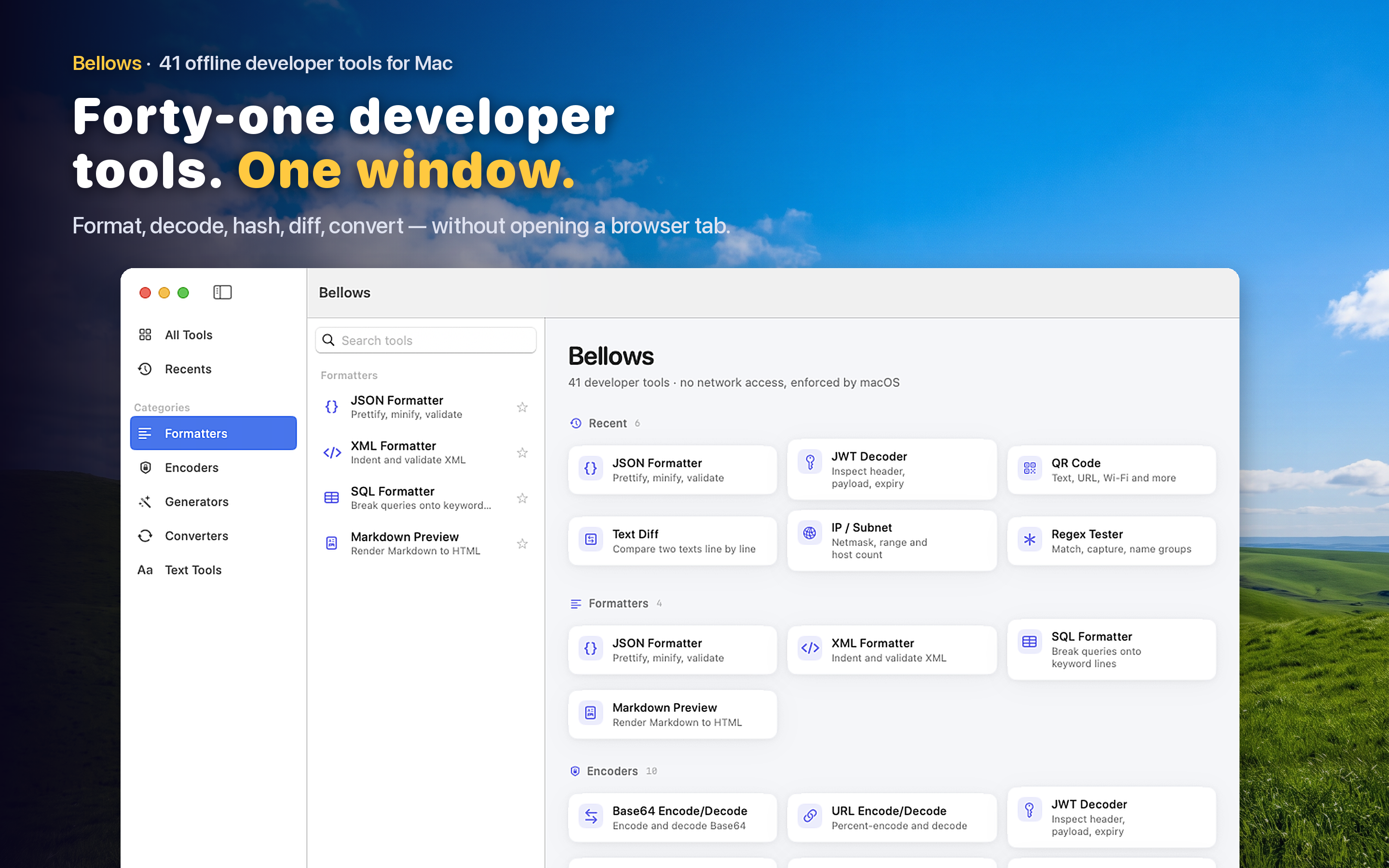
Bellows includes string escaping tools covering JSON, HTML, and URL formats among its 41 developer tools. Paste a raw string to see it properly escaped for a given context, or paste an escaped string to see the original raw value.
Embedding Strings Inside Strings
Building a JSON payload that itself contains a JSON string as a field value, or constructing a log message that needs to safely include arbitrary user input, both require correct escaping to avoid corrupting the outer structure.
Diagnosing Double-Escaped Data
When a string looks like it has been escaped more times than it should have been, unescaping it layer by layer reveals exactly where the extra encoding was introduced, which is usually the fastest way to track down the code responsible.