File lists are terrible at showing you where your disk space went. You can sort by size in Finder, but that only works within a single folder. You can check System Settings, but it lumps everything into vague categories. What you really need is a visual map — something that shows your entire drive at a glance, with the biggest items immediately obvious.
That's what a disk space visualizer does. It scans your drive and draws a proportional map of every file and folder, so you can see the shape of your storage usage instantly.
What makes a good disk space visualizer
A disk space visualizer should do three things well:
- Scan fast — you shouldn't wait minutes for it to index your drive
- Show proportions clearly — the visual should make large items obviously large
- Let you act on what you find — ideally delete or reveal files without switching apps
Bonus points if it's native to macOS (not an Electron app eating 500 MB of RAM while telling you about disk waste) and if it handles Apple Silicon natively for fast scans.
Canopy: a native treemap for macOS
Canopy is a native Swift app built for macOS. It scans your drive and renders an interactive treemap — a color-coded rectangular map where each block represents a file or folder, sized proportionally to the space it occupies.
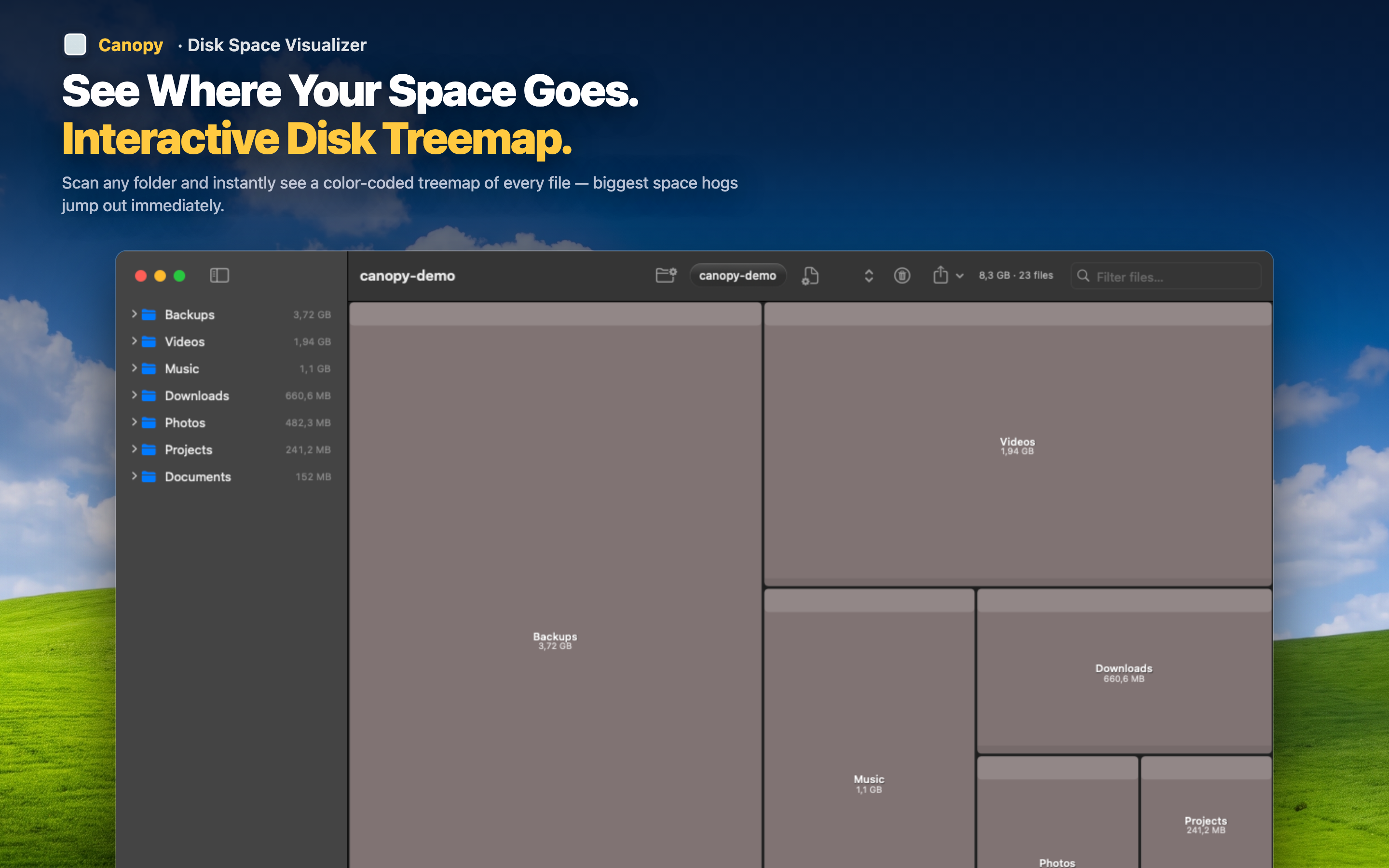
Interactive exploration
Click any block to see its full path and size. Double-click a folder to zoom into it and explore its contents. Navigate your drive visually — in and out of directories — without opening Finder. Color coding helps you distinguish file types at a glance.
Delete and export
Found something you don't need? Delete it directly from the map. Need a record of what's on your drive? Export the treemap as a PNG image or the file list as CSV for documentation or auditing.
Fast on Apple Silicon
Built natively in Swift, Canopy takes advantage of Apple Silicon for fast scans. No Electron overhead, no web views — just a responsive macOS app that does one thing well.