GrandPerspective has been around since the early days of macOS. It's free, open source, and it does the basic job — scan a folder and show a treemap of file sizes. But if you've used it recently, you've probably noticed the rough edges: the interface looks like it was designed for Mac OS X Tiger, navigation feels clunky, and it lacks modern conveniences like deleting files from the map or exporting results.
If you're looking for a GrandPerspective alternative that feels like a modern Mac app, there are a few things worth upgrading to.
Where GrandPerspective falls short
- Dated interface — the UI hasn't kept up with modern macOS design conventions
- Limited interaction — you can view the treemap but acting on findings means switching to Finder
- No file deletion — you can't remove files directly from the visualization
- No export options — can't save the treemap as an image or export file lists
- Slow on large drives — scanning performance hasn't benefited from Apple Silicon optimizations
GrandPerspective is still a solid free option if you just need a quick look at a folder. But for regular use or larger drives, a more polished tool saves real time.
Canopy: a modern treemap for macOS
Canopy takes the same core concept — scan a drive, show a proportional treemap — and wraps it in a modern, native macOS experience. Built in Swift for Apple Silicon, it scans fast and feels like it belongs on a current Mac.
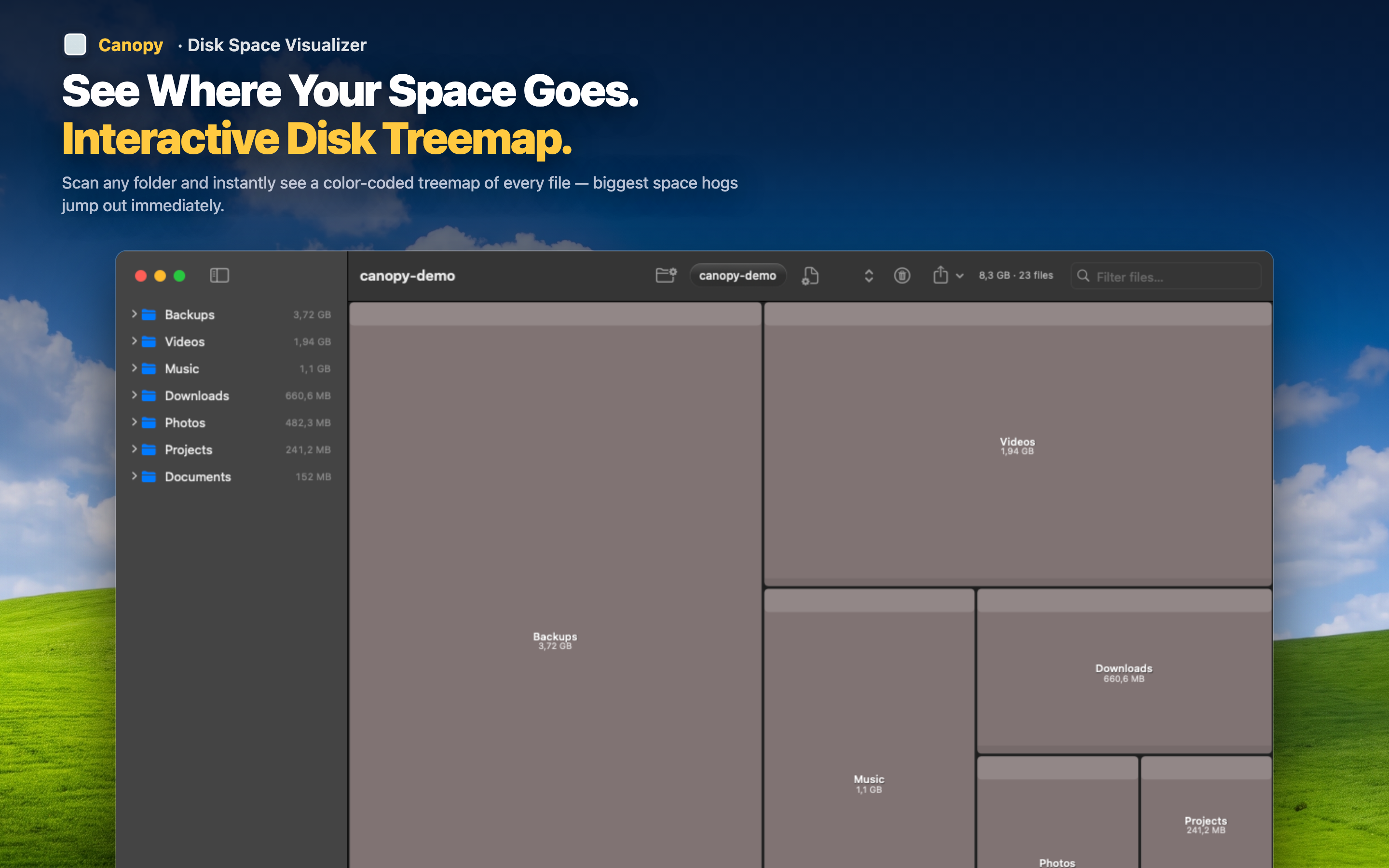
What Canopy adds over GrandPerspective
- Delete files from the map — right-click any block to delete it without opening Finder
- Export as PNG or CSV — save the treemap image or export file size data
- Click-to-zoom navigation — double-click any folder to dive in, navigate back out smoothly
- Color-coded file types — instantly distinguish images, videos, archives, code, and more
- Native Apple Silicon performance — fast scans even on large drives
Same concept, better execution
If you liked GrandPerspective's treemap approach to disk visualization, Canopy is the same idea done with modern tools and a modern interface. Everything you could do in GrandPerspective, plus deletion, export, and a UI that matches the rest of your Mac.